








Latest Posts Page 797
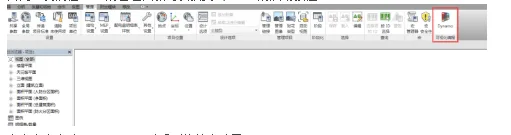
Revit 2017 Highlights: Introducing Dynamo’s New Features
The 2017 version of Revit now fully integrates the Dynamo graphical programming interface for computational design. Dyna...

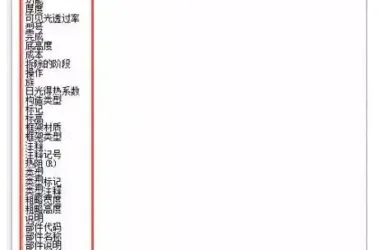
How to Show Door and Window Areas in a Revit Schedule
Displaying door and window areas in a detailed schedule (using the door schedule as an example): After creating a new do...
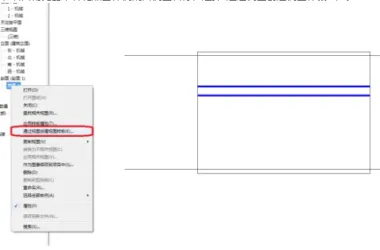
Automatically Apply View Templates When Creating New Section Views
1. First, create a sample section view. 1. Adjust the scale, detail level, regulations, sub-regulations, visibility sett...
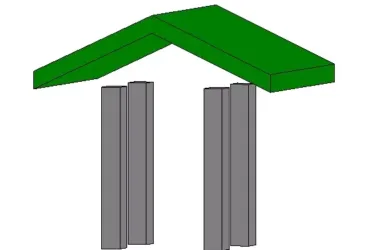
How to Fix Columns Not Properly Connected to the Roof in Revit
After drawing the columns and roof, the situation appears as shown below: At this stage, users typically select the colu...

How to Create Custom Pipe Sizes in Revit
— When working on mechanical and electrical water supply and drainage designs, you might encounter pipes with diameters ...
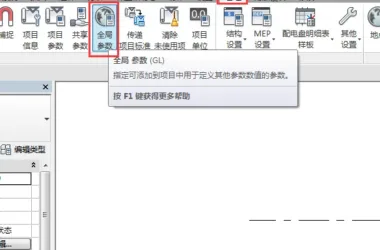
A Beginner's Guide to Global Parameters in Revit 2017
Global Parameters are arguably the most significant new feature introduced in the 2017 version of Revit. They enable us ...
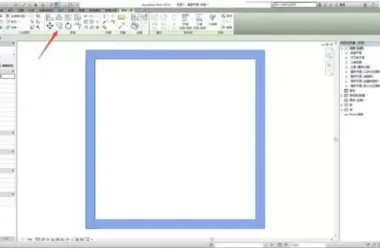
Mastering Efficient Techniques for Rapidly Copying in Revit
1. Typically, we use the copy button or the shortcut key Ctrl + C to duplicate graphic elements, as illustrated below: 2...
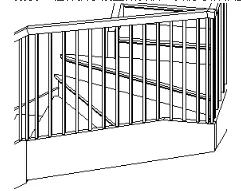
How to Adjust the Height and Slope of Railings and Handrails in Revit
You can control the height and slope of lines drawn on a single railing. For example, when working with a set of U-shape...
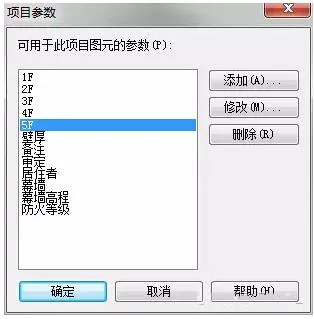
How to Use Revit to Create Layered, Detailed Furniture Quantity Tables
1. First, add new parameters to the project parameters and name them “1F”, “2F”, “3F”, and so on. The specific settings ...
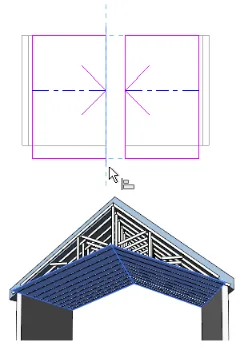
How to Use Revit Software to Design Sloping Ceilings
To create a sloping ceiling, you can use one of the following methods: 1. Draw slope arrows while drawing or editing cei...
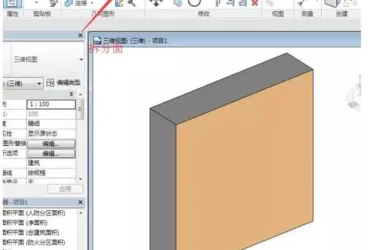
A Guide to Using Coloring Tools and Managing Materials in Revit
In certain work scenarios, we often need to apply special decorative material treatments to specific areas of walls or o...
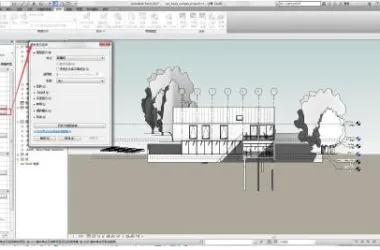
Revit 2017 New Features: Exploring the Depth of Field Effect
In the 2017 version of Revit, a new graphic display feature called Depth of Field has been introduced. To access this fe...
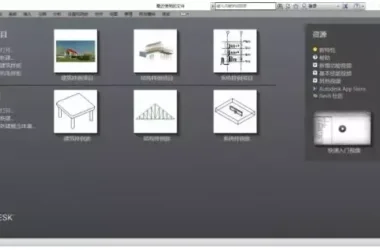
Easily Switch Between Chinese, English, Japanese, Korean, and More in Revit with One Click
Under normal circumstances, after installing Revit 2017 software, opening the program will display an interface similar ...
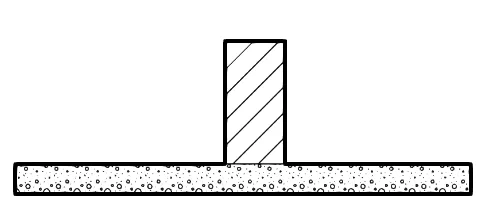
Two Methods to Create Intersecting Wall Thick Lines in Revit
When two walls intersect below, the structural layers automatically connect by default, creating a thin line at the inte...
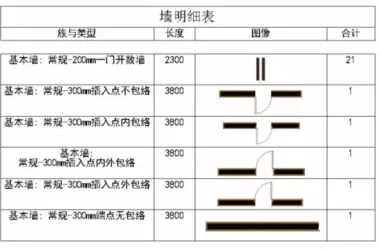
How to Show Component Shapes in a Revit Parts List
Preface: This feature is best suited for Revit versions 2015, 2016, and 2017. The goal is to achieve a result similar to...
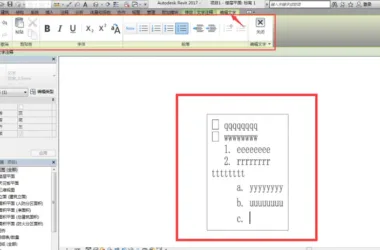
Revit 2017 Highlights: Enhanced Text Layout and Editing Features
In version 17, text editing has finally achieved true WYSIWYG (What You See Is What You Get), eliminating the inconsiste...
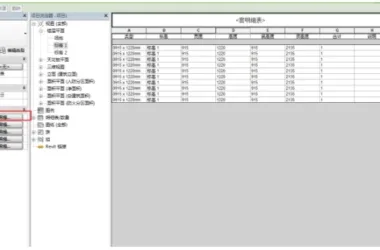
Revit 2017 Update: Overview of the New Merge Parameters Feature
In the 2017 version of Revit, schedule parameter columns now support merging. This means that in traditional detailed sc...
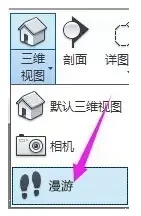
Setting Up Roaming in Revit: A Step-by-Step Guide
To begin, open your project file and switch to the plan view. Then, click on the “View” tab. From the dropdown menu in t...
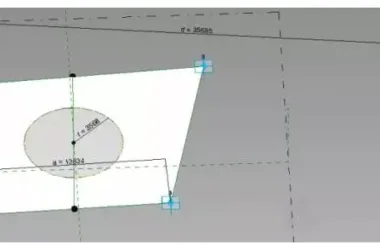
How to Use Adaptive Components in Revit: A Visual Guide
1. Start by creating a new adaptive metric regular model for Family 1. Place five adaptive points and connect them using...

How to Use Revit to Create a Red Heart Shape in Times Square
Nesting Comprehensive Practice of Adaptive and Panel Fill Pattern Families – Times Square Red Heart Design Analysis: The...