








Latest Posts Page 796
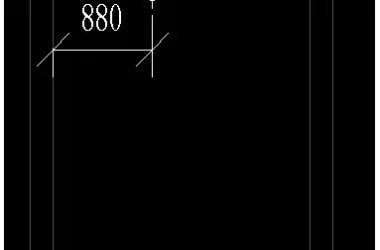
How to Fix the Issue of Annotating Outer Frame Dimensions of Ducts and Trays in Revit Section Views
— When dimensioning water pipes or air ducts in section views, typically only the centerline position of the pipe can be...

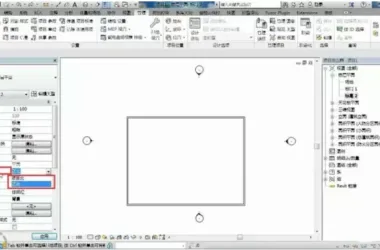
Understanding the Difference Between Project North and True North in Revit (Part 3)
1. When you open the project, you’ll notice a direction indicator in the property bar, which includes two types: P...
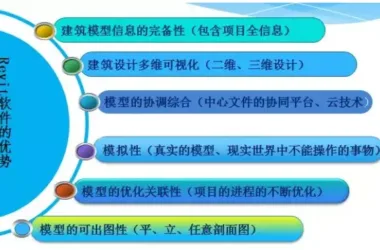
Master Revit Software Quickly and Efficiently
BIM Software Tips: Master Revit Quickly Introduction to the Revit Interface Tip: Avoid deleting elevation symbols arbitr...
Creating a Red and White Gradient Steel Pipe Material in Revit
Method 1: Using Red and White Textures The first step is to replace the source image file with the red and white texture...
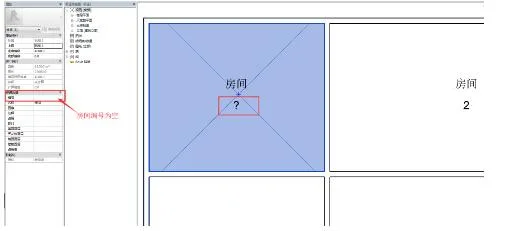
Automatic Removal of Question Marks in Tag Families
When tagging in Revit, tags are often customized with multiple labels to display several parameters. However, if a compo...
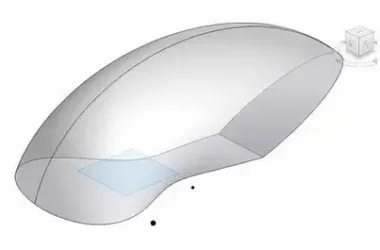
How to Create Curved Curtain Walls in Revit
The complexity of a surface often directly impacts the design difficulty, construction challenges, and overall cost. In ...
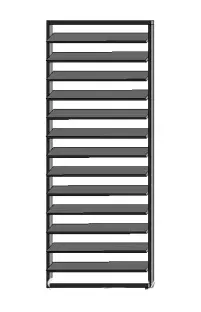
How to Create Blinds Using Curtain Walls
This louver was created by embedding a contour family into the vertical support of a curtain wall. After loading the out...
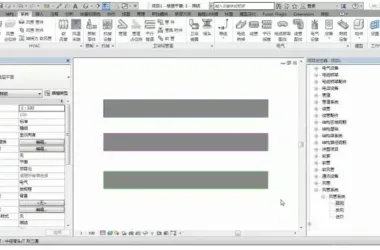
Designing an Air Conditioning and Smoke Exhaust Ventilation System
Revit’s default duct systems include three types: return air, exhaust air, and supply air. However, in practice, you may...
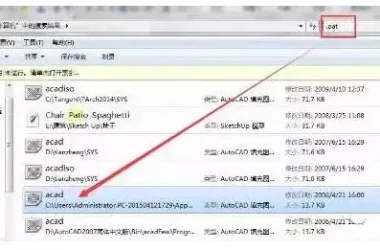
How to Use CAD Fill Patterns in Revit
Step 1: Retrieve the CAD Pattern Fill File “acad.pat” Method 1: Locate via File Path Figure 1 Method 2: Sear...
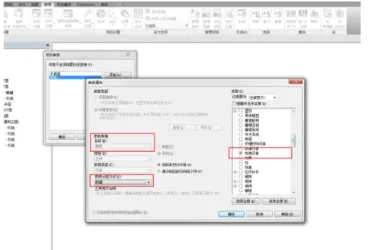
How Project File Sharing Settings Affect Shared Parameters in Families II
BIM Software Tip: The Impact of Project File Sharing Parameters on Shared Parameters in Families II In Revit, shared par...
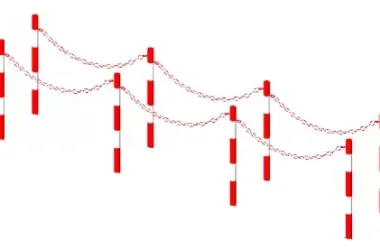
How to Create Chains for Road Guardrails in Revit
1. Start by drawing an arc-shaped reference line. 2. Place two chain components along the arc-shaped reference line and ...
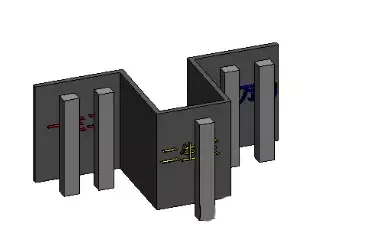
How to Create Segmented Section Views in Revit
BIM Software Tip: How to Create Segmented Section Views in Revit Learn how to create segmented section views in Revit fo...
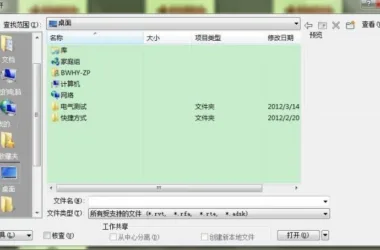
Fast Access to Frequently Used Folders
When opening a file, besides double-clicking it directly, we often use the software’s built-in Open command. On the left...
How Project File Sharing Settings Affect Shared Parameters in Families
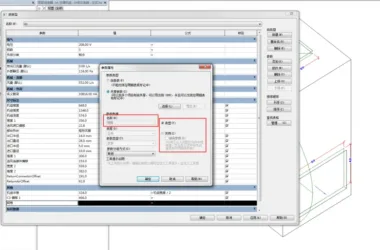
In Revit, shared parameters can be added either for a specific category of components through project parameters or indi...
Adding New Pipe Diameters in Revit: A Step-by-Step Guide
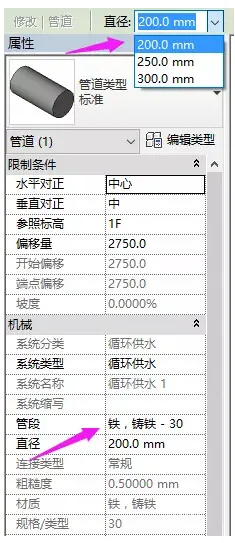
For instance, when trying to draw a pipe with a diameter of 50mm, you might notice that this size option is not availabl...
Understanding True North and Project North in Revit: A Comprehensive Guide (Part 2)
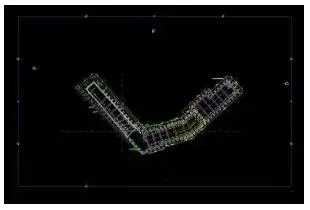
In Revit, some imported CAD files may appear slanted, as illustrated in the image below: If you want the left side to be...
How to Change the Background Color in Revit
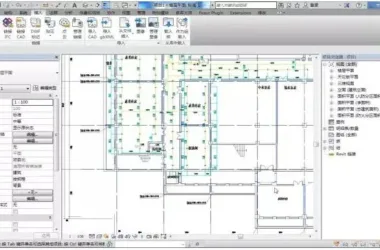
BIM Software Tip: How to Change the Background Color in Revit 1. Open Revit 2016. By default, the interface background i...
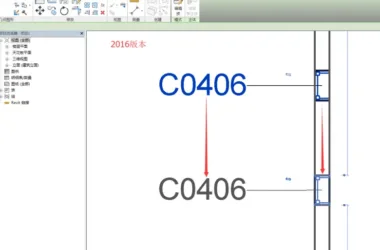
Revit 2017 New Features: Enhanced Flexibility in Annotation Marking
The 17th version of Revit has further refined the relationship between tags and their associated elements. In the 2016 v...
Effective Strategies for Organizing Worksets in Revit Software
When setting up a workspace for a work-sharing project, please consider the following recommendations. Planning Worksets...
Creating Irregular Steel Bars in Revit: A Step-by-Step Guide
The most common method for placing steel bars in a structure is to position them on a single plane, as illustrated in th...