
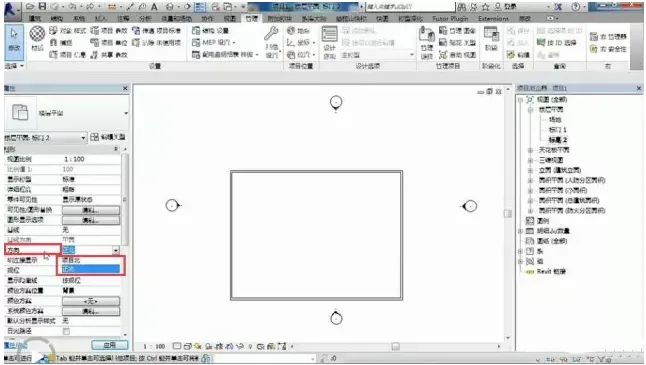
1. When you open the project, you’ll notice a direction indicator in the property bar, which includes two types: Project North and True North.
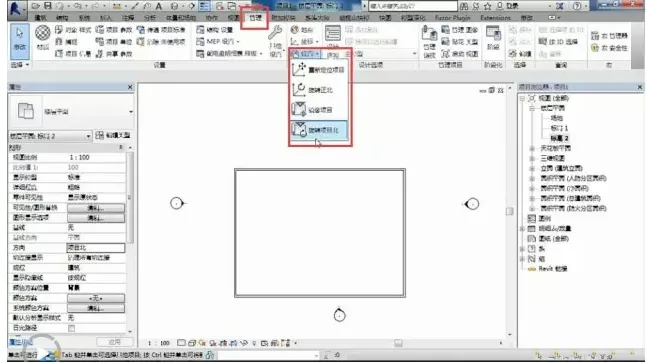
2. Check the location settings under management, where you will find four options: reposition the project, rotate to due north, edit the project, and rotate Project North.
What is the relationship between Project North and True North?
The difference between Project North and True North is as follows: Project North is designed to simplify engineers’ work during modeling or design phases. In contrast, True North represents the actual geographical orientation of the project in relation to the overall site or real-world location.
Open the plan view. Note: If you need to rotate the 3D view orientation to “Due North,” follow these steps.
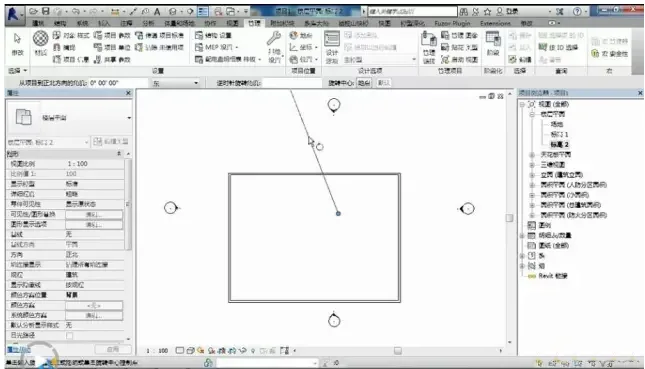
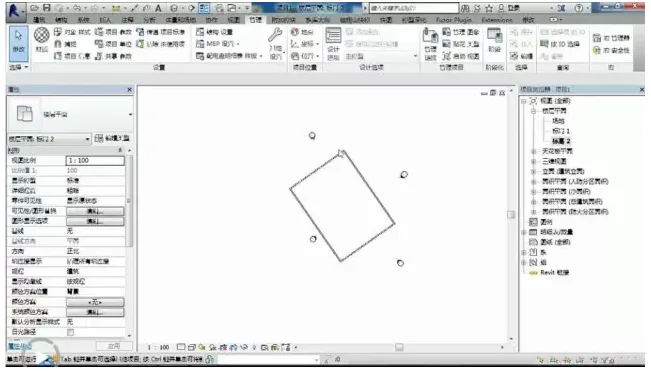
Click the Management tab, then go to the Project Location panel. From the Location dropdown list, select Rotate due north.
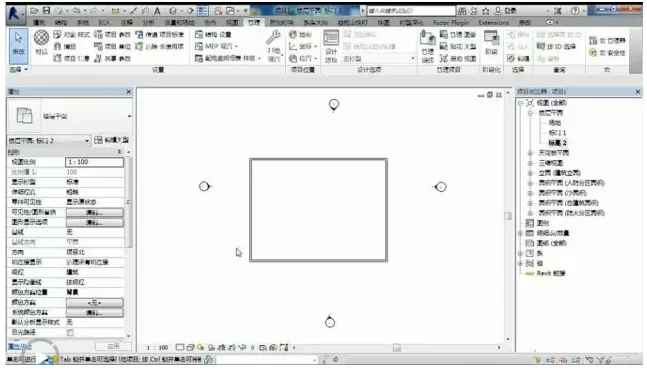
Typically, when modeling and drafting, drawings are created based on Project North for convenience. However, during the design process, both Project North and True North are important and should be considered.













Must log in before commenting!
Sign Up