

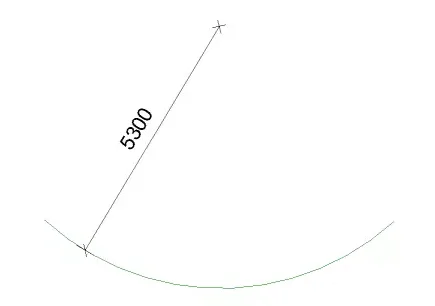
1. Start by drawing an arc-shaped reference line.
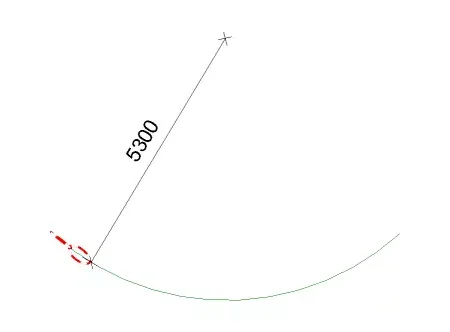
2. Place two chain components along the arc-shaped reference line and customize their materials.
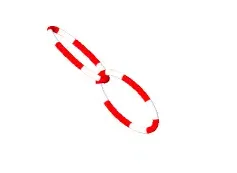
3. Use an array function to generate the remaining chains along the reference line.
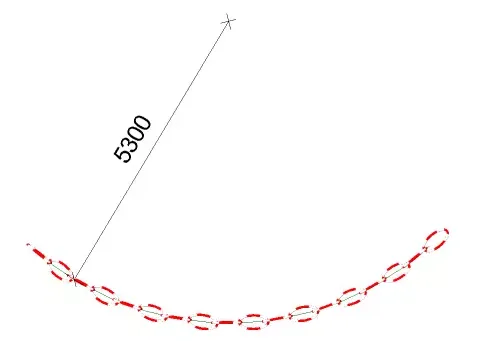
Below is the model download and material application analysis:
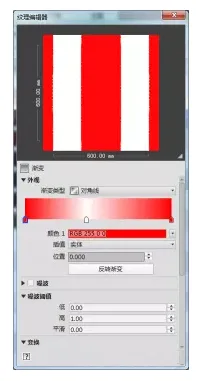
First, select the Gradient command under the General tab without altering its color.
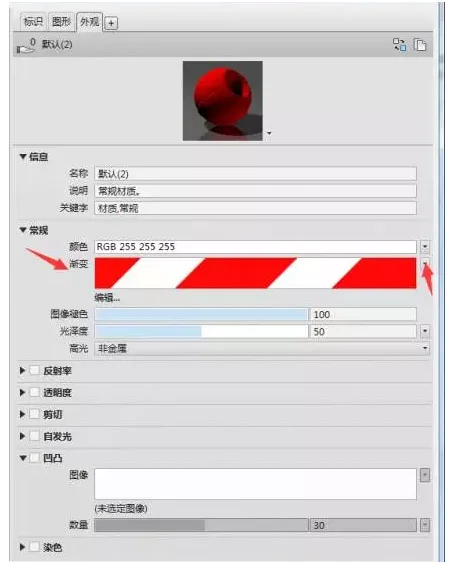
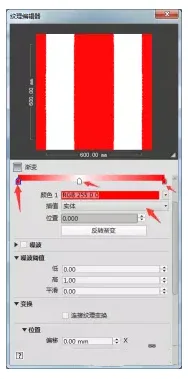
Next, click Edit to open the Texture Editor. Change the gradient type to diagonal, setting red at both the start and end points, white in the middle at position 0.418, and use solid interpolation.
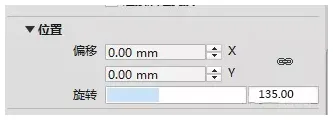
Then, adjust the rotation angle to 135 degrees.
Finally, assign the edited materials to the objects to complete the material setup.
Understanding the importance of interpolation:
Interpolation determines how intermediate values are calculated within the gradient. This affects the appearance of all nodes across the entire gradient.













Must log in before commenting!
Sign Up