
In Revit, shared parameters can be added either for a specific category of components through project parameters or individually during family customization. But what happens when families containing the same shared parameters are loaded into a project that already has those shared parameters added uniformly? Let’s explore this from several perspectives.
Parameter Type:
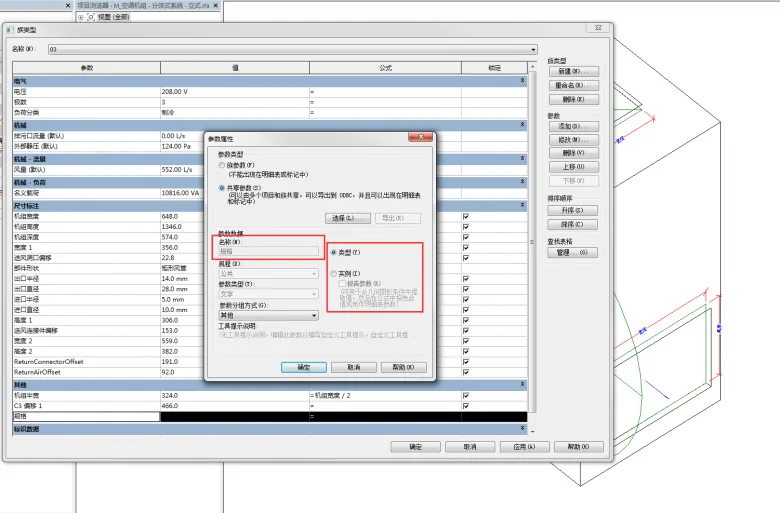
First, add shared parameters to a device family and set them as Type Parameters.
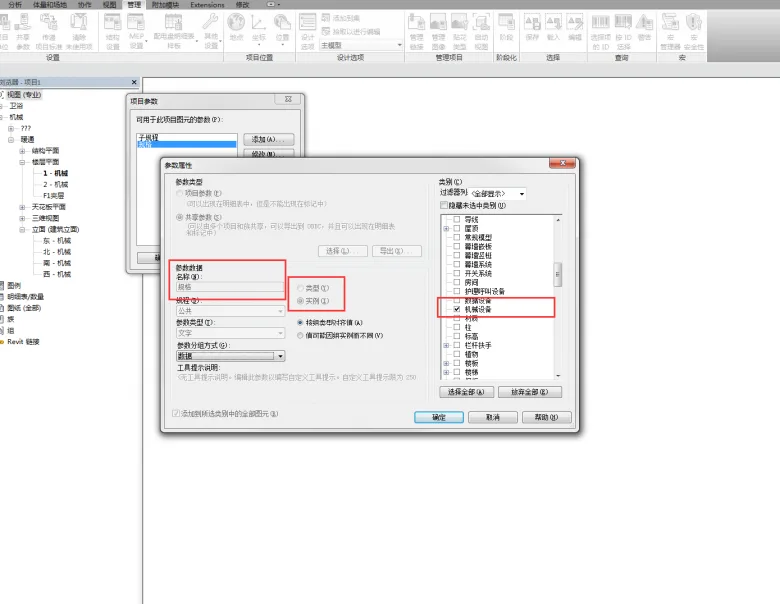
Next, add the same shared parameter to the project parameters but set it as an Instance Parameter.
After loading the family into the project, you will notice that the parameter retains its original classification from family customization — Type Parameter.
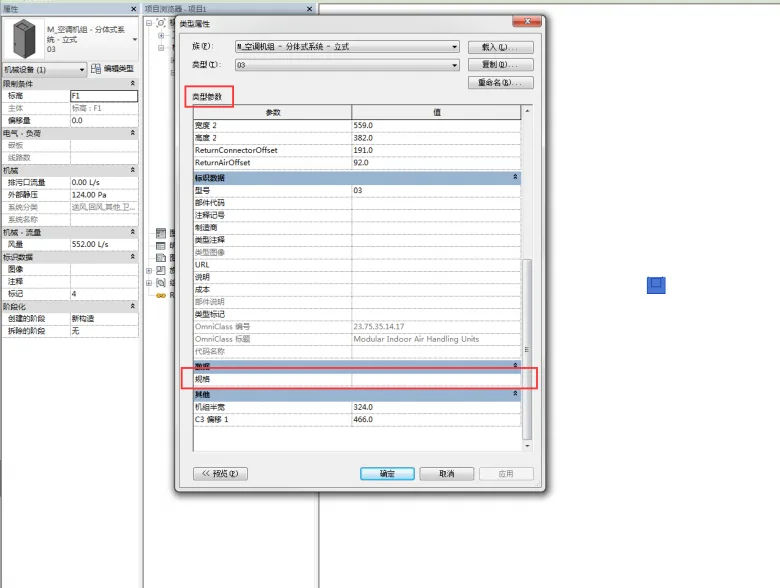
Summary: When the same shared parameter exists in both the family and the project, the parameter’s grouping follows the project parameter settings, while its classification (Type or Instance) adheres to the family settings. Additionally, once a shared parameter is added to the project file, the project records its grouping information. Even if the shared parameter is later removed from the project, this grouping information will continue to influence how the parameter is grouped within the family.













Must log in before commenting!
Sign Up