
In the 2017 version of Revit, a new graphic display feature called Depth of Field has been introduced.
To access this feature in a vertical section view, first click the Graphic Display Options button located in the Properties panel. This will open the Graphic Display Options dialog.
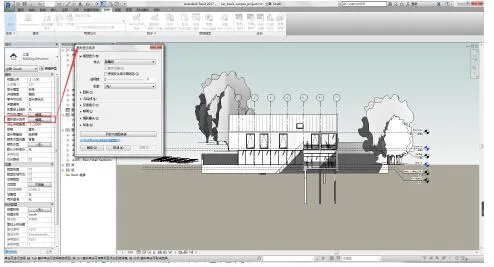
Within this panel, you will find the newly added Depth of Field options. To activate it, make sure shadows are enabled and that you are viewing the vertical section with shadows turned on.
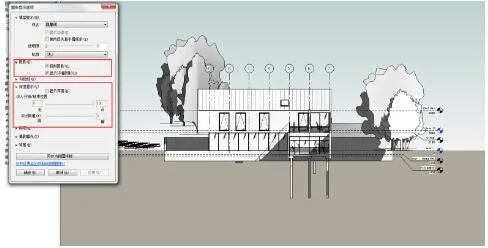
Next, check the box for Display Depth, adjust the slider to set the desired depth effect, and click the Apply button to see the changes in the depth display.
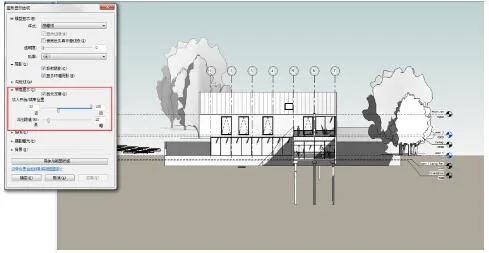
It is important to note that this depth display option is only available in vertical section views and works exclusively within the Architecture or Coordination disciplines. It does not function in other disciplines such as Structural or Mechanical.













Must log in before commenting!
Sign Up