
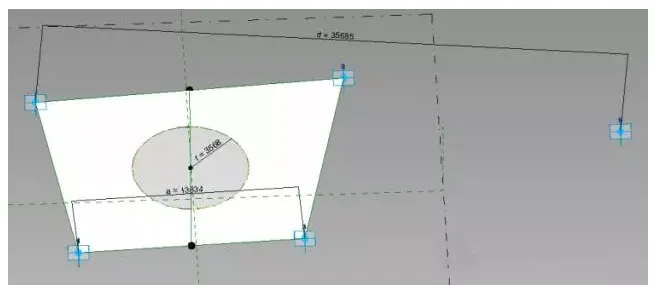
1. Start by creating a new adaptive metric regular model for Family 1. Place five adaptive points and connect them using reference lines. Then, select the midpoints of reference lines 1, 2, 3, and 4, connect these points with additional reference lines, and find the midpoint of this new reference line to draw a circle above it. Assign the reporting parameter d to points 1 and 5, and the reporting parameter a to points 3 and 4. The radius of the circle is controlled by the instance parameter r, defined as r = if (d/10).
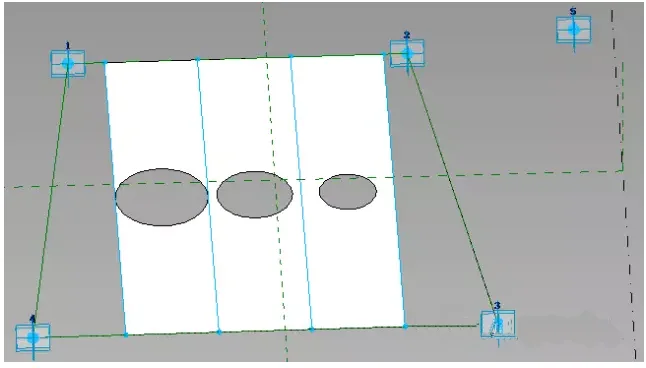
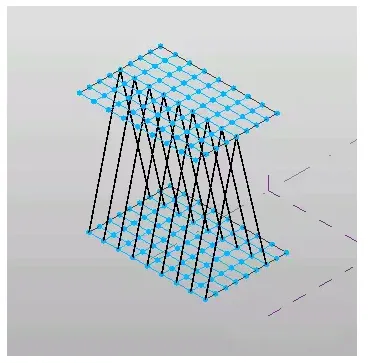
2. Next, create a new adaptive metric regular model for Family 2. Place five adaptive points to form a rectangular surface grid, keeping only the vertical (V) grid lines. Connect these points with reference lines as shown in the illustration, then place Family 2 accordingly.
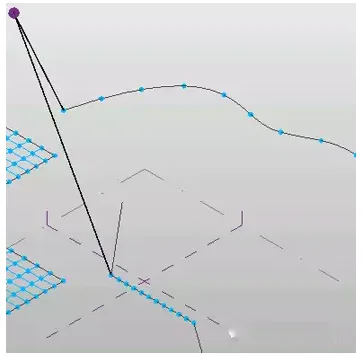
3. Then, create a new metric volume and divide its surface into rectangular faces, again keeping only the vertical grid lines. Draw an S-shaped path on top, subdivide the S-path, and load Family 2 for placement along this path.
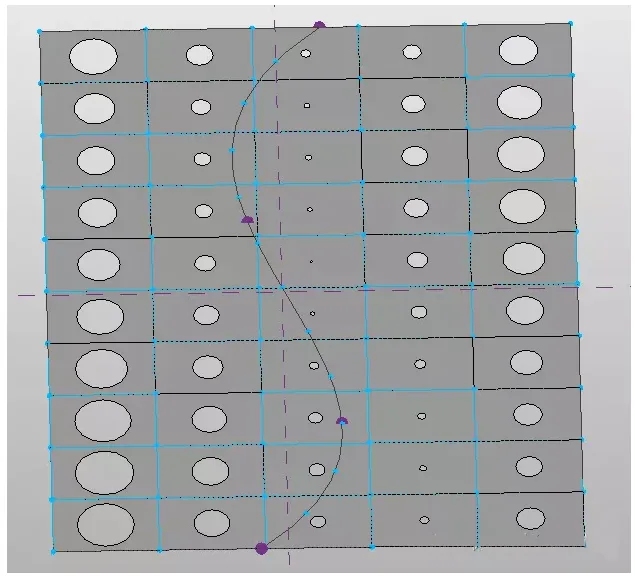
4. Select a point on the S-shaped path for testing purposes.
On repetitive construction changes:
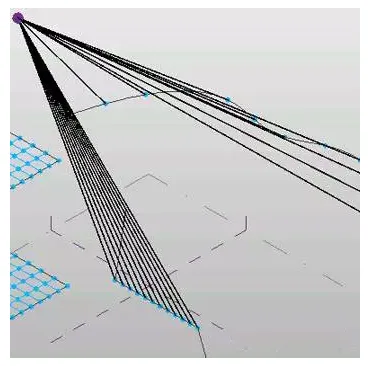
By utilizing multi-path drawing techniques, various dynamic effects can be achieved, as demonstrated below.
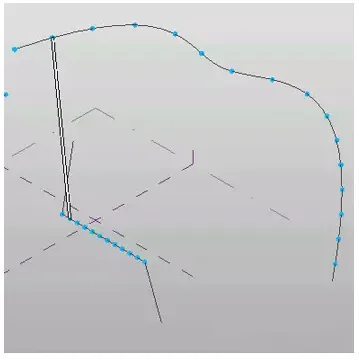
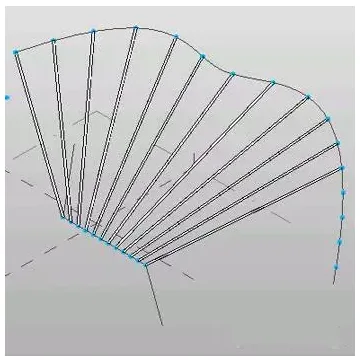
This method allows for generating repeated variations of components across multiple surfaces.
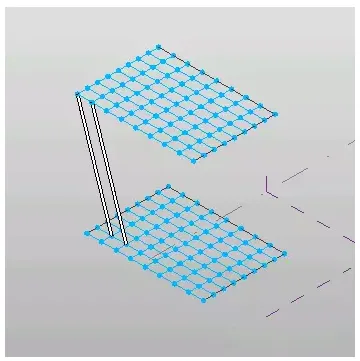
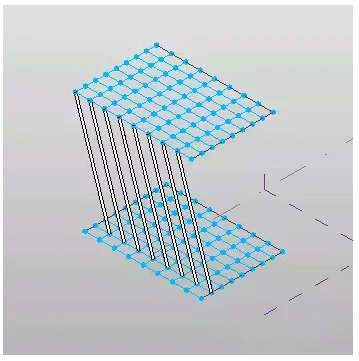
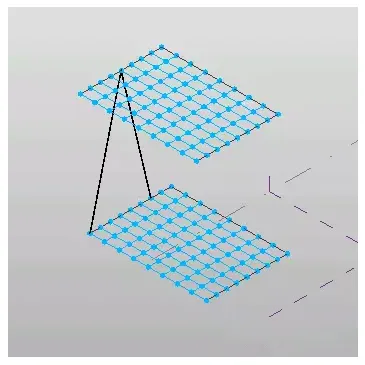
Similarly, repeated variations can be generated using multiple reference points.













Must log in before commenting!
Sign Up