
The 2017 version of Revit now fully integrates the Dynamo graphical programming interface for computational design. Dynamo comes pre-installed with Revit, making it easier to harness the full power of the Revit API.
You can find the Dynamo start button conveniently located in the Revit management panel.
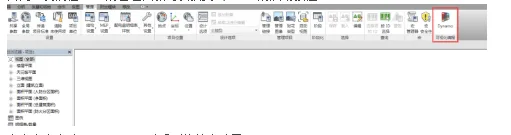
Clicking this command launches Dynamo, bringing up the software’s startup interface.
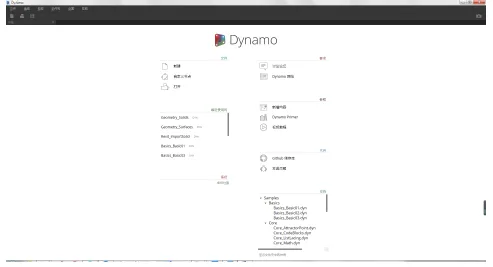
I loaded a random example to explore its capabilities. The parameterized programming approach in Dynamo is quite similar to Grasshopper.
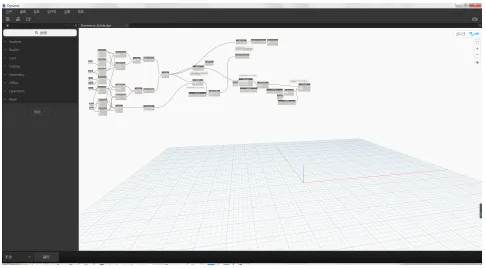
To execute the program, click the run button in the bottom left corner or set the execution mode to automatic. You will then see the results generated by Dynamo.
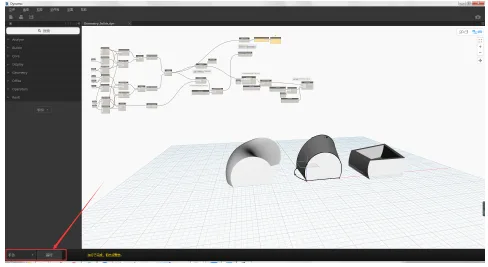
After running the script, returning to the Revit interface reveals that the model has been created within Revit itself, maintaining all parametric linkages.
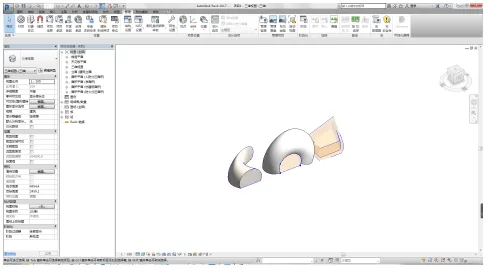
Dynamo offers a visual programming environment where designers can build logical relationships that control the behavior of geometric shapes, Revit elements, and data.
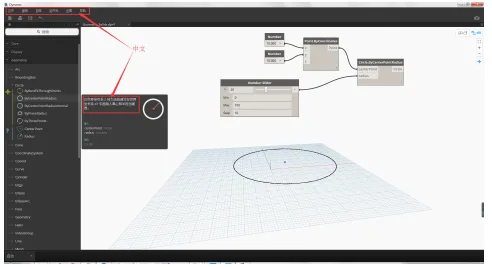
Currently, only the menu interface and some annotations in Dynamo are in Chinese; the rest of the interface remains in English.













Must log in before commenting!
Sign Up