
Understanding True North and Project North in Revit: A Comprehensive Guide (Part 2)
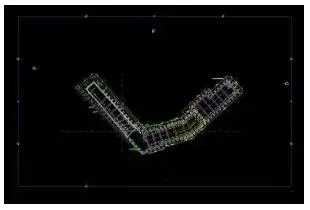
In Revit, some imported CAD files may appear slanted, as illustrated in the image below: If you want the left side to be...
In Revit, some imported CAD files may appear slanted, as illustrated in the image below: If you want the left side to be...
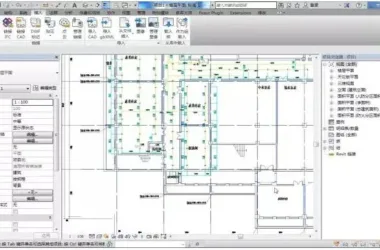
BIM Software Tip: How to Change the Background Color in Revit 1. Open Revit 2016. By default, the interface background i...
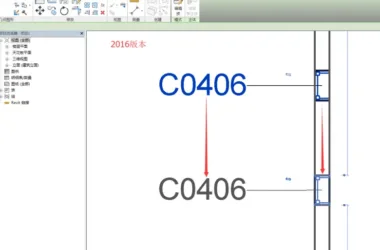
The 17th version of Revit has further refined the relationship between tags and their associated elements. In the 2016 v...
When setting up a workspace for a work-sharing project, please consider the following recommendations. Planning Worksets...
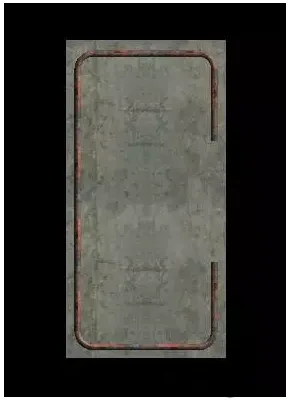
The most common method for placing steel bars in a structure is to position them on a single plane, as illustrated in th...
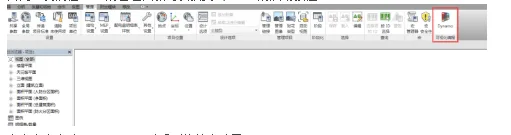
The 2017 version of Revit now fully integrates the Dynamo graphical programming interface for computational design. Dyna...
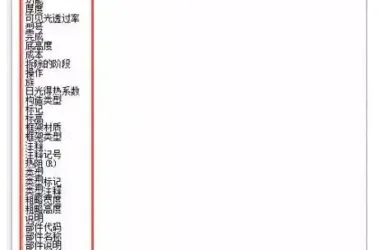
Displaying door and window areas in a detailed schedule (using the door schedule as an example): After creating a new do...
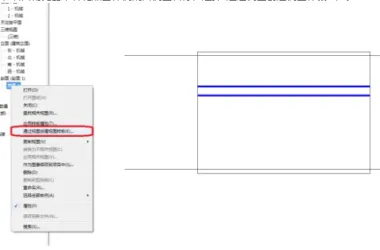
1. First, create a sample section view. 1. Adjust the scale, detail level, regulations, sub-regulations, visibility sett...
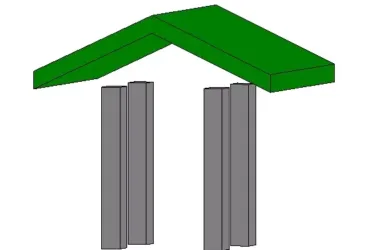
After drawing the columns and roof, the situation appears as shown below: At this stage, users typically select the colu...

— When working on mechanical and electrical water supply and drainage designs, you might encounter pipes with diameters ...
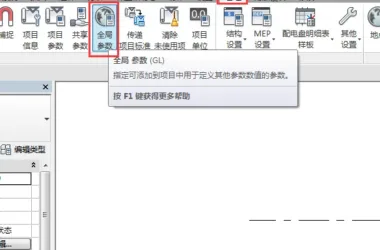
Global Parameters are arguably the most significant new feature introduced in the 2017 version of Revit. They enable us ...
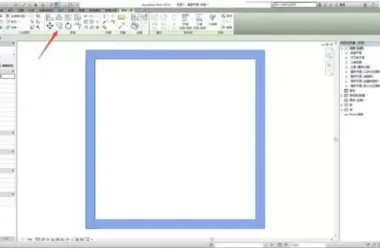
1. Typically, we use the copy button or the shortcut key Ctrl + C to duplicate graphic elements, as illustrated below: 2...
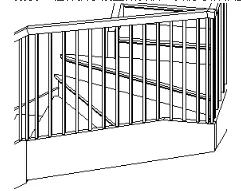
You can control the height and slope of lines drawn on a single railing. For example, when working with a set of U-shape...
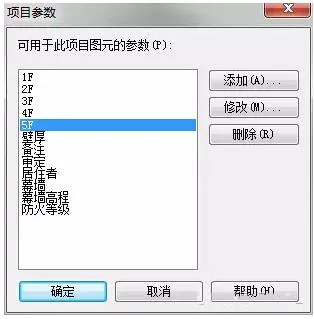
1. First, add new parameters to the project parameters and name them “1F”, “2F”, “3F”, and so on. The specific settings ...
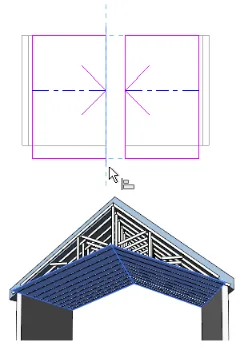
To create a sloping ceiling, you can use one of the following methods: 1. Draw slope arrows while drawing or editing cei...
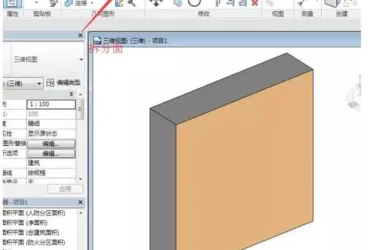
In certain work scenarios, we often need to apply special decorative material treatments to specific areas of walls or o...
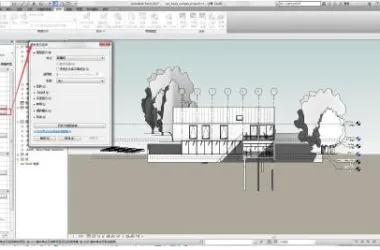
In the 2017 version of Revit, a new graphic display feature called Depth of Field has been introduced. To access this fe...
Under normal circumstances, after installing Revit 2017 software, opening the program will display an interface similar ...
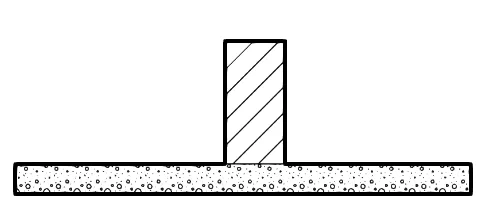
When two walls intersect below, the structural layers automatically connect by default, creating a thin line at the inte...
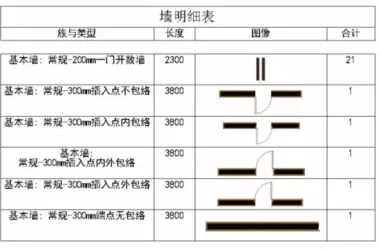
Preface: This feature is best suited for Revit versions 2015, 2016, and 2017. The goal is to achieve a result similar to...
 Designing a Secluded Home with a 2.5-Meter Narrow Space and a Captivating Staircase Linking Diverse Lifestyles2025-04-29
 The Wabi Sabi Experience: Designing a Natural Villa Beneath an Inverted Roof in a Poetic Forest2025-04-29
 Layered Light and Shadow: A Slope-Side Vacation Home Inspiring Endless Imagination2025-04-28
 Embracing Tranquil Poetry and Natural Textures in a Dreamy Home Design2025-04-27
 A Villa Nestled in Urban Alleyways: A Timeless Home Filled with Family Love2025-04-26
 A Tranquil Vacation Home Nestled Amidst Lush Surroundings with Hidden Red Gemstones2025-04-25
 A Unique Blend of Concrete and Wood for a Serene Residential Retreat2025-04-24
 Vacation Home Designs Inspired by Natural Wells and Caves, Capturing Time Through Light and Shadow2025-04-24