
Revit MEP Outline Settings
BIM softwareTip:Revit MEP Outline Settings
BIM softwareTip:Revit MEP Outline Settings
BIM Software Tip: Revit Area Reinforcement Placement Use standard drawing tools to define the boundaries of a steel mesh...
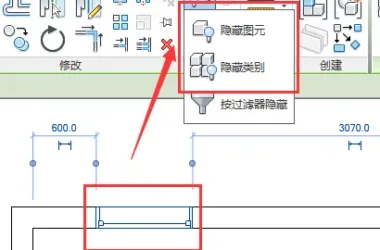
First, it’s important to understand the methods used to hide elements in Revit. There are two primary ways to hide...
1. Run the installer and choose a decompression directory. Make sure the directory path does not contain any Chinese cha...
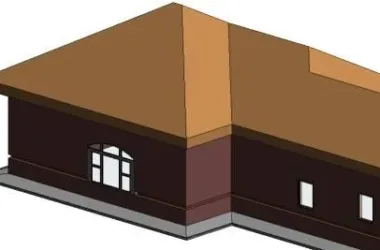
When working on modeling, you might face the challenge of drawing drip edges (scattered water) on buildings. Nowadays, m...
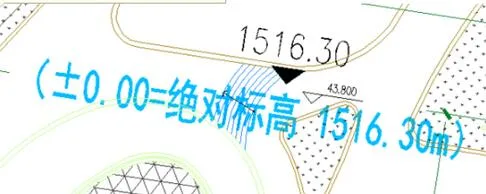
In the overall plan, there is a terrain with an altitude exceeding 1000 meters. After converting the RV into a real terr...
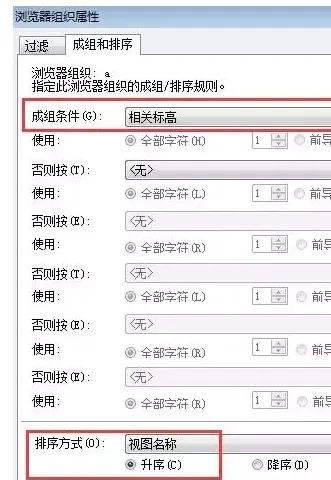
When naming floor plans in Chinese within Revit, you might notice that the floor plans in the Project Browser are not di...
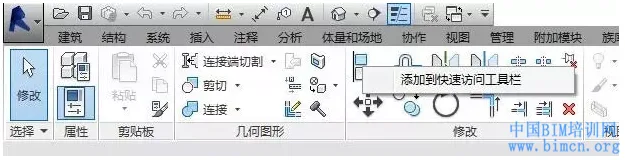
In the upper left corner of Revit, you’ll find the Quick Access Toolbar. This toolbar allows you to quickly operat...
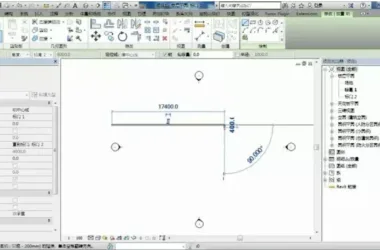
1. When drawing, we often encounter a scenario like this: for example, when drawing a wall, we set its height at elevati...
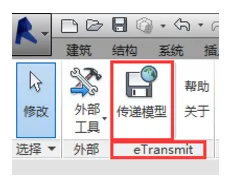
In the REVIT environment, there is a powerful plugin that allows you to package all RVT links, DWG links, and images dir...
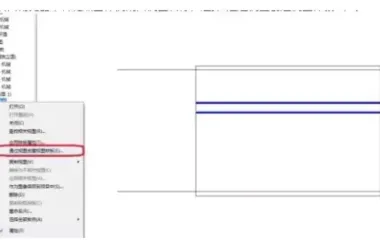
1. First, create a sample section view. Adjust the scale, detail level, regulations, sub-regulations, visibility, filter...
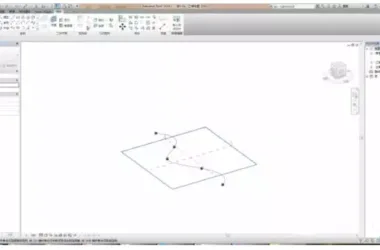
1. Use Metric Concept Volume to Create Curved Curtain Walls Once the entity is generated, click on the grid surface and ...
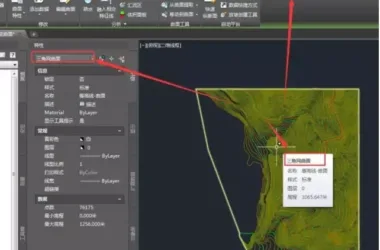
Civil 3D’s terrain data processing capabilities are unrivaled in the infrastructure industry—a fact widely acknowl...

Before exporting a Revit model, it is essential to control the model geometry to enhance the export process’s perf...
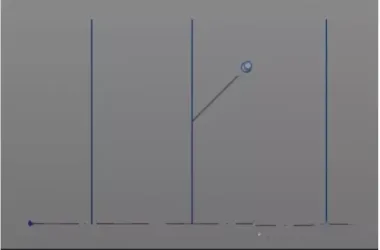
Begin by creating a conceptual volume, then copy one or more vertical work planes to the left and right as needed for yo...
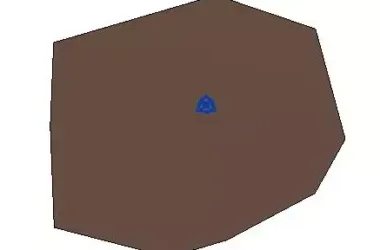
1. Start by creating a new project file. Switch to the site plan view, then use the terrain surface command to place var...
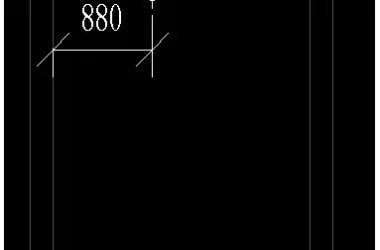
— When dimensioning water pipes or air ducts in section views, typically only the centerline position of the pipe can be...
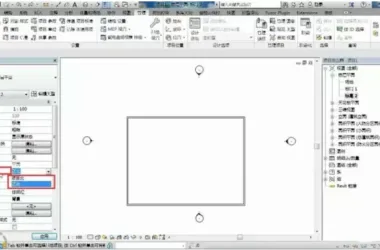
1. When you open the project, you’ll notice a direction indicator in the property bar, which includes two types: P...
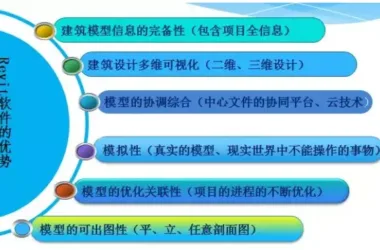
BIM Software Tips: Master Revit Quickly Introduction to the Revit Interface Tip: Avoid deleting elevation symbols arbitr...
Method 1: Using Red and White Textures The first step is to replace the source image file with the red and white texture...
 Designing a Secluded Home with a 2.5-Meter Narrow Space and a Captivating Staircase Linking Diverse Lifestyles2025-04-29
 The Wabi Sabi Experience: Designing a Natural Villa Beneath an Inverted Roof in a Poetic Forest2025-04-29
 Layered Light and Shadow: A Slope-Side Vacation Home Inspiring Endless Imagination2025-04-28
 Embracing Tranquil Poetry and Natural Textures in a Dreamy Home Design2025-04-27
 A Villa Nestled in Urban Alleyways: A Timeless Home Filled with Family Love2025-04-26
 A Tranquil Vacation Home Nestled Amidst Lush Surroundings with Hidden Red Gemstones2025-04-25
 A Unique Blend of Concrete and Wood for a Serene Residential Retreat2025-04-24
 Vacation Home Designs Inspired by Natural Wells and Caves, Capturing Time Through Light and Shadow2025-04-24