
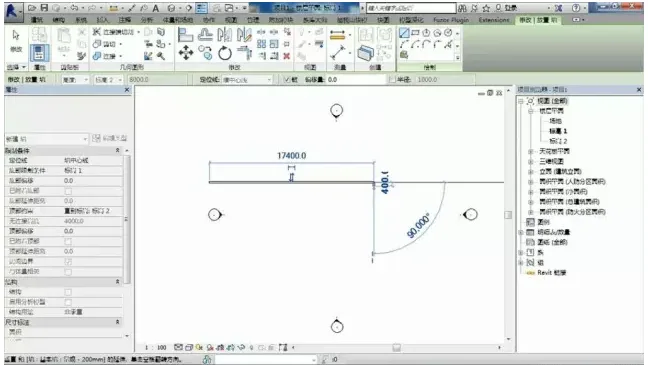
1. When drawing, we often encounter a scenario like this: for example, when drawing a wall, we set its height at elevation 2 and draw the wall on the first floor.
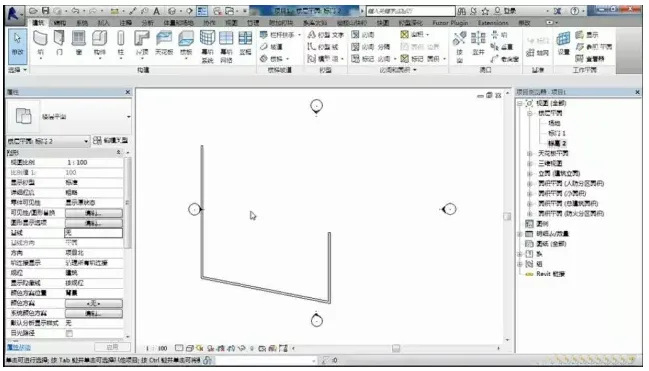
2. On the second floor, we continue to draw walls, also positioning them at elevation 2. However, at this level, the walls from the first floor are still visible.
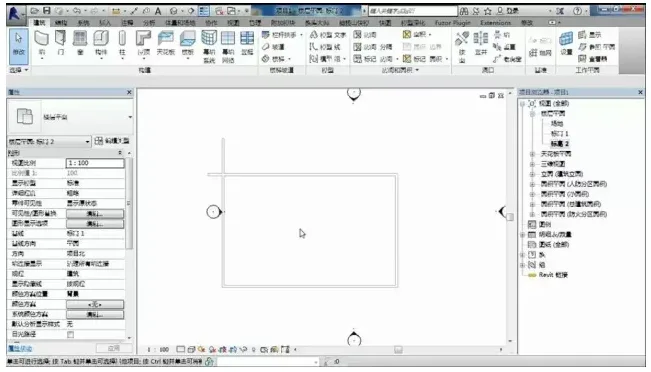
Solution:
First, verify if there are any issues with the view range. If the view range settings are correct,

the problem is related to the baseline. Notice that the selected baseline is set to elevation 1.
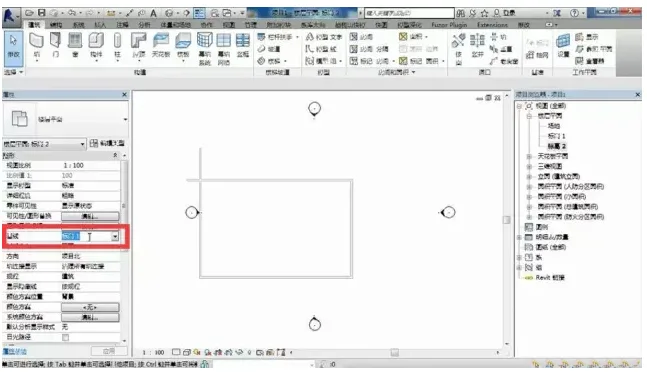
The baseline serves to establish the positional relationship between the floors above and below.
3. Next, continue drawing with this understanding.
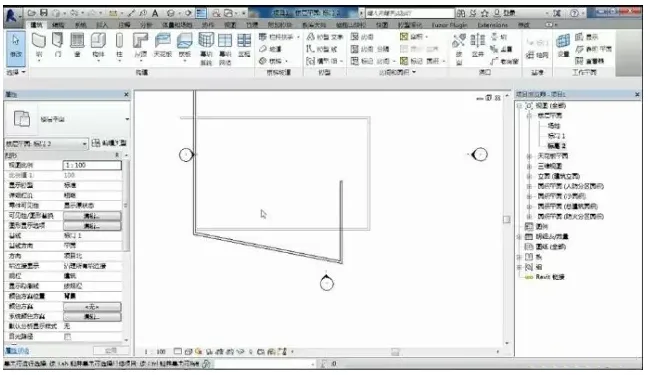
4. If you want to prevent the walls from the first floor from showing on the second floor, change the baseline elevation to “None.” This will hide the first-floor walls when viewing the second floor.













Must log in before commenting!
Sign Up