
Civil 3D’s terrain data processing capabilities are unrivaled in the infrastructure industry—a fact widely acknowledged by professionals. Today, I will demonstrate a practical application of Civil 3D for soil excavation volume calculations. Experts will appreciate that using Civil 3D not only significantly boosts calculation efficiency but also ensures precise control over accuracy.
Begin by opening the previously created surface.
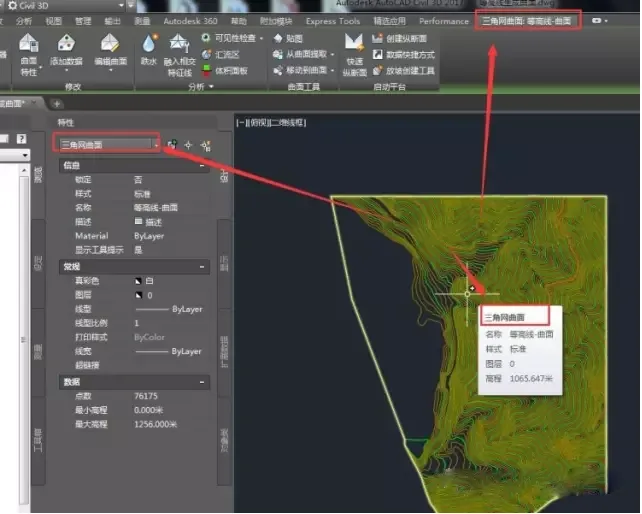
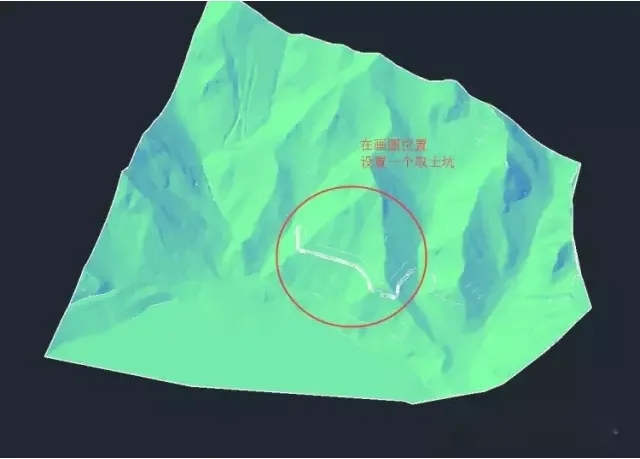
Set up a soil collection area at the ridge.
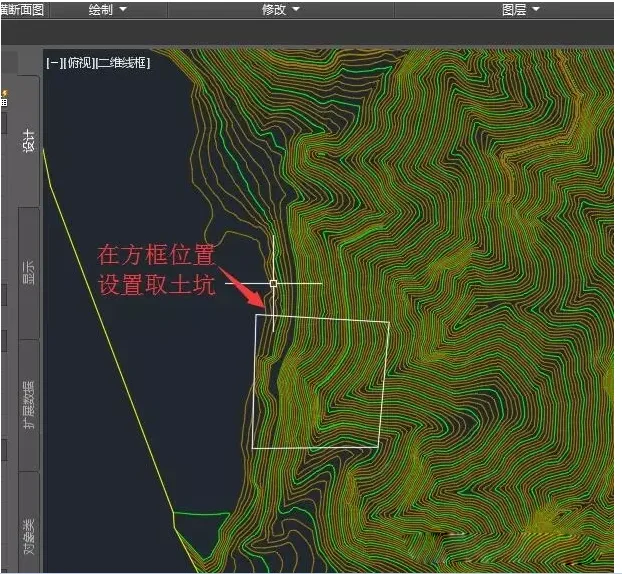
Use polylines to draw the bottom contour of the soil pit.
Open the slope creation tool to proceed.
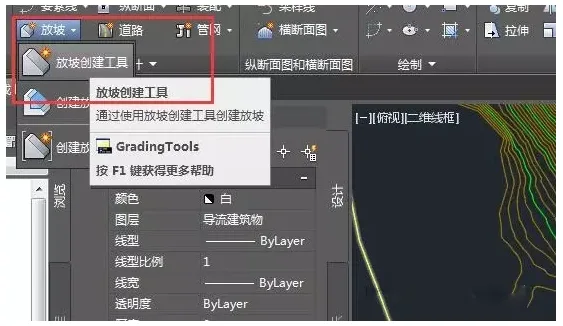
Create a new slope group.
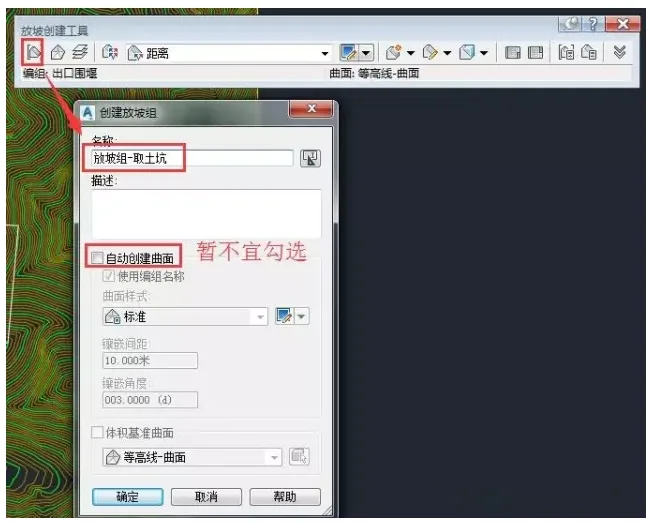
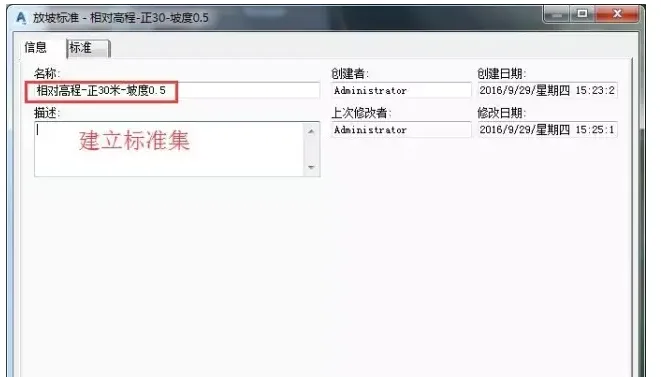
Define a standard set according to project requirements.
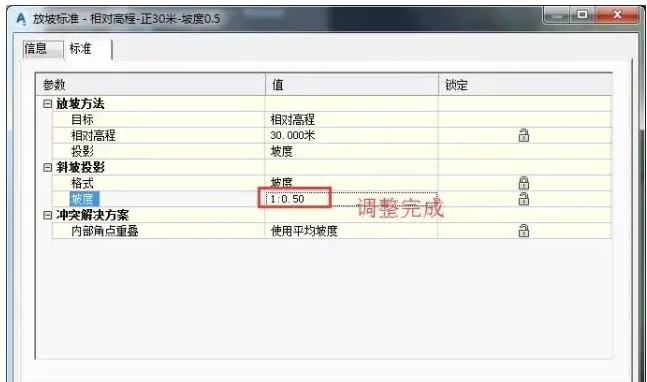
Adjust the software’s default settings through the graphic configuration panel.
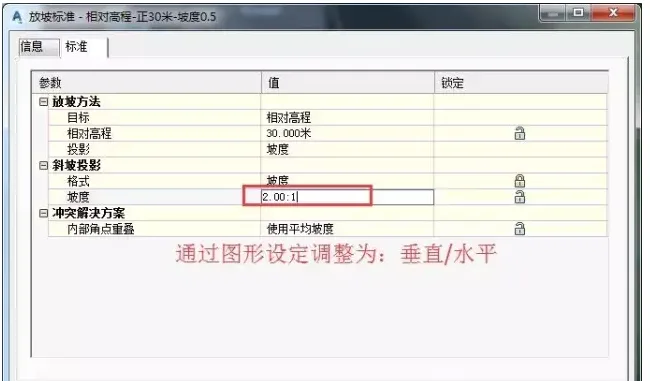
Modify settings to align with local standards and customary practices.
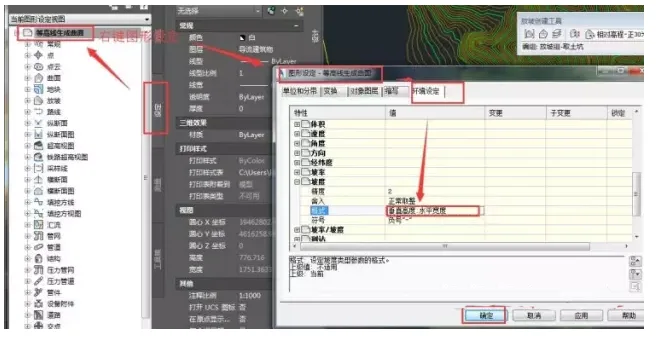
Once adjustments are complete, confirm the settings.
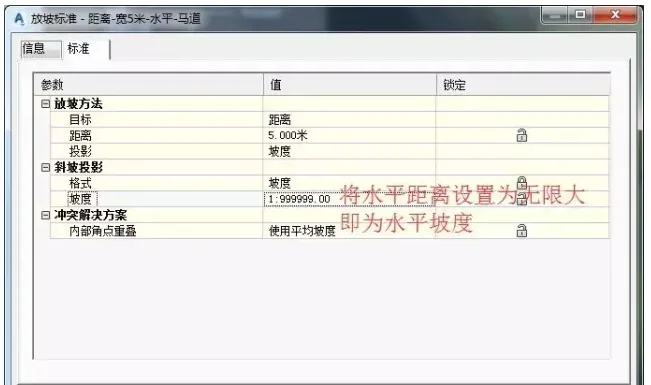
In Civil 3D, defining a horizontal slope requires extending the horizontal distance towards infinity.
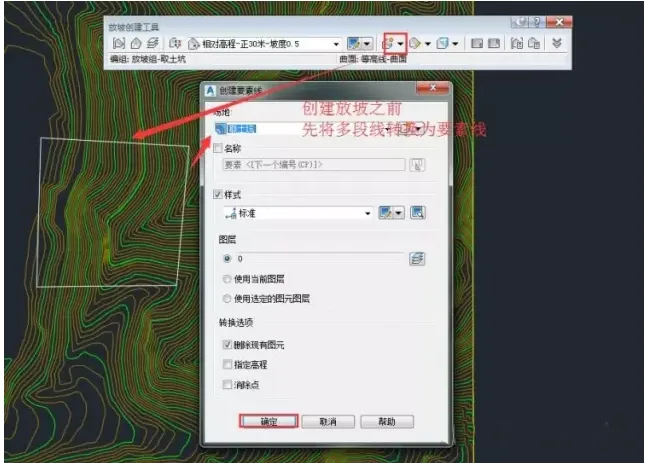
Convert the polylines into feature lines.
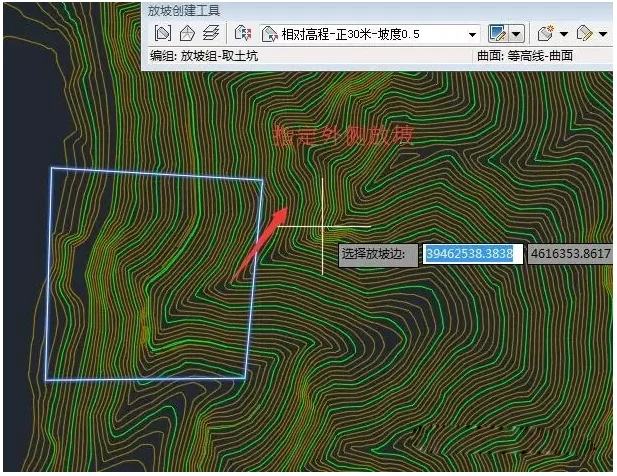
Specify the slope direction as outward.
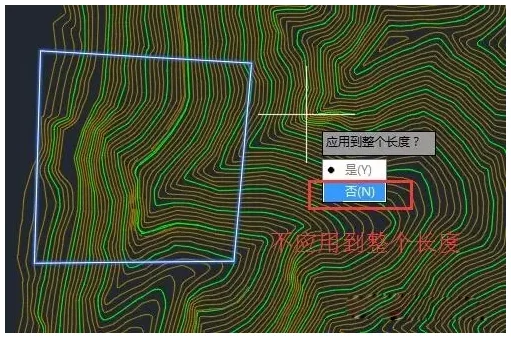
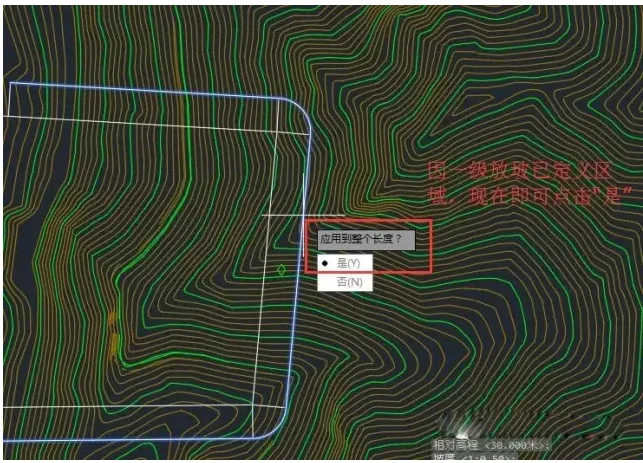
This setting does not apply along the entire length.
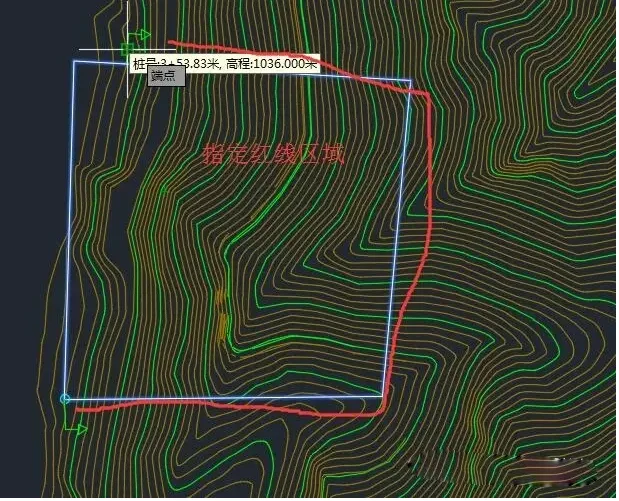
Select the area enclosed by the red line.
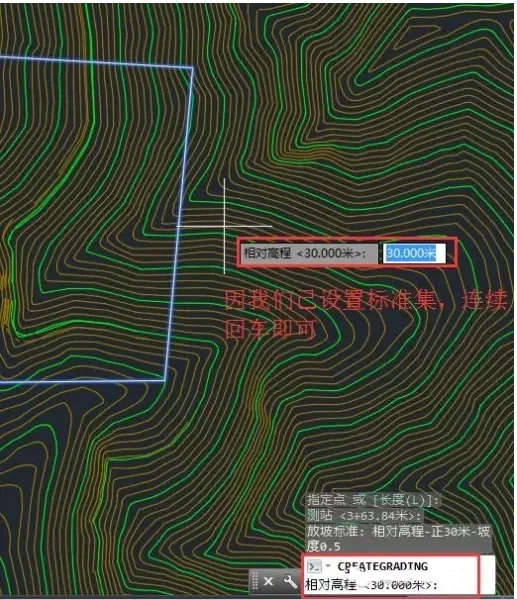
The standard is now defined; pressing Enter repeatedly will confirm it.
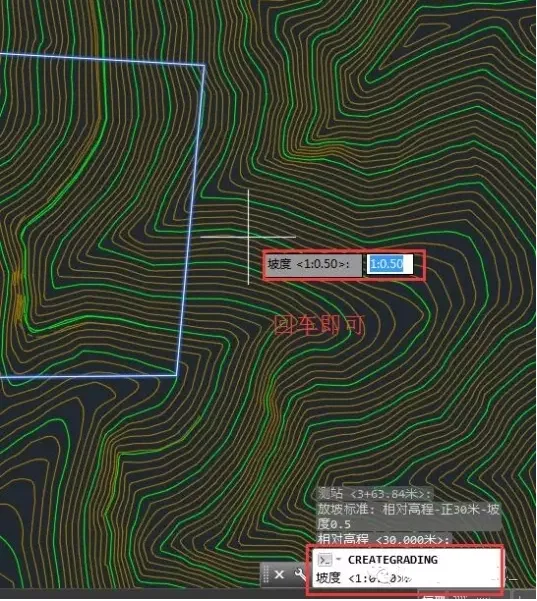
Continue by entering the carriage return.
Create a horizontal horse path.
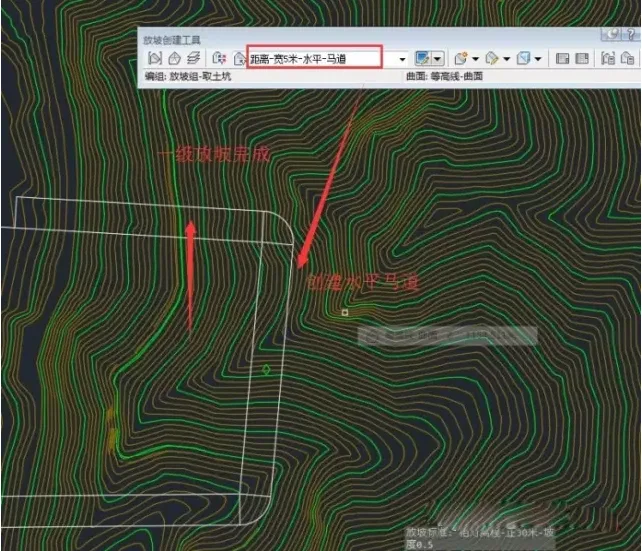
Confirm by clicking ‘Yes’.
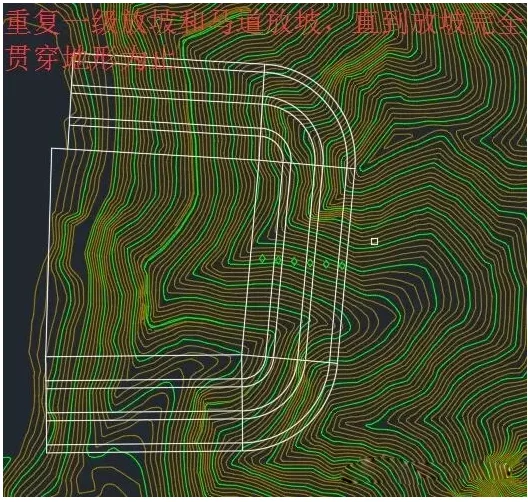
Repeat the process for the first level of slope and horse path.
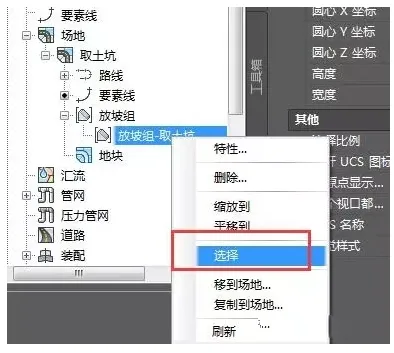
Use the Slope Group: right-click to select, then open Object Viewer to inspect.
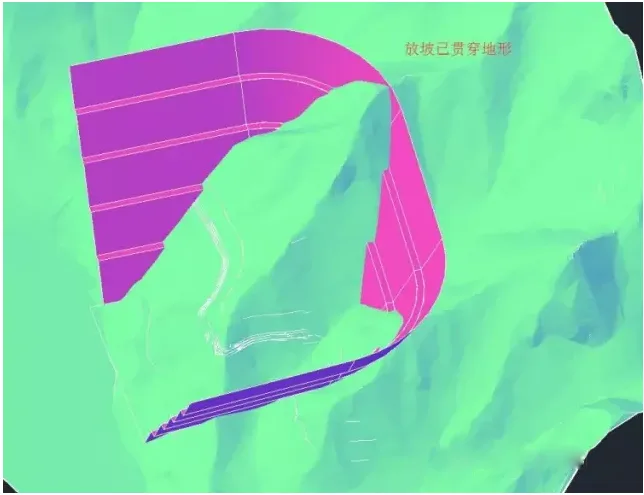
The slope penetrates the terrain.
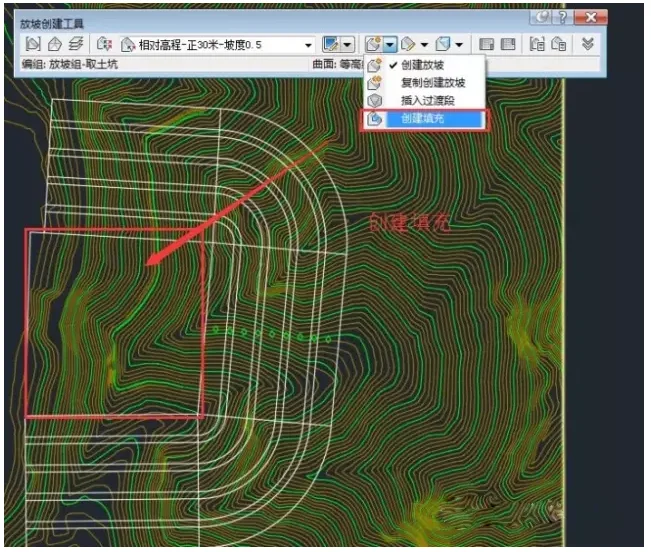
Create fill areas in the middle section.
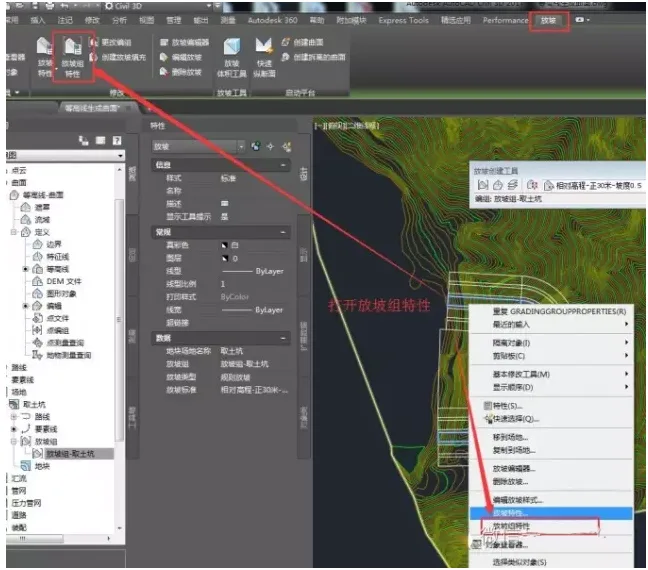
Open the slope group’s properties.
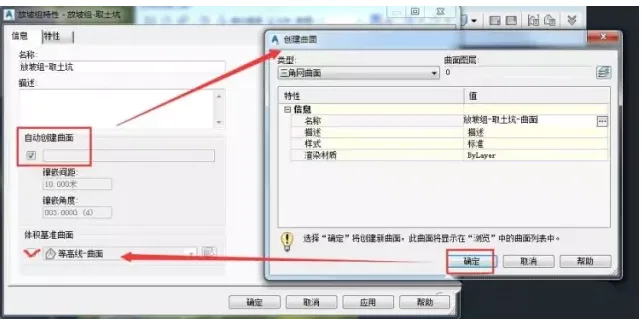
Within the slope group properties, enable the option to automatically create a surface.
Perform a preliminary earthwork volume calculation.
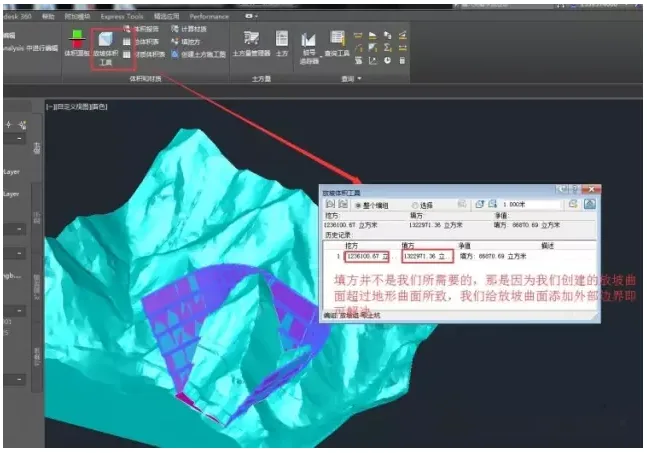
Locate the intersection line between the contour surface and the excavation pit surface.
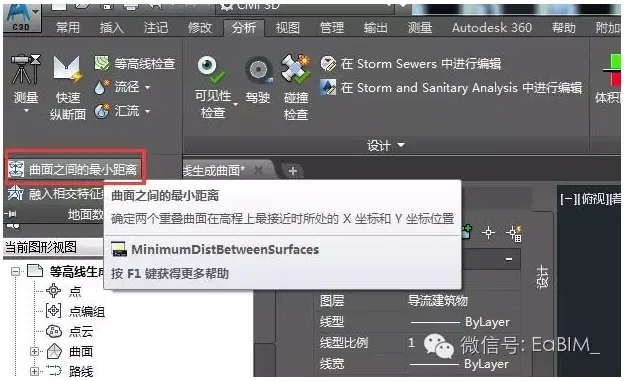
Select the appropriate item from the list and confirm.
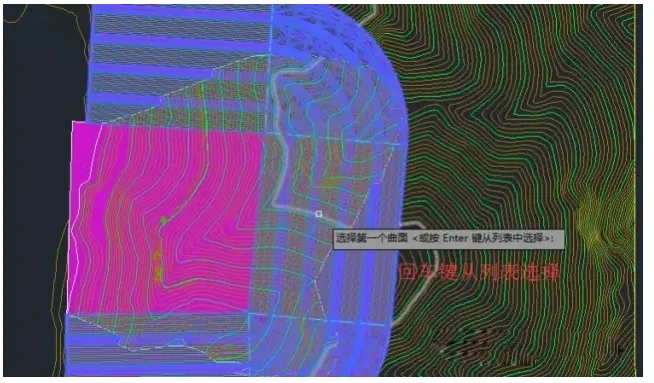
Follow the sequence to select and confirm.
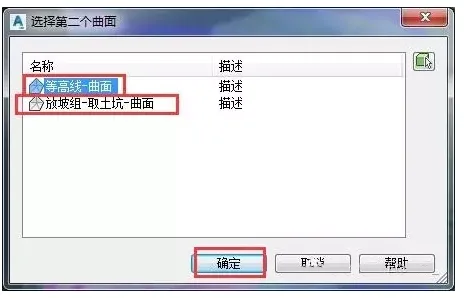
Click ‘Yes’ to proceed.
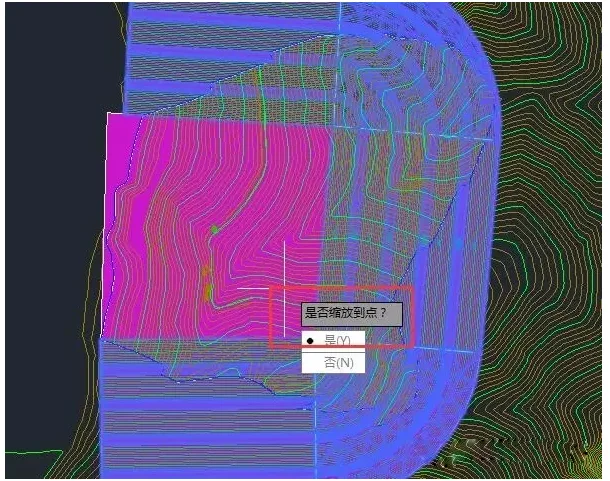
Click ‘Yes’ again to confirm.
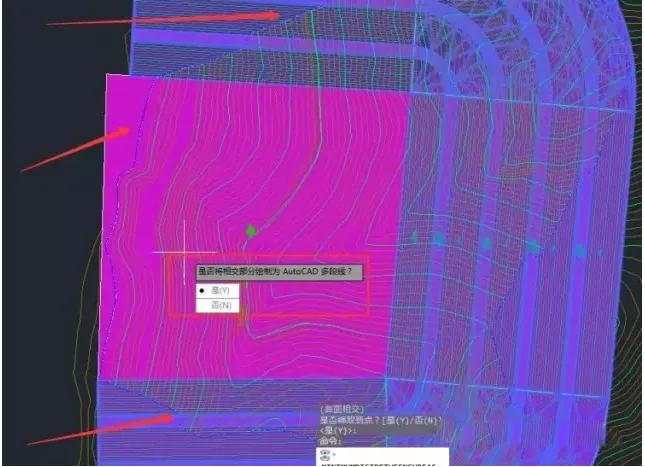
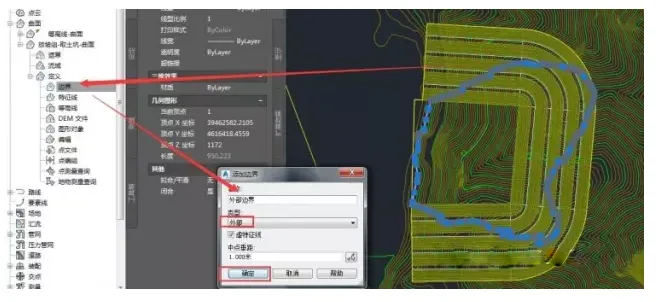
Add external boundaries to define the excavation pit surface.
View the model in 3D.
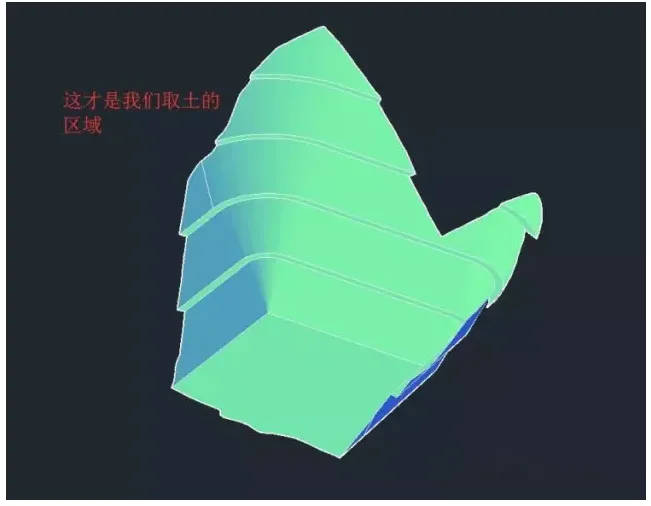
Add internal hidden boundaries to the contour surfaces.
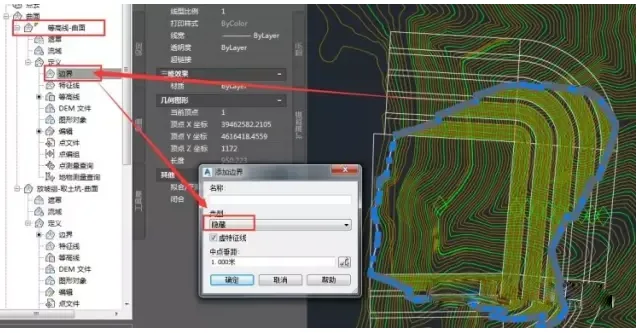
The creation of the excavation site is now complete.
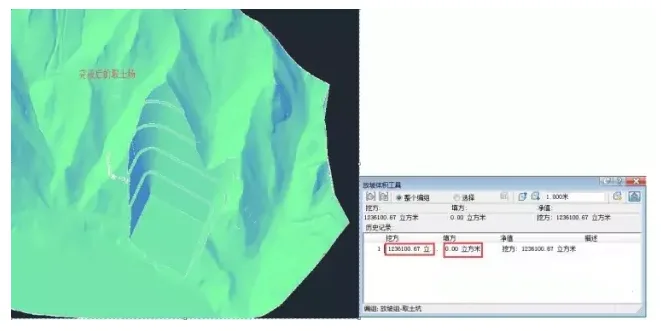
Finally, perform elevation analysis to obtain the results.
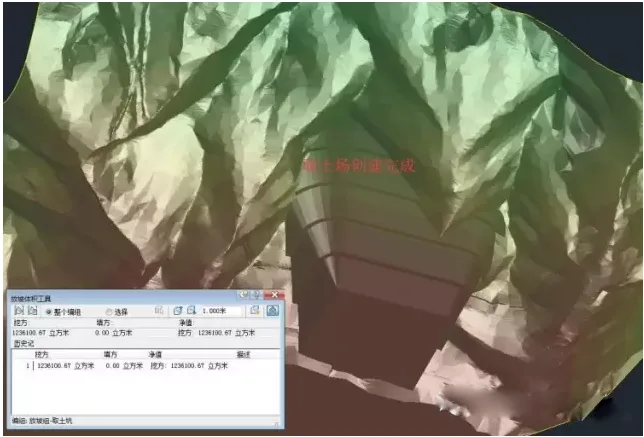













Good thing, some operations are different from those in previous books……..