
1. Use Metric Concept Volume to Create Curved Curtain Walls
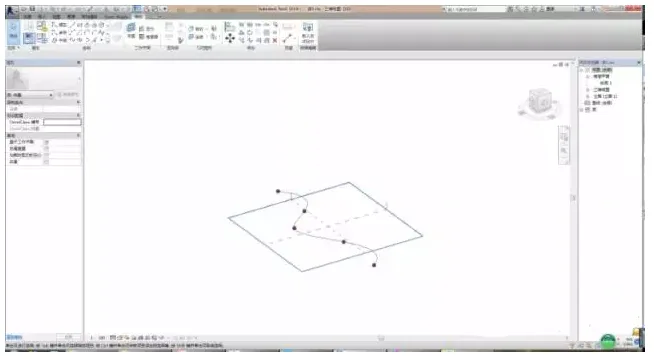
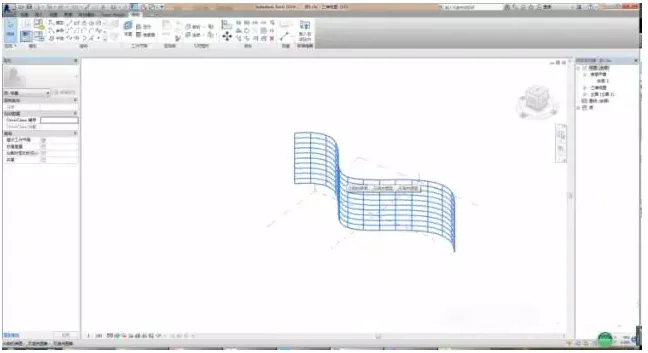
Once the entity is generated, click on the grid surface and adjust the V-grid to 15. You can modify this value based on your specific requirements.
2. Create a Solid Shape Based on a Metric Curtain Wall Panel Fill Pattern
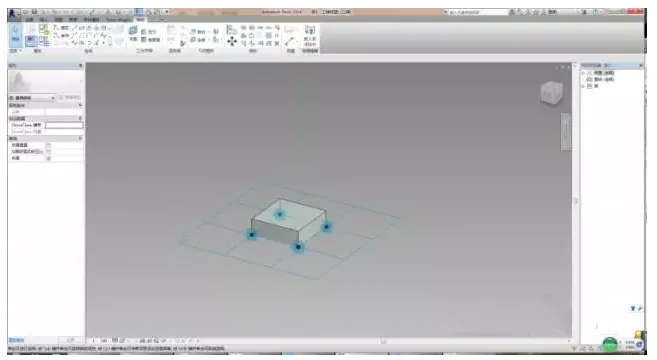
After loading it into the project, you will see a curtain wall panel with visible gaps.
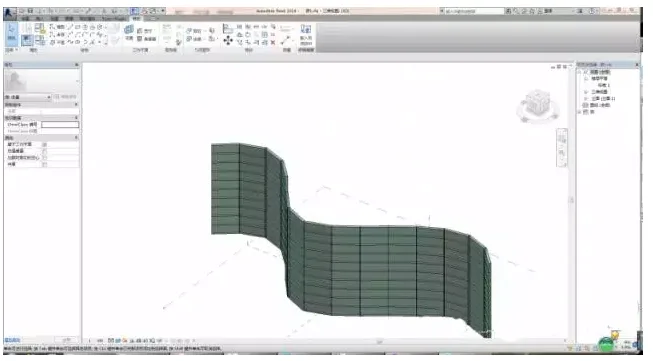
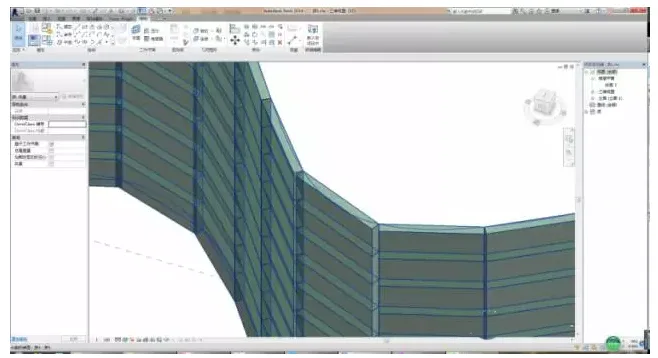
3. Create a Rectangular Reference Line
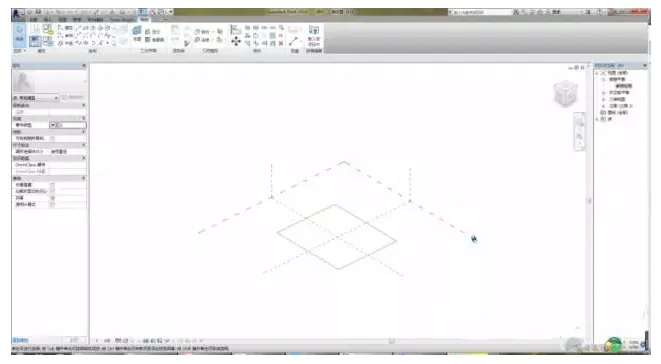
Start by creating four reference points and enable the 3D snap chain.
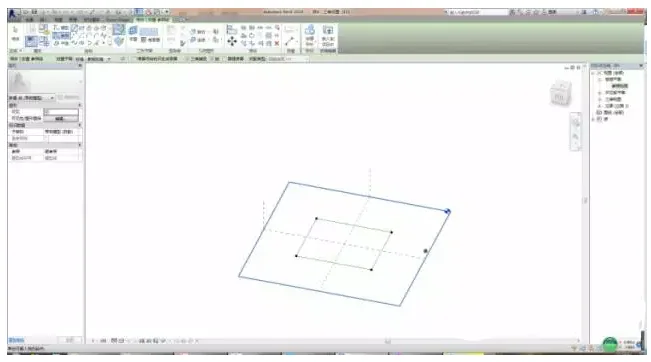
Select the reference points and make them adaptive.
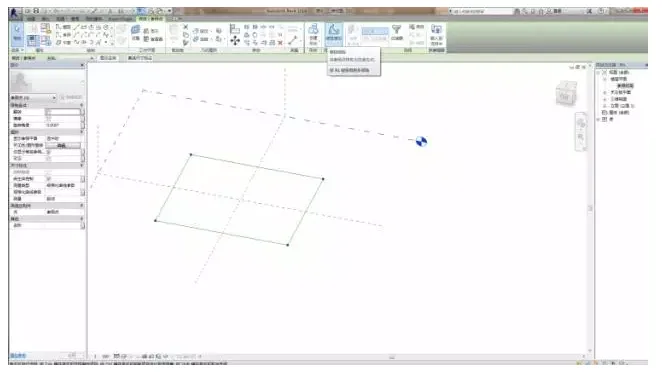
Set the reference plane appropriately.
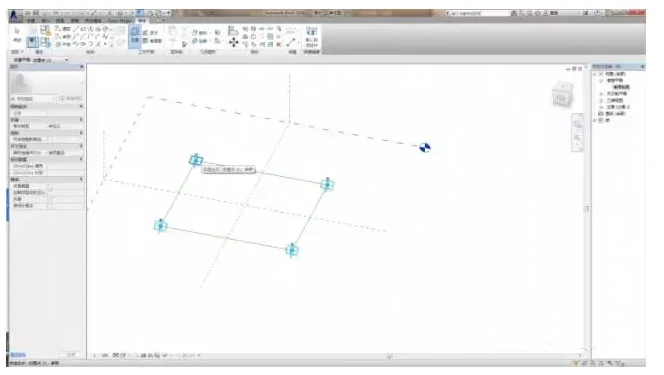
Create the reference points one by one after setting the plane.
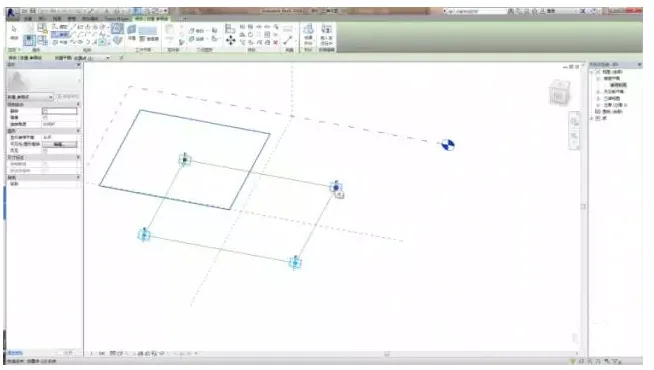
Move the reference point upward by selecting it and assigning a height parameter to offset it.
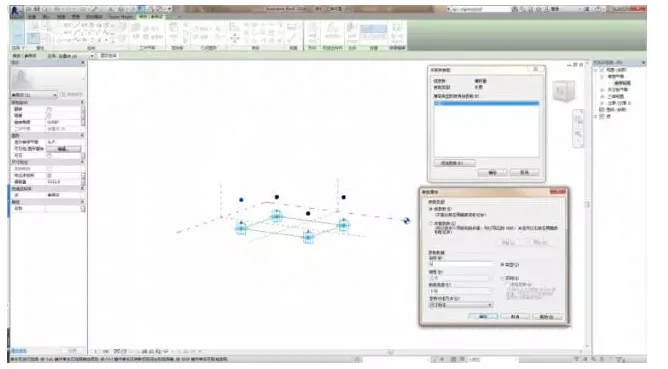
Connect these points with reference lines. Note that the reference plane should be set as the horizontal reference plane.
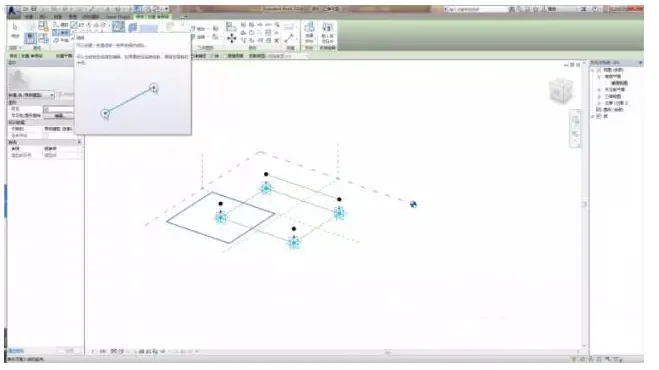
Create a solid material and load it into your project. Select the object and click on the surface to confirm the placement point.
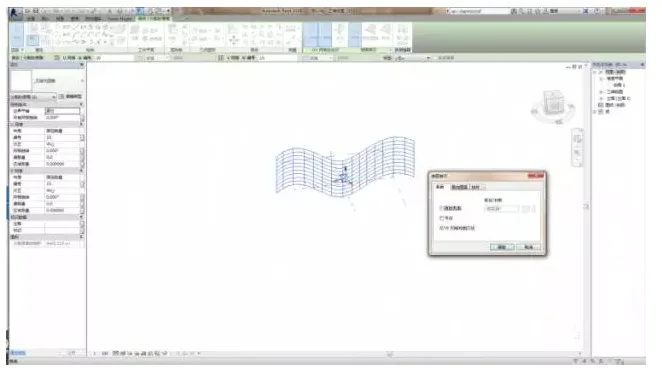
After drawing, select the group and click on repeat.
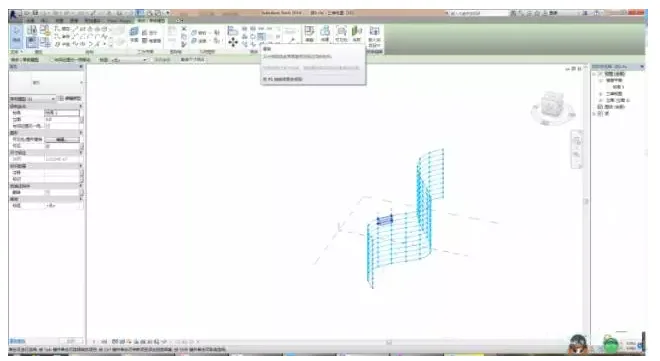
The adaptive family now creates a seamless rectangular surface curtain wall panel — the process is complete.
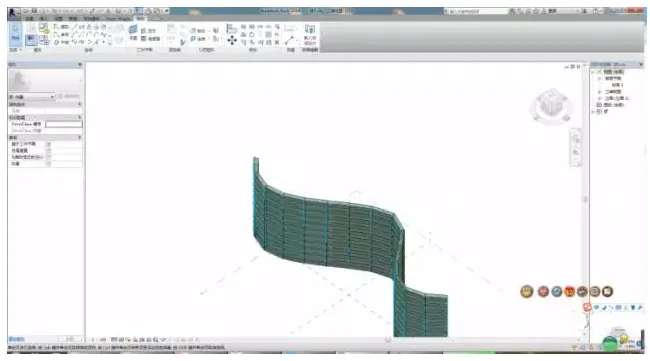
### Analysis of Geometric Entity Segmentation and Framework Duplication
Applying partitions along paths, shape edges, and surfaces with nodes helps define component bodies and component arrays. This method:
– Facilitates placing multiple instances of identical elements in a finite sequence.
– Enables constructing components by repeating individual elements in both 2D and 3D while preserving parameterization and properties.
– Uses segmentation nodes as anchor points along paths and surfaces of adaptive components, providing greater flexibility in parameterized design behavior.
Once placed, adaptive components can be duplicated repeatedly in simple or complex arrays, alternating along segmentation paths or surfaces.













Must log in before commenting!
Sign Up