
In everyday work, it is common to copy or mirror components of a specific unit after creating them. However, in Revit, special care must be taken when copying or mirroring electrical components that are connected to wires. It is important to copy or mirror both the components and their connected wires simultaneously.
For example, when copying, select the electrical components along with their connected wires and perform the copy operation together.
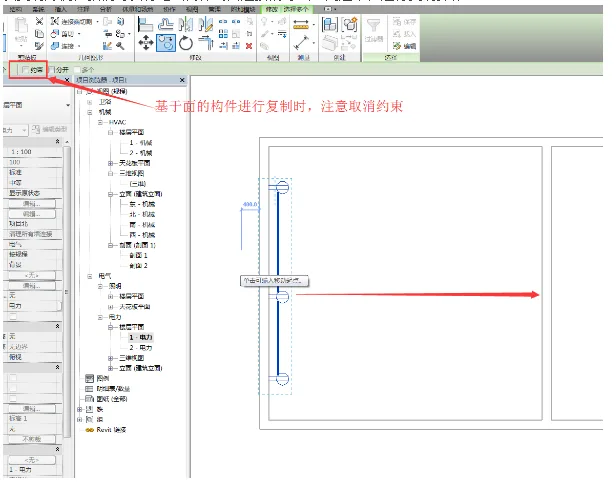
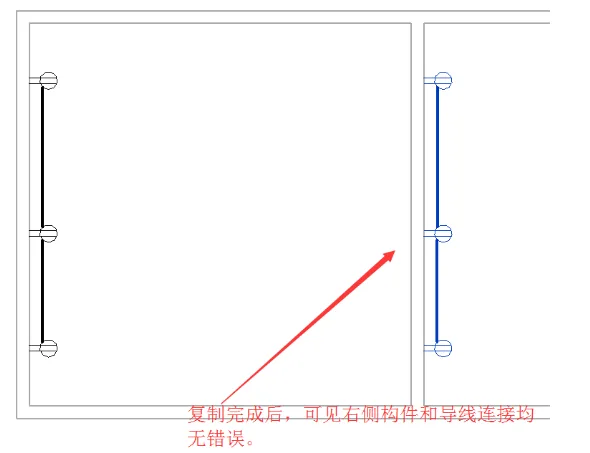
After copying, the result will look like the image below:
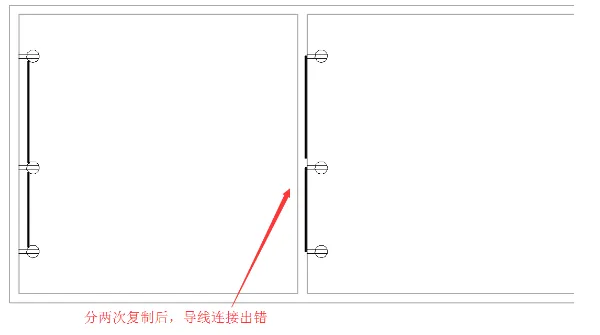
If you copy the components and wires separately twice, the wire connections will become incorrect, causing the connections to fail.
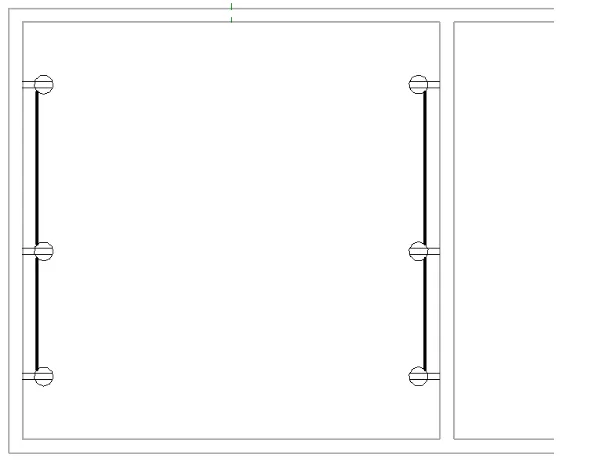
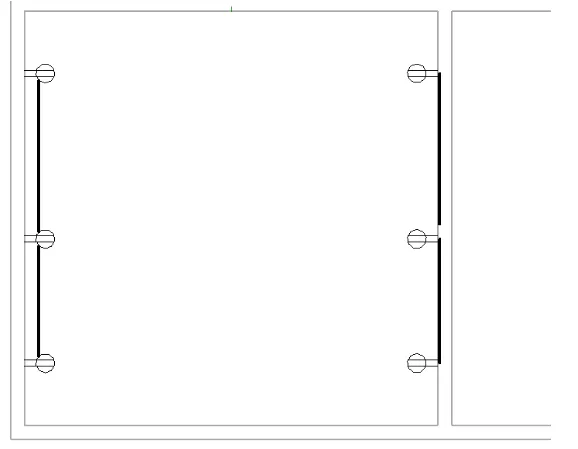
The same principle applies when using the mirror command: you need to mirror both the components and their connected wires simultaneously.
Mirroring simultaneously:
Mirroring twice:













Must log in before commenting!
Sign Up