
BIM Q&A | How to Re-register After Registering for Revit 2016
After installing and registering, I encountered a crash and want to delete the registration files. I need to re-register to check if that resolves the issue. How can I delete the registration files before re-registering? Also, why can’t I find the C:/ProgramData/FLEXnet folder on my C drive?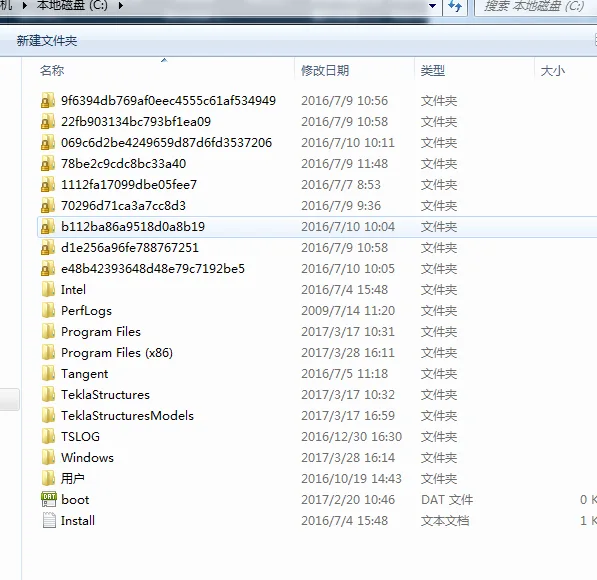
Are you referring to the FLEXnet folder? The ProgramData folder is hidden by default in Windows. To access it, you need to unhide hidden files and folders. You probably know how to do this, so I won’t go into detail here. If you’re unsure, simply search for instructions online.
Alternatively, you can directly type ProgramData into the address bar of the window shown in your screenshot and press Enter. This will open the folder, where you can locate the FLEXnet folder. Inside, delete the .data file only—do not delete any other files or folders randomly.
















Must log in before commenting!
Sign Up