
BIM Q&A | How to Create the Rhino Roma Power Bank and Round Its Corners
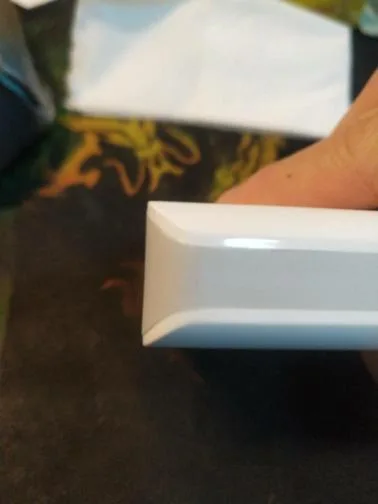
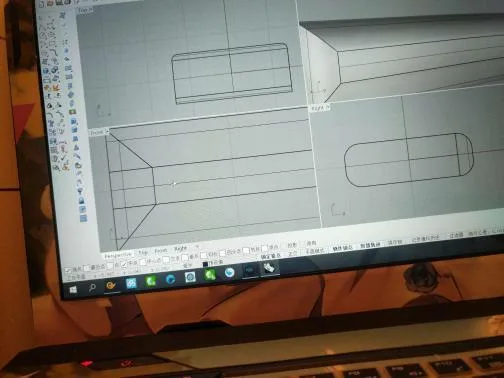
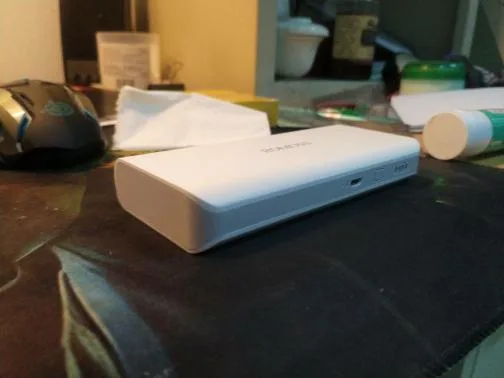
Is this the result you want to achieve?
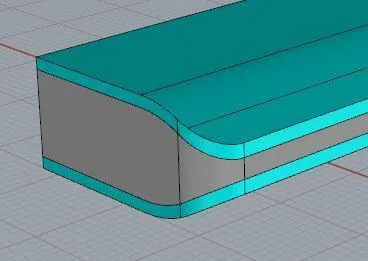
If so, the process is quite straightforward:
1. Start by drawing the bottom part of the power bank. Note that I only drew half of it for simplicity.
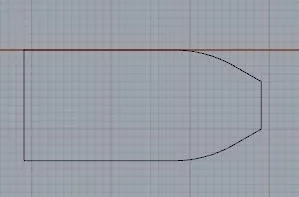
2. Extrude the shape to create a 3D solid.
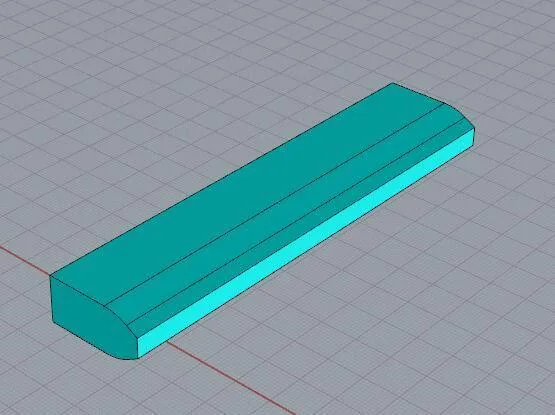
3. Extract the outline curve of the top surface.
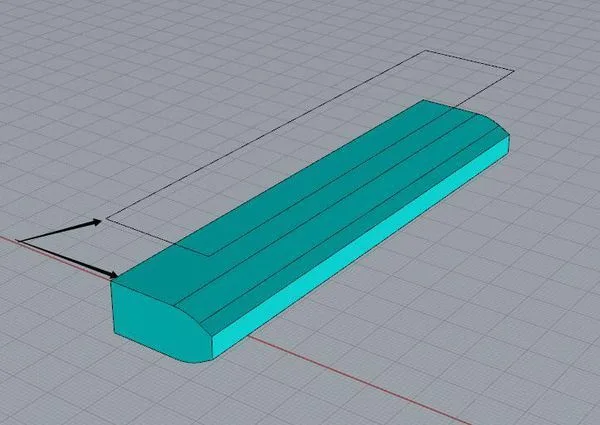
4. Keep only two lines and then apply a fillet (rounded curve) to the corner.
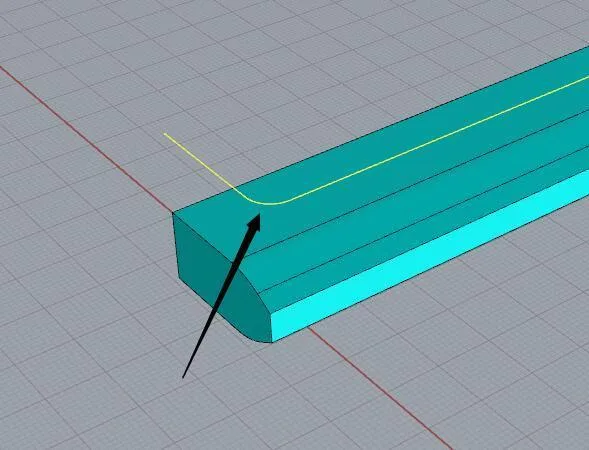
5. Use the curve to pull the surface and shape the rounded corner.
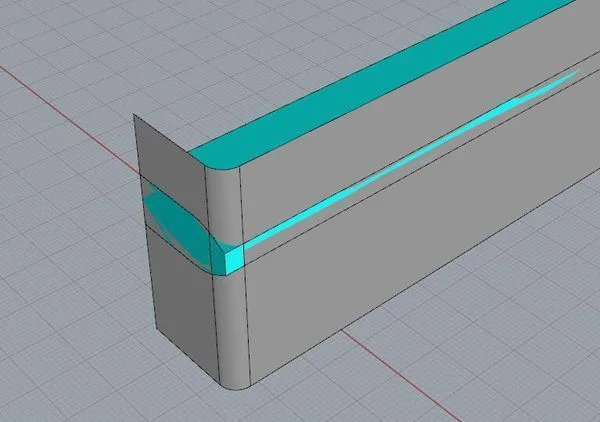
6. Perform the necessary cutting to refine the shape.
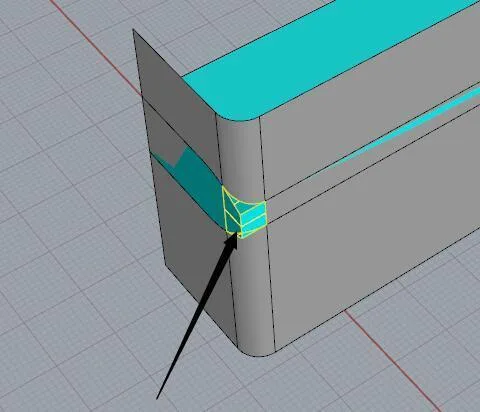
7. You will get the desired 3D shape after these steps.
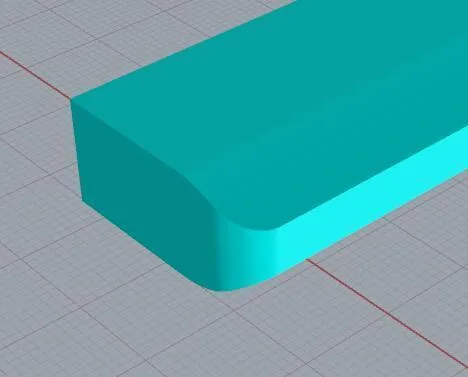
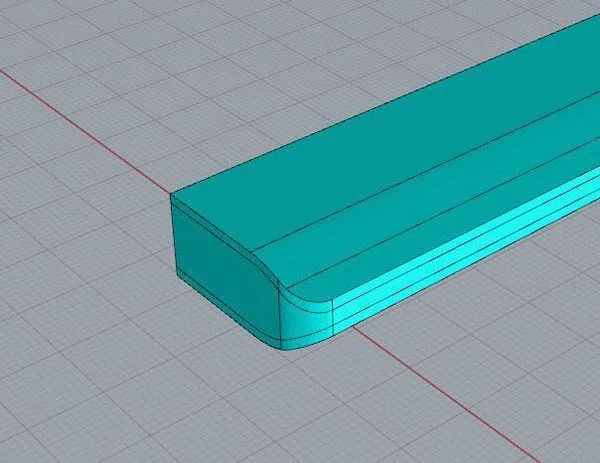
8. For the rest of the parts, extract the curves and use them to make the necessary cuts.

xuebim
Follow the latest BIM developments in the architecture industry, explore innovative building technologies, and discover cutting-edge industry insights.
← Scan with WeChat















Must log in before commenting!
Sign Up