
Over the years, with the widespread promotion of BIM standards, most people—whether intentionally or not—have come to recognize the power of BIM. Many now have at least a basic understanding of BIM concepts and software. In China, numerous BIM-related software options exist, and Revit, benefiting from the widespread use of AutoCAD, has secured a significant market share. Correspondingly, Revit training courses have proliferated, each with unique features, attracting many beginners eager to learn.
However, many students often find themselves wondering: beyond modeling, what practical problems can Revit help solve? And how can one master it quickly?
Using Revit as an example, I’d like to share my personal experiences and explain the key pain points BIM addresses for designers.
1. Freeing Yourself from the ‘Index Table’
During the planning phase, we constantly worry about various metrics and indicators. Each time the plan changes, recalculations are necessary—a tedious task that everyone dreads and tries to avoid. When assigning tasks, I always hope this workload doesn’t fall on me. This has become a major pain point for designers.
Thankfully, with skillful use of Revit families and schedules, this problem can be resolved smoothly. For example, in community planning:
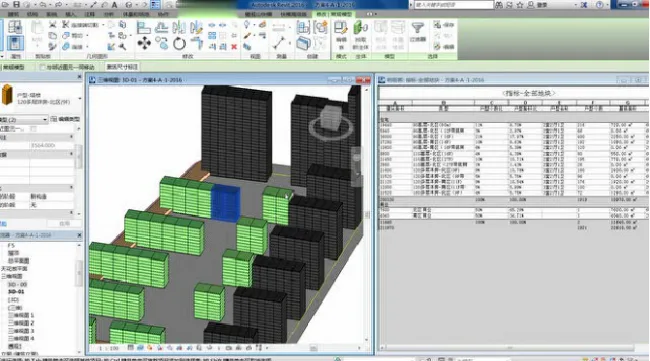
The above image illustrates the interrelationship between the model and its corresponding tables. Community planning involves arranging various building families, effectively inputting all necessary information. The ‘indicator table’ is generated automatically by extracting the required data using Revit’s detailed schedule function. This means that no matter how the plan changes, manual recalculations are no longer needed.
Of course, this applies equally to other types of schedules, such as door and window lists, material specifications, and component statistics.
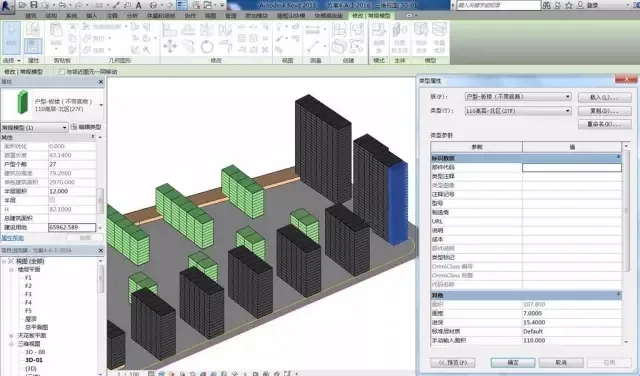
(House type family: During the family creation process, various necessary parameters are added.)
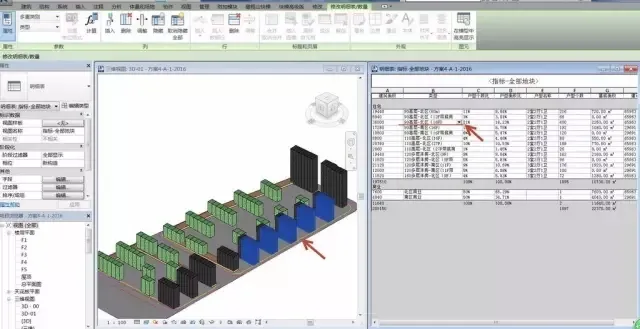
(Link between model and schedule: Selecting a family in the schedule highlights the corresponding element in the model view.)
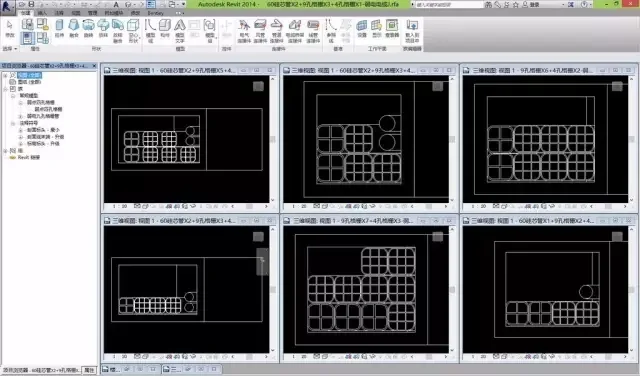
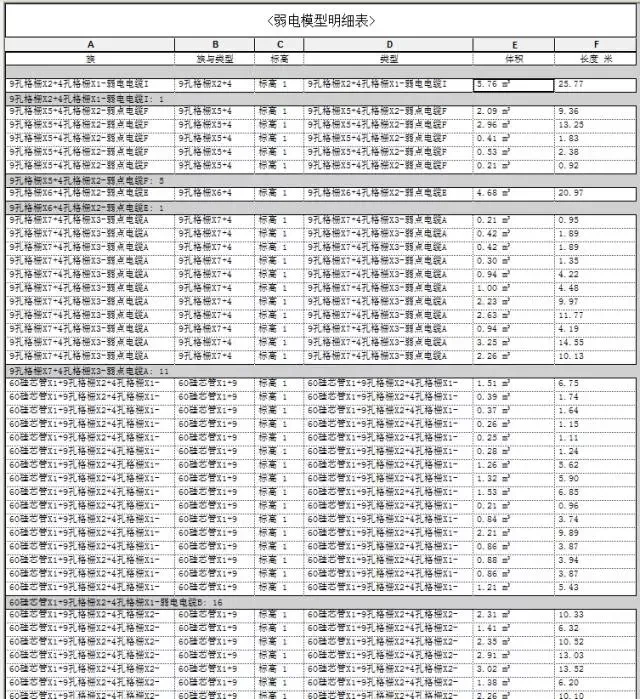
(Component statistics table)
2. Freeing Yourself from ‘Image’ Mismatches
Many designers have experienced the frustration of inconsistent drawings. CAD drawings represent three-dimensional information in purely two-dimensional formats, with multiple independent data sources. This often leads to mismatches—between floor plans and elevations, architectural and structural drawings, or civil engineering and curtain wall designs.
This inconsistency creates a heavy workload. With frequent design changes and tight schedules, achieving comprehensive coordination across drawings is nearly impossible, inevitably resulting in errors and omissions that require costly corrections during construction.

(Example of CAD drawing issues: Civil engineering and curtain wall drawings)

(Example of multiple project changes in CAD drawings)
Revit’s powerful 3D associative design means that a single modification updates all related views automatically. Since all data is linked and unique, design changes are simplified dramatically. This reduces time spent coordinating drawings across disciplines and minimizes errors caused by inconsistencies, achieving true design integration.
For instance, in an office building project:
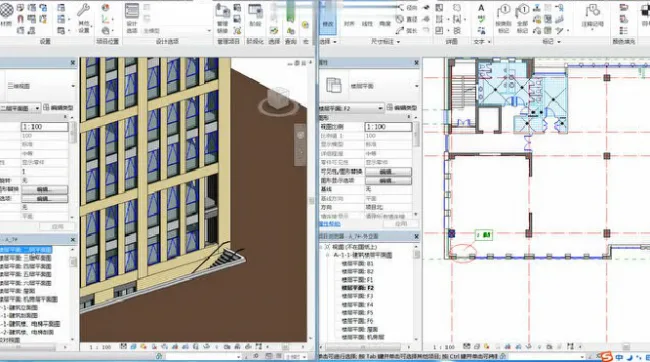
Here, Designer A handles the exterior facade, while Designer B manages interior graphics. They collaborate via linked models, so facade changes are instantly reflected upon reloading. Comments clarify modifications, eliminating the tedious process of cross-checking plans and elevations. This collaborative approach extends across other disciplines as well.
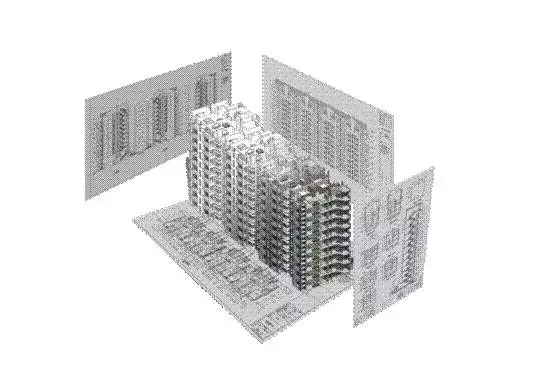
(Major disciplines collaborate through linked BIM models to refine the design and generate accurate construction drawings)
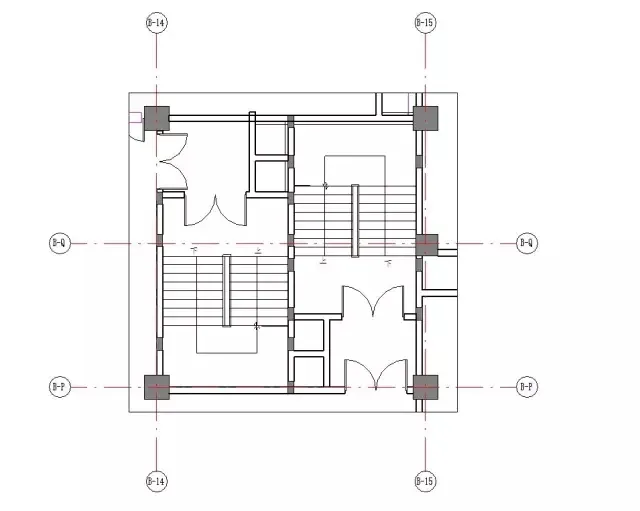
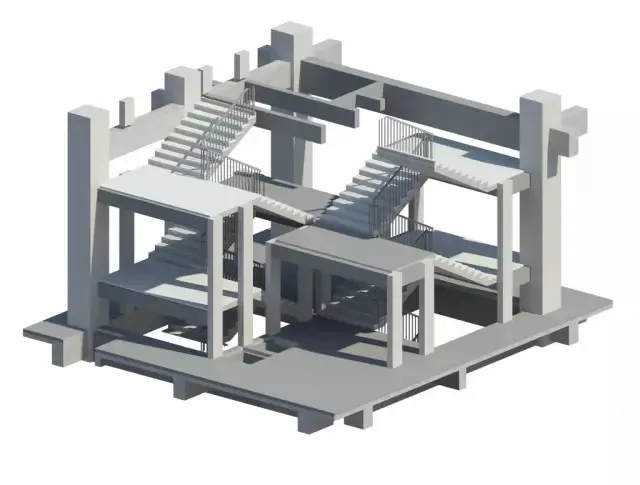
(Architecture and structural teams work within the same central model to ensure design accuracy)
3. Simplifying Complexity and Boosting Efficiency
Revit offers flexible tools that streamline drawing and collaboration across disciplines, enhancing overall efficiency.
For example, residential or office buildings often feature symmetrical units. In CAD, to save time, designers might draw half the layout and mirror it. However, mirrored blocks also flip text and dimensions, causing readability issues, as shown below:
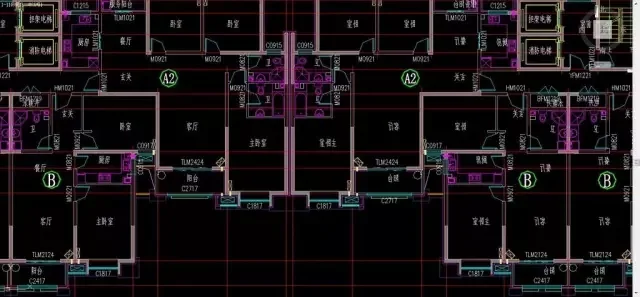
By combining Revit’s linking feature with view templates, these issues are effectively resolved, reducing repetitive work and improving efficiency.
Using links significantly cuts down duplication—for example, in residential projects:
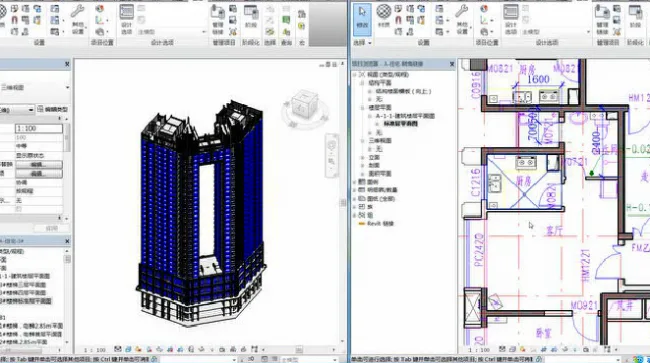
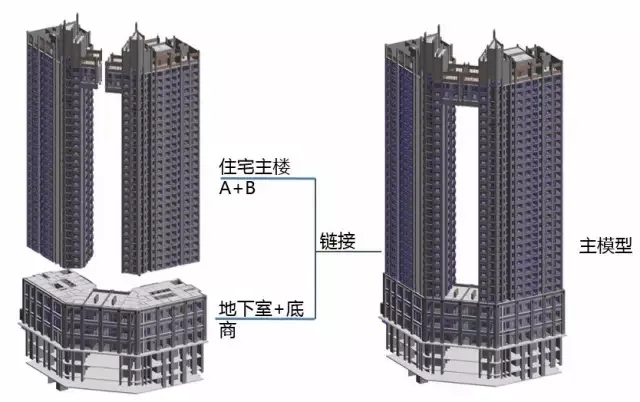
(Link relationships)
Other similar techniques, like creating specific families, also provide intuitive visuals while boosting efficiency.
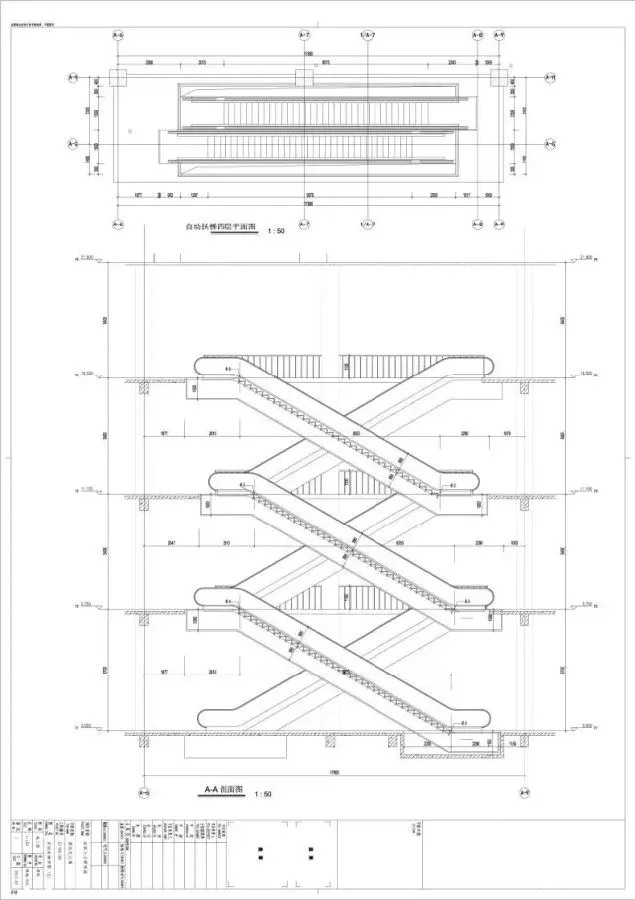
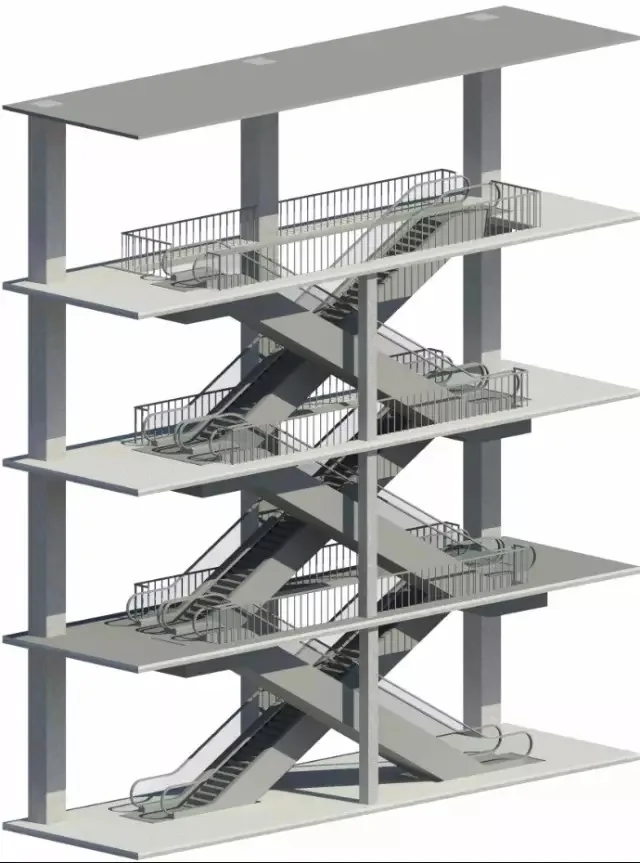
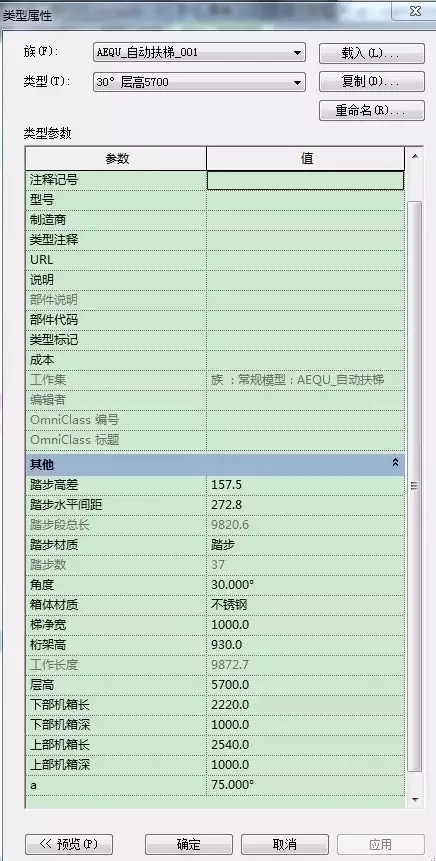
(Escalator family and generated drawings)
4. Freeing Your Mind and Facilitating Communication
In traditional CAD workflows, drawing complex details often relied on imagination and field-specific knowledge. For instance, when encountering complicated nodes, architects had to verbally explain solutions to other disciplines.
BIM’s visualization capabilities change this dynamic dramatically. It allows everyone—from laypeople to experts—to understand designs clearly. This “visualization” transforms abstract concepts requiring mental analysis into intuitive, visual representations.
Using Revit as an example:
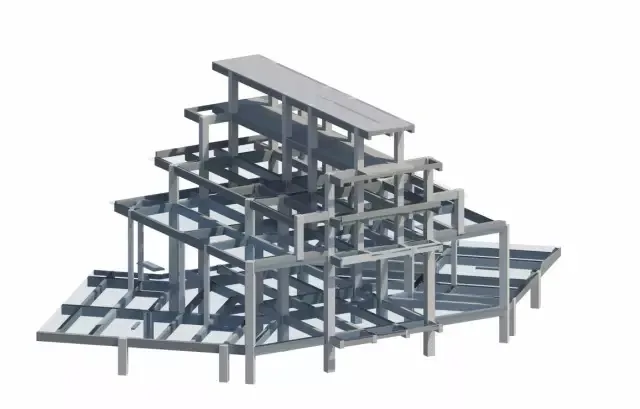
(Internal structure)
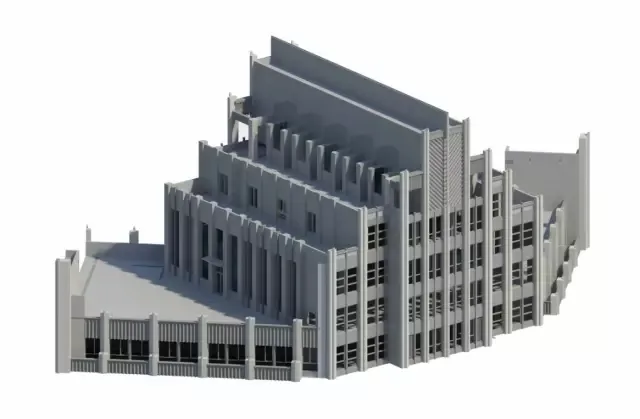
(Building exterior)
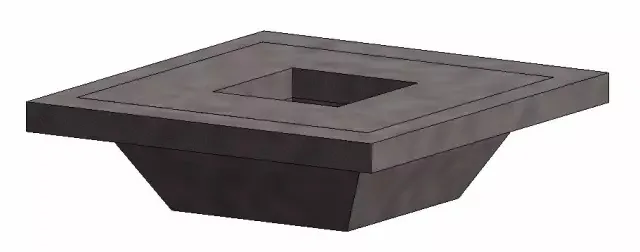
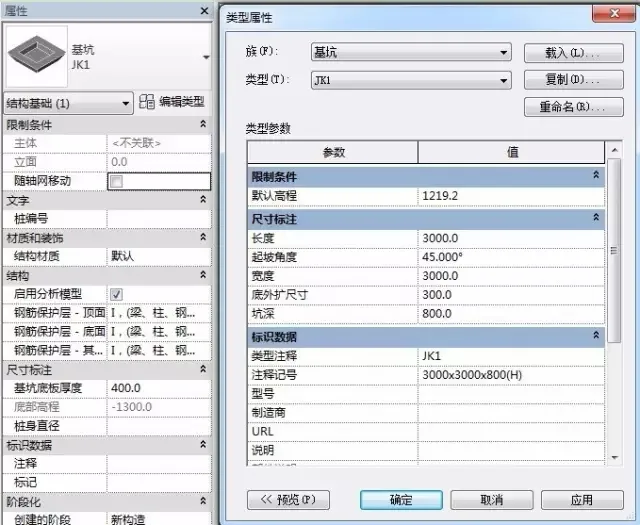
(3D model combined with 2D information)
5. Keeping the ‘Appearance’ of Buildings Consistent Throughout
In 2D design, inconsistencies in building appearance are a common headache. But if there’s a better way to avoid this, why not use it?
BIM visualization isn’t just about 3D models; it ensures consistency of information throughout the project lifecycle. If the model can smoothly transition from initial planning to construction documentation and be tracked continuously by the designer, the integrity of the design scheme can be effectively maintained.
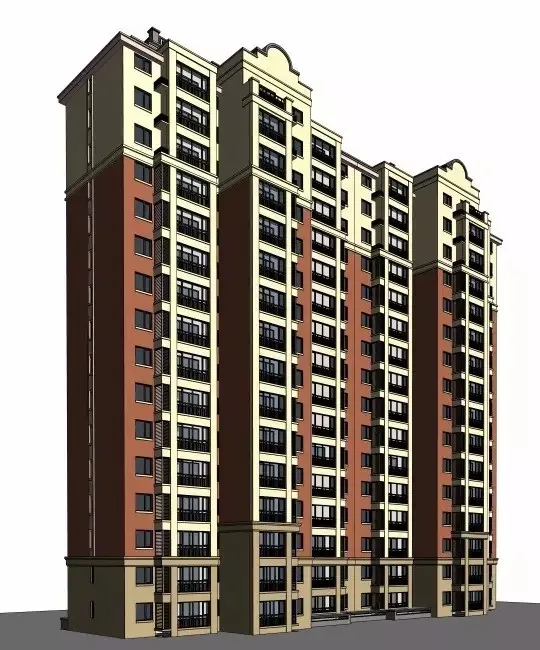
(SketchUp site map)
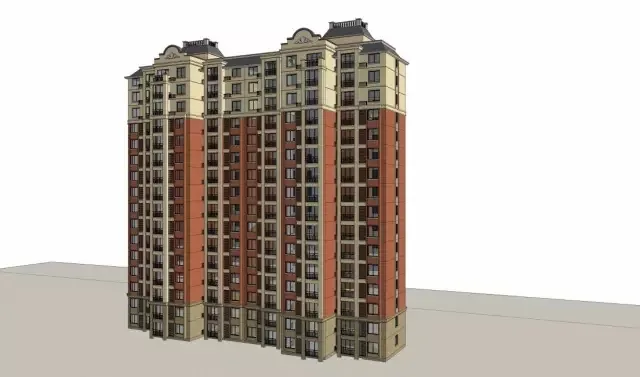
(Revit guide)
This principle applies not only to exterior facades but also to the installation of indoor equipment.
We often encounter garages like this:

However, with ‘pre-installation’ in the Revit model—incorporating clash detection and pipeline integration—the garage can be optimized as shown below:
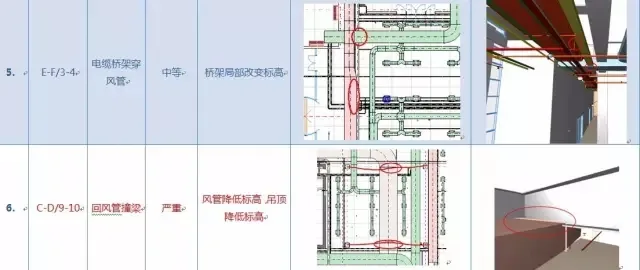
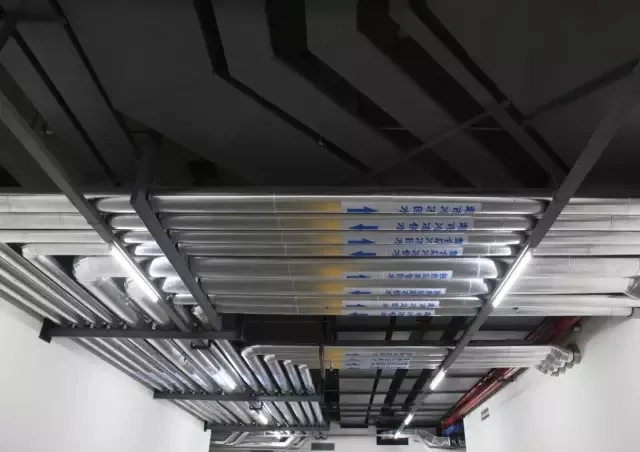

The above summarizes some of the most profound benefits we’ve experienced in our work. Many additional features and advantages of BIM remain to be explored through ongoing practice.
Of course, this is not to say that CAD is obsolete, BIM is flawless, or Revit has no limitations. Rather, from years of experience, I can attest to the efficiency and value technological advancements bring to design workflows. It’s definitely worth giving BIM a try.
As a software launch event once stated: “Let design return to creativity and leave the rest to technology.”
Personal note: Software provides the foundation, but true knowledge comes from practice. Learning BIM is not just about mastering software operations—it’s about adopting a new mindset and way of working.
















Must log in before commenting!
Sign Up