
BIM Q&A | How to Draw a Comprehensive Pipe Gallery in Revit?
Are you wondering if the master plan and sectional views can be imported into the elevation view? Or how to determine the direction of the pipe gallery in the plan view?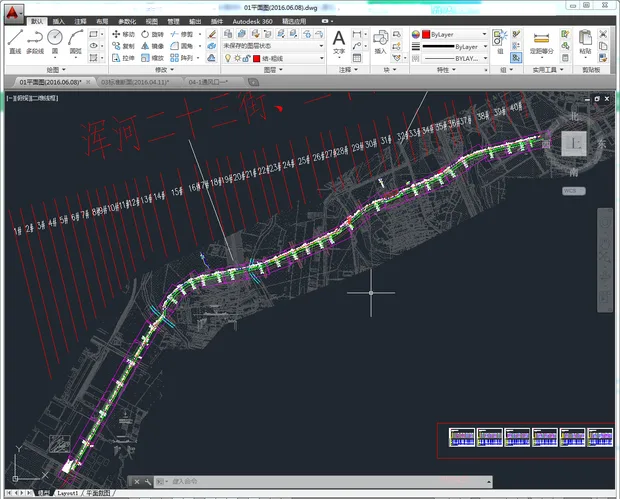
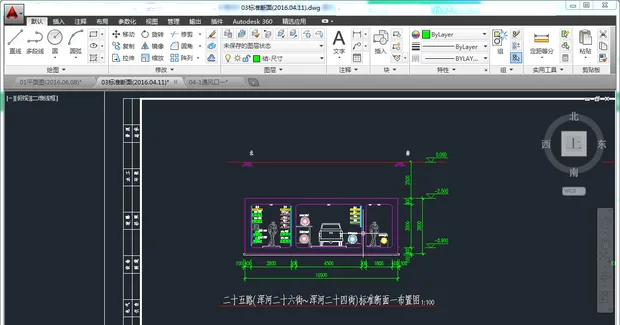
The direction of the pipe gallery is naturally determined from the plan view. Judging by your question, it seems you might not be very familiar with Revit software yet.
To start, I recommend first modeling the structural framework of the pipe gallery. When it comes to the pipelines themselves, since the pipe gallery contains many curves, using standard pipeline tools is not ideal. Instead, consider using internal models for the piping layout.
Given the pipe gallery’s considerable length, it’s best to create a line-based family for the drawing. Alternatively, you can also work by drawing in sections if that suits your workflow better.
















Must log in before commenting!
Sign Up