
BIM Q&A | How to Delete Component Names in Luban Software
When I tried to delete the component name of a column, the software prompted me to delete the component that uses this attribute and then re-enter the graphic method to change the attribute before deletion is allowed. However, I have already deleted the components, but the column names still cannot be removed. What does “graphic method” mean?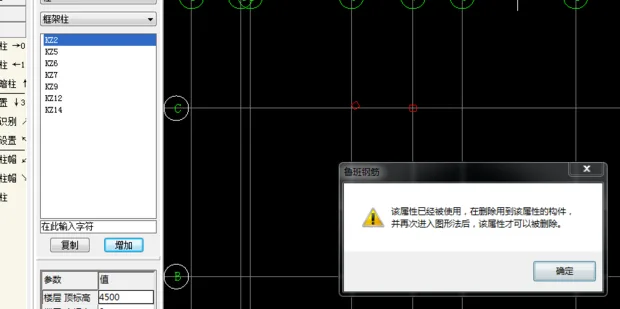
To delete a component name in Luban software, first select the component you wish to remove, then delete it directly.

xuebim
Follow the latest BIM developments in the architecture industry, explore innovative building technologies, and discover cutting-edge industry insights.
← Scan with WeChat















Must log in before commenting!
Sign Up