
BIM Q&A | Tianyue Software Fails to Launch with “Cannot Dispatch AutoCAD.Application” Error
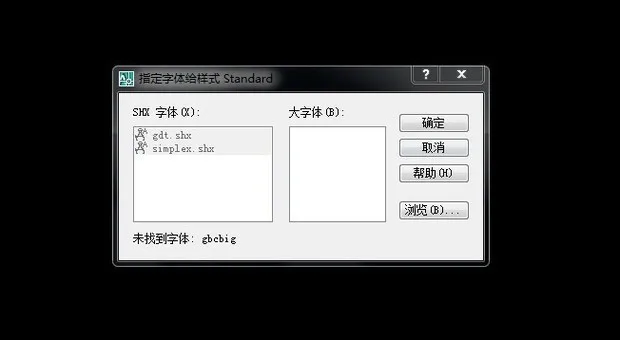
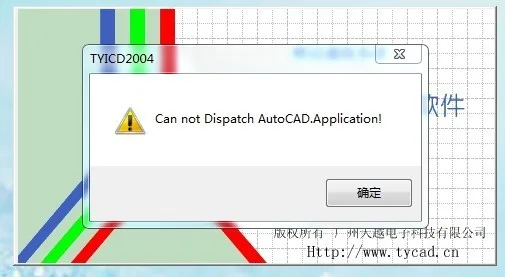
If you open AutoCAD first, you might encounter a message stating that the font ‘gbcbig’ cannot be found. Then, when you try to launch the Tianyue software, it fails to start and displays the error: “Cannot Dispatch AutoCAD.Application.” Even after uninstalling and reinstalling both AutoCAD and the Tianyue software multiple times, the problem persists. Why does this happen, and how can it be resolved?
To summarize the issue: opening AutoCAD triggers a missing font warning for ‘gbcbig.’ Following that, attempting to open Tianyue software results in the “Cannot Dispatch AutoCAD.Application” error. Reinstalling both applications has not resolved the issue.
This issue may be caused by software incompatibility. One solution is to try using a different version of the program. It is also advisable to check the software’s system requirements to ensure your configuration meets them.
Alternatively, you can right-click the program executable, select “Properties,” and then try running it in compatibility mode for an earlier version of Windows.
















Must log in before commenting!
Sign Up