
BIM Q&A | Where to Find the Object Alignment Command in Lumion 9.0
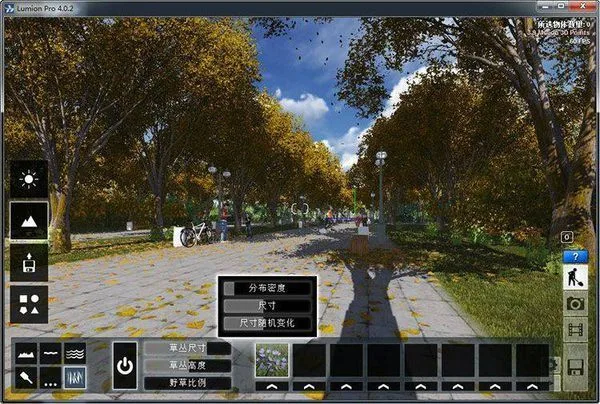
The alignment process is as follows:
- Click on the category where the object is located. For example, if you want to align furniture, select the furniture category where the object is placed. If you are working with a model to be aligned, click the button to insert the model.
- Select the model, then right-click to open the transform menu. The alignment option will appear within the transform commands.
If you have any further questions, please feel free to ask. I hope this helps you. Don’t forget to apply the solution!

xuebim
Follow the latest BIM developments in the architecture industry, explore innovative building technologies, and discover cutting-edge industry insights.
← Scan with WeChat















Must log in before commenting!
Sign Up