
BIM Q&A | How to Create a Detailed Section of a Revit Wall?
I want to add annotations, but I’m not sure how to create the cutouts on the diagram. I want to add annotations, but I’m unsure how to accurately cut them out in the drawing.
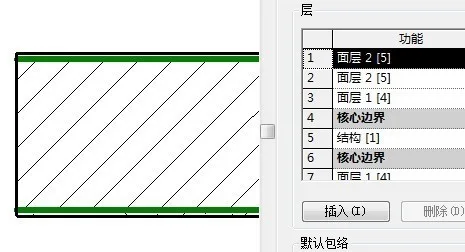
To start, you need to create a “detailed drawing” of the wall section. First, select the location where you want to place the section cut. From the dropdown menu, choose the option labeled “detailed drawing.”
Next, adjust the scale to ensure the details fit appropriately.
When labeling, elements are typically identified by material type, which is often represented with dotted lines in the drawing.

xuebim
Follow the latest BIM developments in the architecture industry, explore innovative building technologies, and discover cutting-edge industry insights.
← Scan with WeChat















Must log in before commenting!
Sign Up