
BIM Q&A | How to Set Up Two Types of Elevations in Revit
The main building on the north side of the project has a relative elevation where zero (positive or negative) corresponds to an absolute elevation of 6.400. How can Revit be used to establish two types of relative elevations for the commercial area on the south side, where zero (positive or negative) corresponds to an absolute elevation of 5.400?
Using all absolute elevations can be confusing and difficult to manage. It is best to align the elevation settings with the project drawings for clarity and consistency.
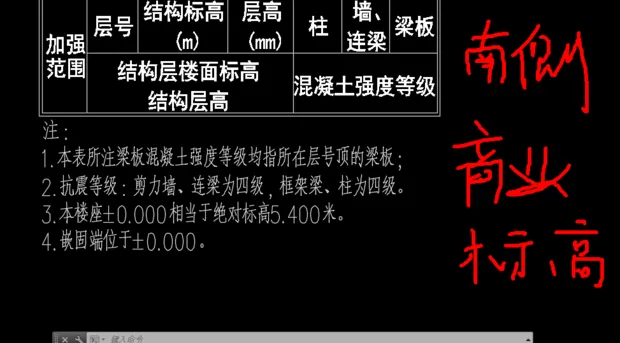
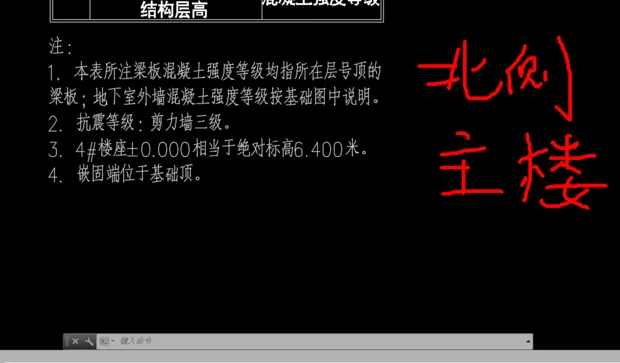
Unfortunately, you cannot set two separate elevation types in Revit. The software does not support elevation classification. You can only set one area’s absolute elevation as ±0, and adjust the other area’s relative elevation by adding or subtracting 1.
















Must log in before commenting!
Sign Up