
BIM Q&A | Why Do CAD Drawings Appear Very Small When Loaded into Revit?
After drawing elevation and axis lines in Revit, I imported a foundation plan CAD drawing. However, once loaded, the CAD drawing appears extremely small. Could this be due to my settings? How can I fix this issue? Previously, when working with axis diagrams, this problem did not occur when importing CAD drawings.
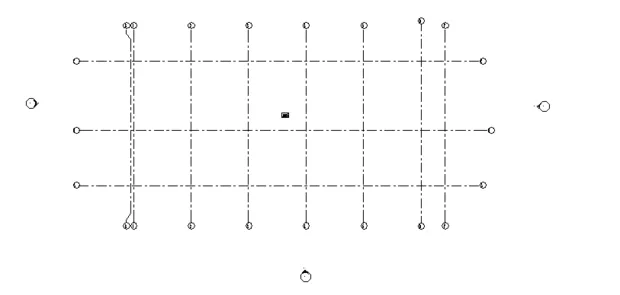
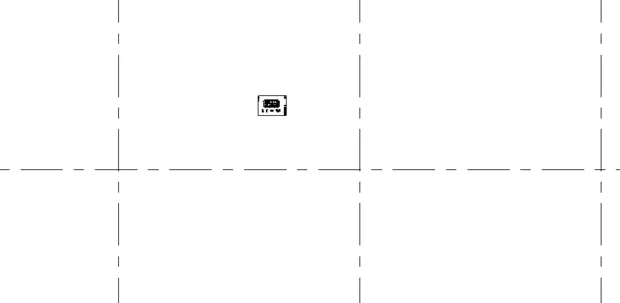
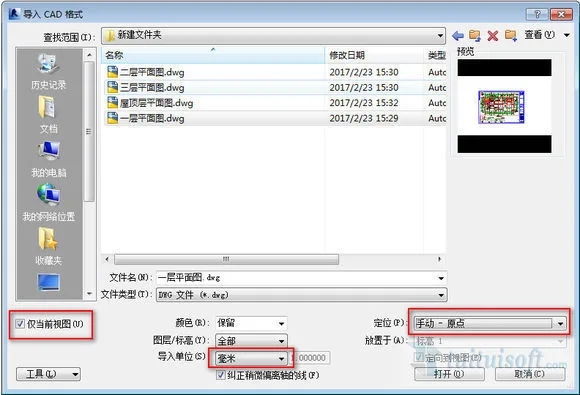
This issue is likely caused by importing the CAD drawing with default settings that were not adjusted. The person providing the answer does not have Revit available and sourced the image from Baidu for reference.

xuebim
Follow the latest BIM developments in the architecture industry, explore innovative building technologies, and discover cutting-edge industry insights.
← Scan with WeChat















Must log in before commenting!
Sign Up