
BIM Q&A | Why Can’t the Revit Project Browser Be Resized When Full Screen?
Are you experiencing an issue where the Revit Project Browser fills the screen and cannot be resized? The only way to shrink it seems to be by dragging it out to become a separate window. What’s causing this behavior?
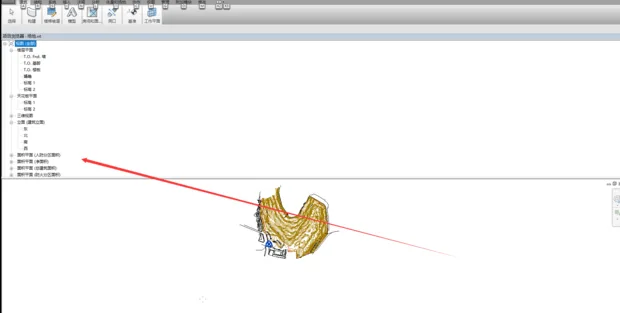
Simply left-click on the word “Tour Guide” and drag it directly. I just tested this method, and it works.

xuebim
Follow the latest BIM developments in the architecture industry, explore innovative building technologies, and discover cutting-edge industry insights.
← Scan with WeChat















Must log in before commenting!
Sign Up