
BIM Q&A | AutoCAD 2014: Quick Access Toolbar Can’t Be Displayed Above the Ribbon and Is Limited to Function Use
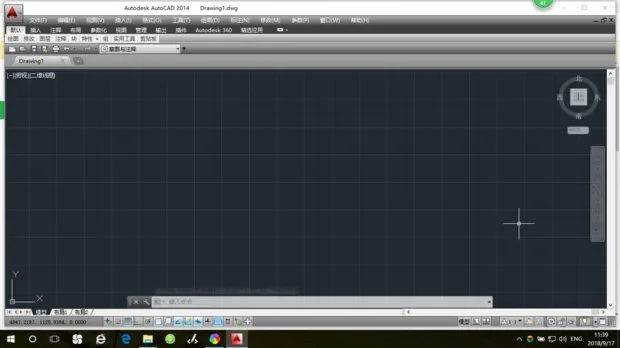
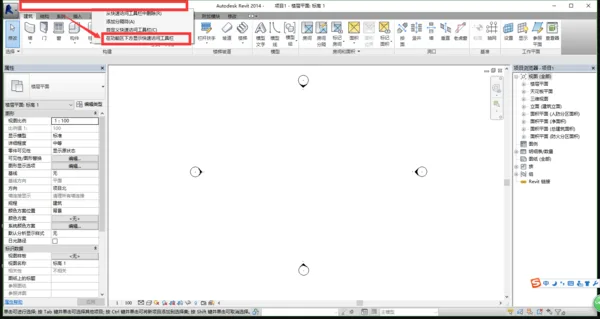
If you want the Quick Access Toolbar to appear above the ribbon, right-click the red box area and select “Show Above the Ribbon.”
By default, the Quick Access Toolbar is displayed below the ribbon.
This limitation can be inconvenient. Using keyboard shortcuts is often the most efficient workaround.

xuebim
Follow the latest BIM developments in the architecture industry, explore innovative building technologies, and discover cutting-edge industry insights.
← Scan with WeChat















Must log in before commenting!
Sign Up