
BIM Q&A | For questions about AutoCAD, please refer to the attached diagram for detailed information.
After using AutoCAD 2019, when I open a drawing, it appears like the image shown. How can I restore it to the most common or default view?
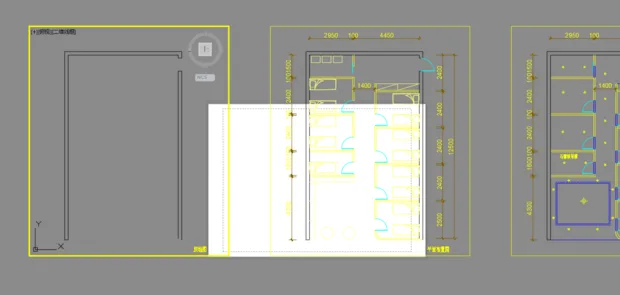
The layout tab view is shown in the image above. To switch back to the model space, simply click the “Model” tab located at the lower-left corner of the AutoCAD interface. This will restore the typical drawing environment.

xuebim
Follow the latest BIM developments in the architecture industry, explore innovative building technologies, and discover cutting-edge industry insights.
← Scan with WeChat















Must log in before commenting!
Sign Up