
BIM Q&A | 2D CAD Drawings Not Visible in 3D Views After Importing from Revit
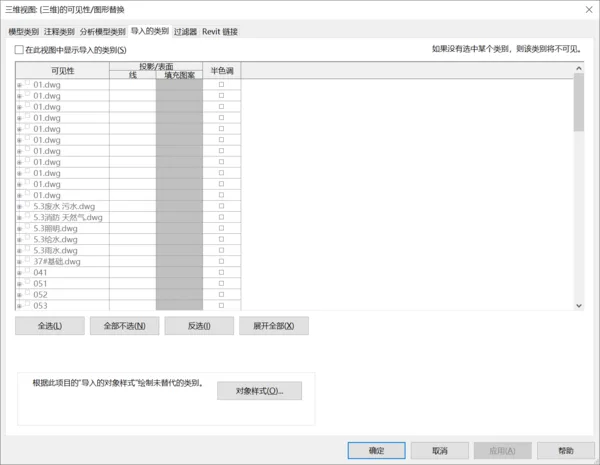
In the 3D view, press the vv shortcut key to open the Visibility/Graphics Overrides dialog. Check if the imported CAD file is listed and ensure it is set to be visible.

If the CAD drawings still do not appear, try enabling the “Show Hidden Elements” option located below in the view control bar to reveal any hidden graphics.

xuebim
Follow the latest BIM developments in the architecture industry, explore innovative building technologies, and discover cutting-edge industry insights.
← Scan with WeChat















Must log in before commenting!
Sign Up