
BIM Q&A | Revit 2016 Encountered an Unresolvable Error: The Program Will Be Terminated. How to Fix It? Urgent.
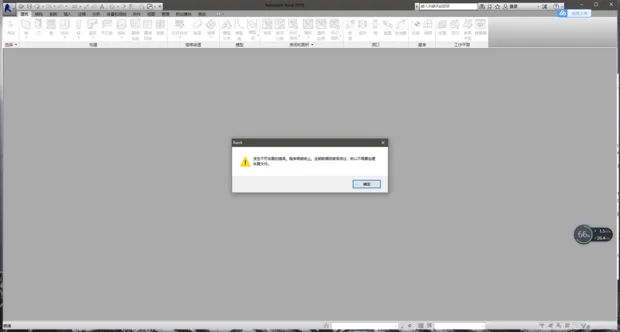
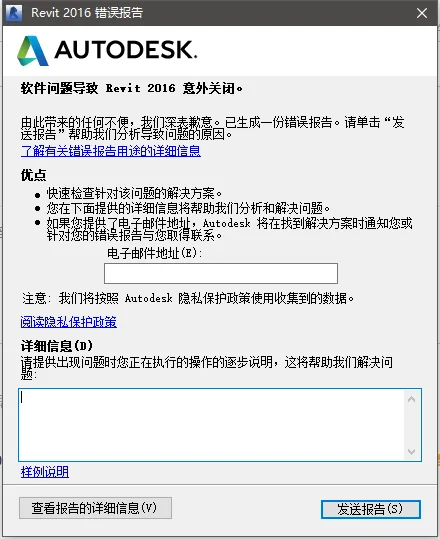
If you have a backup, you’re in luck. If not, check the software’s automatic backup feature.
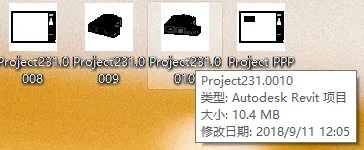
Look for files with a “00*” suffix in the same folder as your project files and open them in Revit.
Unfortunately, if you want to continue from your current work without backups, there’s no solution. I remember when I experienced a crash with Revit, I searched extensively but the official Revit website confirmed that recovery isn’t possible.
If the file crashes again and you don’t have a backup, the only option is to redo your work from scratch.
Please understand, and thank you for your patience.

xuebim
Follow the latest BIM developments in the architecture industry, explore innovative building technologies, and discover cutting-edge industry insights.
← Scan with WeChat















Must log in before commenting!
Sign Up