
BIM Q&A | Why Are Models Created with Revit Volumes Transparent When Loaded into a Project, While Those Created as Families Are Opaque?
I have created some models using conceptual volumes, but when I load them into the project, they appear completely transparent. Adjusting settings like transparency, realism, or coloring has no effect. In contrast, families created using the metric standard template appear opaque as expected. Shouldn’t all models be constructed as families rather than volumes? How can I convert a volume-based model to be opaque, like a family?
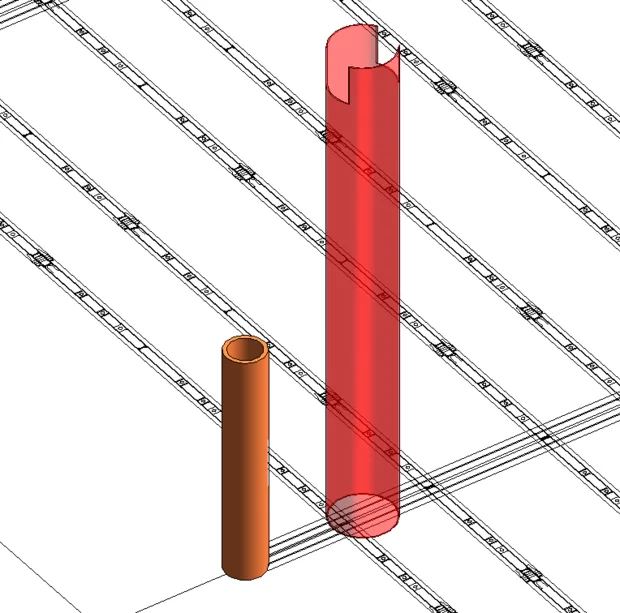
As shown in the image above, you can resolve this by saving the conceptual volume as a family. To do this, click Save As > Library > Family. Then, scroll through the list to find the desired family name, select the appropriate save location, and save your model as a family.
















Must log in before commenting!
Sign Up