
BIM Q&A | Grasshopper Automatically Runs in Rhino’s Command Bar When Using Shortcut Keys
When you type gh, the Rhino command bar activates automatically. There is also a similar shortcut, ctrl+g rh, which triggers the gh command in the command bar. However, after using this shortcut, the Ctrl key stops responding and you can only interact using the mouse.
Every time you enter the Rhino command, the command bar appears, and the same shortcut gh shows up when typing ctrl+g rh. But suddenly, the Ctrl key becomes unresponsive and mouse clicks are the only way to proceed.
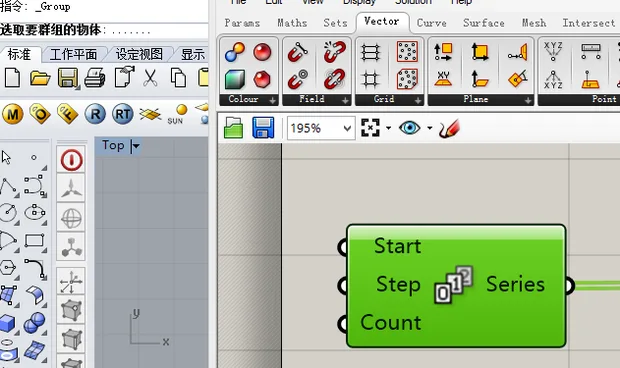
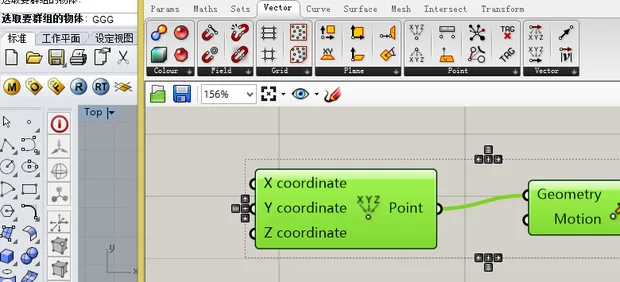
Has no one responded to this issue for years? If my solution works for you, please remember to leave a like.
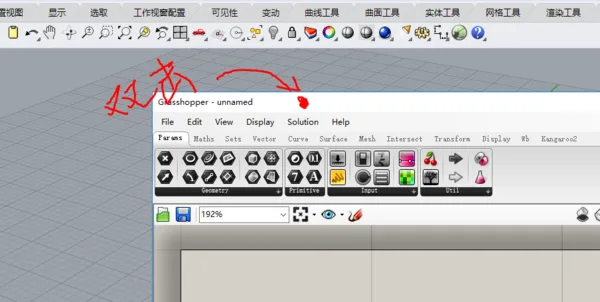
The problem arises because Rhino struggles to recognize Grasshopper’s (GH) active state. If you double-click the GH title bar to minimize it, Rhino assumes GH has moved to the background and prioritizes command input instead.
When you then expand the GH window, you only see its interface but cannot restore its input priority.
The fix is simple: double-click the GH title bar again to bring it back to the foreground and restore normal functionality.
















Must log in before commenting!
Sign Up