
BIM Q&A | How to Array Spheres on a Long Conical Surface in Rhino
How can you arrange non-uniform shapes, such as these species, effectively?
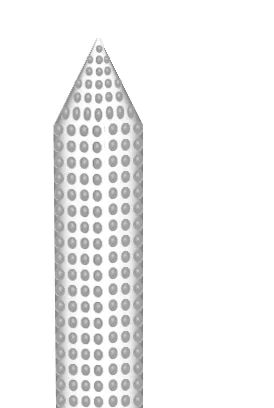
To model a rhinoceros, you can use Grasshopper (GH) together with Rhino. Rhino modeling often involves creating basic patterns, such as arrays. Here are two common types:
1. Rectangular Array: Select the objects you want to arrange, then specify the number of items along the X, Y, and Z axes. Next, enter the spacing on the X axis followed by the Y axis. This will generate the desired rectangular array.
2. Circular Array: This tool distributes objects evenly along a circular arc. To use it, first select the objects. Then, use the mouse to pick the center point of the arc. Enter the number of objects you want to arrange and specify the arc angle. For example, to distribute objects evenly along a 75° arc, enter 75.
















Must log in before commenting!
Sign Up