
BIM Q&A | How to Increase the Quantity of Convex Window Families in Revit 2018
-
To extract relevant data, set the geometric parameters of a family as shared parameters or add them as project parameters. Note that family parameters cannot be included in the schedule.
-
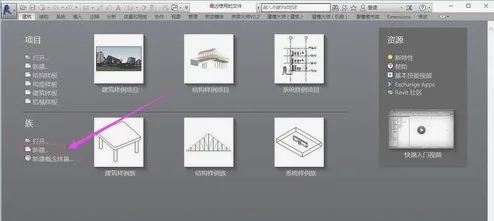
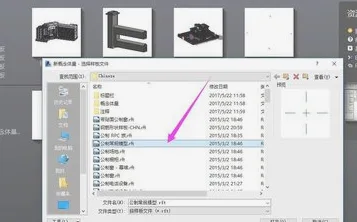
Launch Revit and select “New” under the family category. In the dialog box that appears, choose the metric standard template and click “Open”. Typically, when creating a family, selecting the standard template allows you to model any desired family.
-
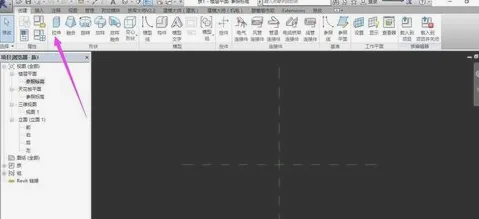
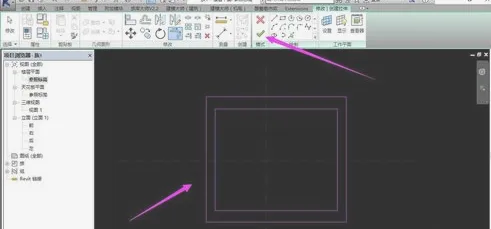
From the Create menu, select the Stretch tool to draw a reference plane. After completing the drawing, click the checkmark (√) in the Modify menu to confirm.
-
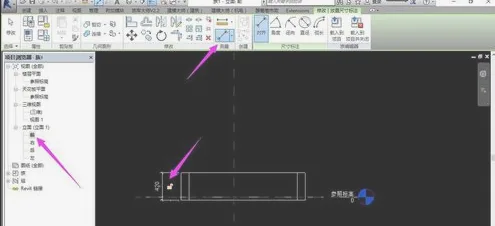
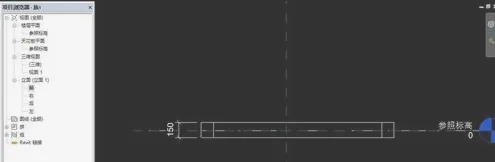
In the Project Browser, switch to the Front view and use the Measure tool. The current width is 420mm; adjust it to 150mm as needed.
-
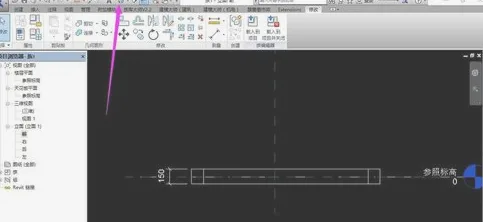
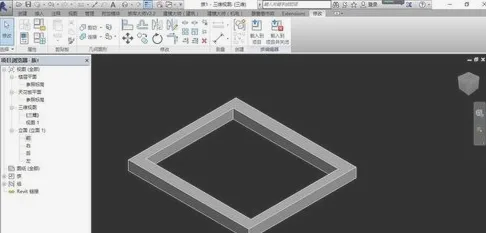
Select the 3D view from the menu bar and set the visual style to Shaded mode at the bottom to preview the model you have created.
















Must log in before commenting!
Sign Up