
BIM Q&A | How to Change the Color of a Wall Section in Revit
Why create a new wall separately just to change its color? When you modify the material, the color of all walls of that type changes at once.
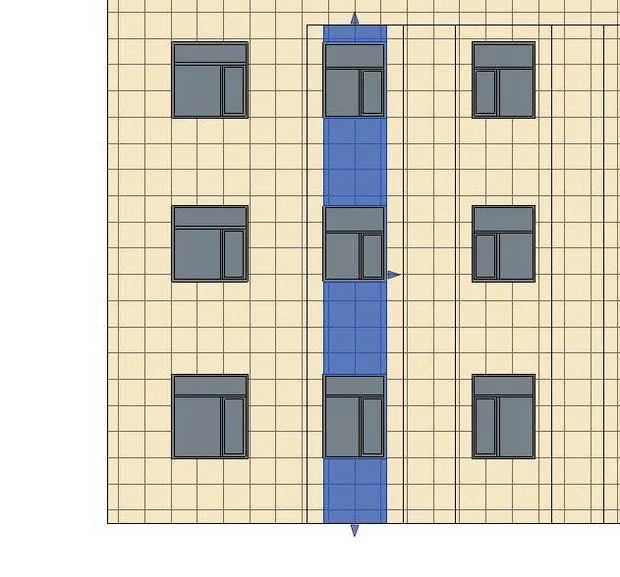
This happens because the material is tied to the wall type attribute. Changing the material affects all walls of that type simultaneously. To change the color of specific walls, you need to create a new wall type and assign these walls to that separate type.

xuebim
Follow the latest BIM developments in the architecture industry, explore innovative building technologies, and discover cutting-edge industry insights.
← Scan with WeChat















Must log in before commenting!
Sign Up