
BIM Q&A | Revit 2016: How to Make the Selection Highlight More Precise
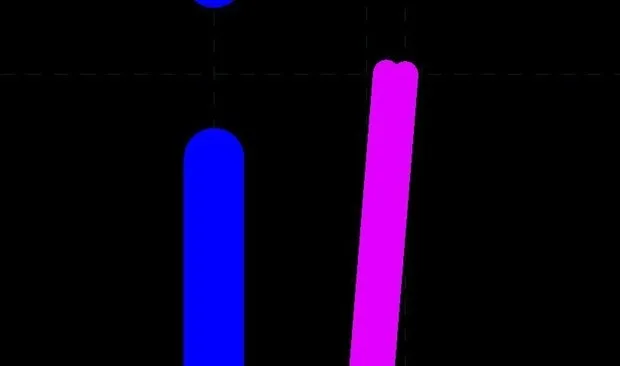
As shown in the image below, it is difficult to identify the exact area to operate on. The selection highlight is so vague that it’s hard to tell where to click or modify.
In the upper left corner of the software interface,
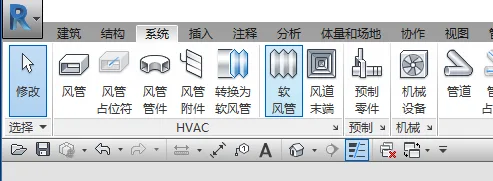
look for this icon.
This icon allows you to toggle between coarse and fine line display for the selection highlight.
While I’m not certain this will fully resolve your issue, it may help improve visibility.
Hope this helps!

xuebim
Follow the latest BIM developments in the architecture industry, explore innovative building technologies, and discover cutting-edge industry insights.
← Scan with WeChat















Must log in before commenting!
Sign Up