
BIM Q&A | How to Fix Text Display Lag in Revit (Detailed Analysis)
Recently, I noticed that Revit experiences significant text display lag, especially when linking CAD files. Have you encountered this issue? After conducting some tests, I found that the main cause is the text layer. Disabling this layer or reducing the amount of text displayed immediately eliminates the lag.
This problem also exists in CAD, but it can be mitigated by using linear fonts. For example, many building annotations can be changed from bold or Song typefaces to thin line fonts, which greatly improves performance. See the illustration below: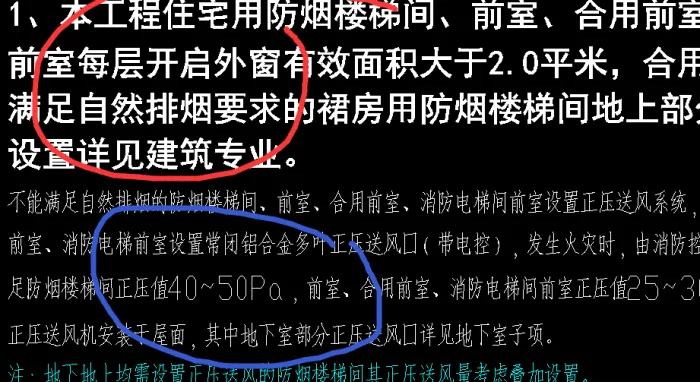

xuebim
Follow the latest BIM developments in the architecture industry, explore innovative building technologies, and discover cutting-edge industry insights.
← Scan with WeChat















Must log in before commenting!
Sign Up