
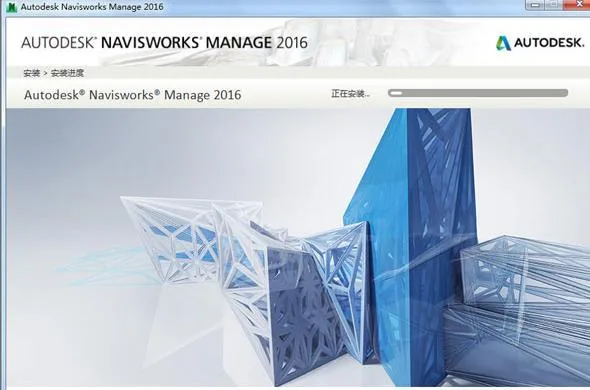
NavisWorks is a powerful 3D/4D design review software that boosts quality and productivity throughout the entire lifecycle of engineering projects. With NavisWorks Manage, you can integrate project design drawings along with outputs from architectural professionals into a single, synchronized building information model.
This unified model provides all stakeholders with a comprehensive view of the project, enabling collaborative reviews of the integrated data. As a result, NavisWorks streamlines multiple phases of the project—from design decision-making and construction execution to performance forecasting, planning, facility management, and operation.
NavisWorks helps teams coordinate compliance, resolve conflicts, and plan projects effectively before construction or renovation begins. It significantly enhances work efficiency while minimizing issues during engineering design, making it a dependable platform for smooth project development.
The software supports all major CAD data formats, including DWG, 3DS, NWD, DWF, and more. Additionally, it features an upgradable, flexible, and programmable user interface tailored to your workflow.
NavisWorks 2013, NavisWorks 2014, NavisWorks 2015, NavisWorks 2017, NavisWorks 2018
Click here to download other versions >>


Installation Guide
1. Download and extract the files. Double-click the
Autodesk_NavisworksManageinstallation package to start self-extraction. Ensure the extraction folder path contains only English characters, for example,C:Autodesk.2. The software will extract approximately 9.05 GB of data, which usually takes about 10 minutes.
3. After extraction completes, the installation interface will appear. Choose your preferred language in the top-right corner (Simplified Chinese is used in this example).
4. Click “I accept” to agree to the terms and continue.
5. Select the license type as “Standalone Version,” then enter the product serial number
666-66996969and product key507H1.6. You may keep the default installation path or change it as needed, but ensure it uses English characters only.
7. Wait patiently while the installation completes—21 products will be installed.
8. Once installation finishes, disconnect from the internet before proceeding with activation.
9. Launch Navisworks 2016 from the desktop icon. When prompted for a 30-day trial, select the “Activation” option.
10. Choose “I have an activation code from Autodesk.”
11. Run the registry patch file
xf-adsk2016_x64.exeas Administrator. Click “Patch” and wait for the confirmation message “Successfully patched.”12. Copy the “Request Code” from the software into the keygen, then click “Generate” to obtain your activation code.
13. Paste the activation code into the registration box and click “Next.”
14. Congratulations! Autodesk Navisworks Manage 2016 is now fully activated.
Important Installation Notes for Navisworks
Installation Sequence: To ensure the add-on module appears in Revit, install Revit first, then Navisworks.
1. System Requirements for Standalone Installation: Verify your computer meets minimum system requirements. Failure to do so may cause problems with Navisworks or your operating system. The installer will detect whether your Windows OS is 32-bit or 64-bit.
2. Administrator Privileges: Installing Autodesk Navisworks requires administrator rights.
3. Installation Process: Right-click the executable file and select “Run as administrator” to start the installation.
4. Serial Number and Product Key: During installation, you’ll be prompted to enter a serial number and product key on the “User and Product Information” page. The serial number has a three-digit prefix followed by eight digits; the product key consists of five digits. Have these ready to avoid interruption.
5. Prevent Data Loss: Close all running applications—including Microsoft Outlook and any antivirus software—as they may interfere with installation.
6. Launching the Software: After installation, run Autodesk Navisworks Manage 201x to register and begin using the software, following the on-screen instructions.
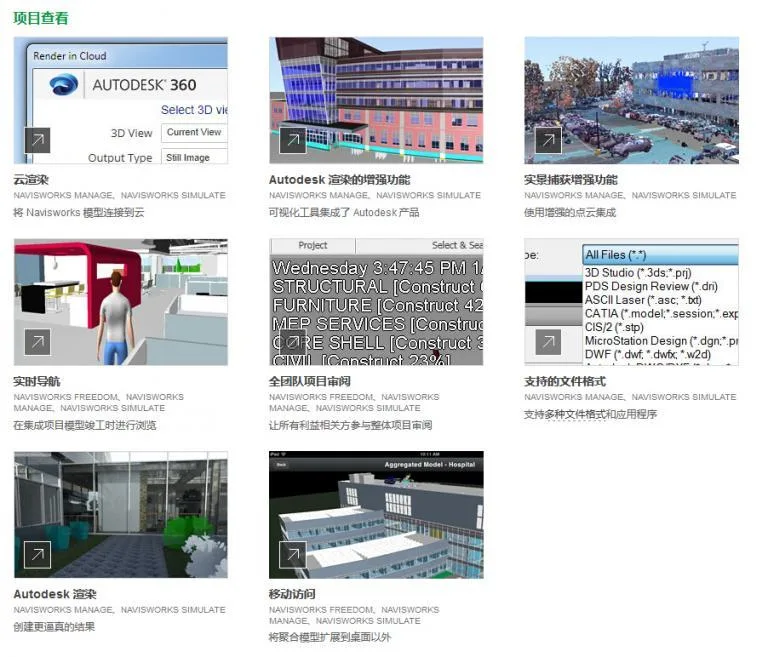
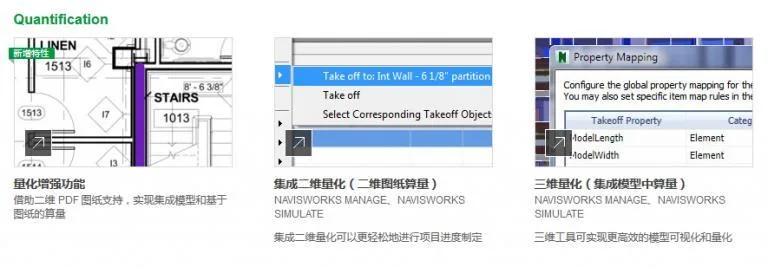
Navisworks 2016 Version Installation Features Showcase
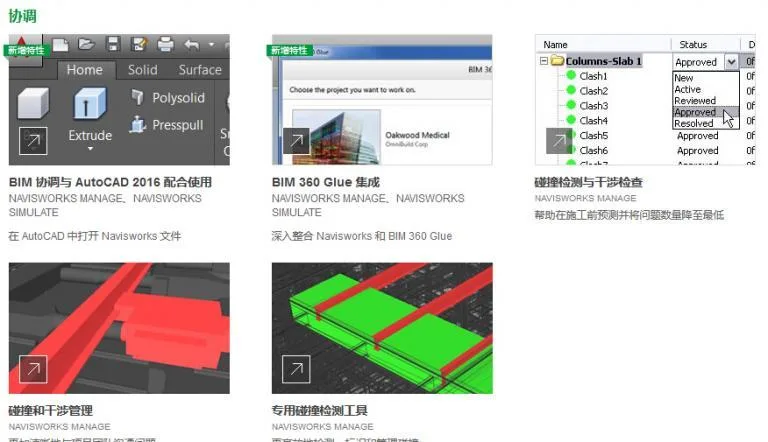
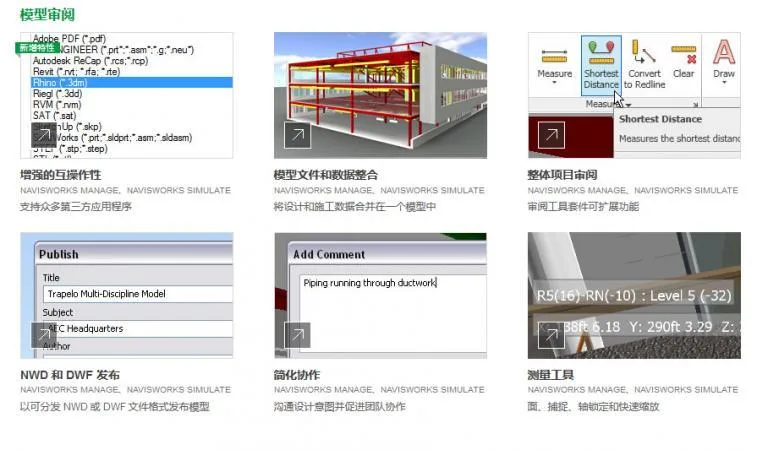
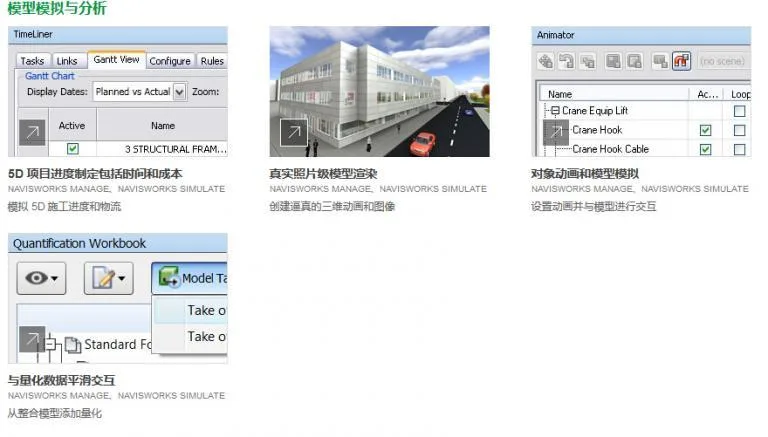















Link cannot be accessed
The download link has been updated.
What should I do if the product key doesn’t work
Is it okay to install it on the D drive? The C drive has insufficient space
Why did the file disappear? I can’t extract it
Can the Win10 system install Drive 2016?
Thank you
Thank you, OP
Thank you
Thank you
Thank you, OP
Where can I find the serial number
The fifth article of the “Installation Tutorial” in the graphic and textual introduction has been clearly stated.
I can’t register for Navisworks Management 2016, I can only use Freedom! What about this? The manager keeps saying that the activation code is incorrect
Disconnect the network and follow the steps
Thank you for sharing………..
What should I do if a low version cannot open a high version NWD file, and it prompts that the format cannot be found
1. Export low-level files; 2. Install higher version software;
The activation code keeps displaying errors. Even if the network is disconnected, using administrator privileges is not allowed, and both network disconnection and using administrator privileges are not allowed.
Please confirm if the activation code is correct? For example, are there any missing parts when copying
Why can’t I open the registration machine even as an administrator?
Check if the registration machine has been mistakenly deleted by antivirus software.
What is the situation where the exported Animator animation from navisworks cannot be opened or the order is messy? Kneeling down to seek guidance from the great god
Check if there are any issues with keyframe or timeline settings?
Follow up: Is it okay to broadcast Animator animations in navisworks? Are there any issues with keyframes and timelines? Please be more detailed, Great God
Thank you very much __AI_S_SC0__
Use Baidu Cloud Drive instead of contacting the BIM administrator.
If you encounter problems with downloading or BIM technology, you can contact the administrator or customer service.
How to download it?
Click on the download link to download, and the resources are stored on Baidu Cloud Drive
Conscience Forum
The activation code has been consistently incorrect…
Run the registration machine with administrator privileges. If you still cannot register, try disconnecting the network and activating it.
The installation path should not have Chinese characters, and also make sure your computer is 64 bit
okay. It may be a download issue. Just download it again and it’s installed. Thank you.
How to activate the autodes behind it? I don’t have enough letters for ‘generate’
It should not have been copied in full, be sure to copy all activation codes.
Is this 64 bit
Navisworks2016 is only available in 64 bit version
Do both 001 and 002 need to be decompressed
Just need to decompress one, the other one will automatically decompress
Thank you~~
I downloaded and installed it, but there was an activation error. What should I do?
Run with administrator privileges and attempt to activate network disconnection
Why isn’t the 2013 version of Navisworks available
Hello, Navisworks2013 has now been added. Download path: __AI_SBT-URL-0__
Thank you.
Does version 16 have 32-bit? Can’t I install 32-bit on my computer?
Navisworks2016 does not have 32-bit, only 64 bit. If you need to install 32-bit, it is recommended to install Navisworks 2013 version.
Are 001002 two installation packages
No, it needs to be downloaded before installation
After downloading, do I need to decompress both or just click 001?
It seems that just by clicking on install 001, the other one will automatically decompress. I don’t know if that’s the case? [嘻嘻]
May I ask what the extraction code is
You can see it on the download page.
Good resources definitely need to be supported
I am using the 2015 version and have not used the 2016 version. Is this version working well?