
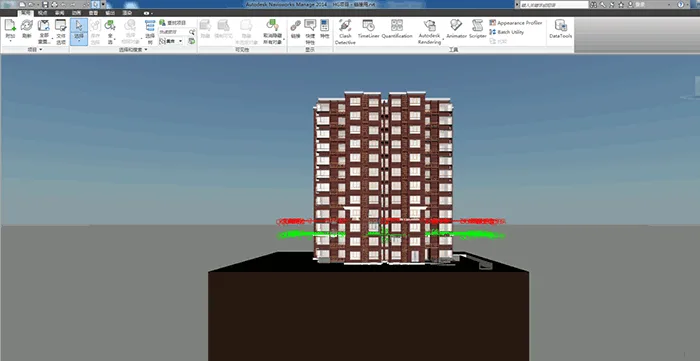
NavisWorks is a robust 3D/4D design review software that boosts quality and productivity throughout all stages of engineering projects. Using NavisWorks Manage, design teams can merge project drawings and architectural data into a single, synchronized building information model. This unified model enables all stakeholders to gain a comprehensive view of the entire project and collaborate seamlessly during the review process.
This integrated approach enhances multiple project facets, such as design decision-making, construction execution, performance prediction, scheduling, facility management, and overall operations. NavisWorks facilitates coordination for compliance, conflict resolution, and efficient planning before construction or renovation starts.
By significantly improving workflow efficiency and reducing design errors, NavisWorks offers a reliable platform for streamlined engineering project development. It supports major CAD data formats including DWG, 3DS, NWD, DWF, and others. Additionally, it features a flexible, upgradeable, and programmable user interface.
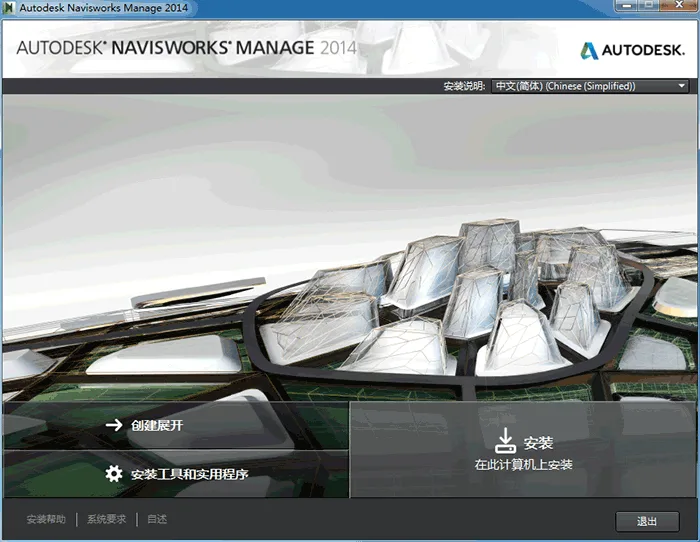
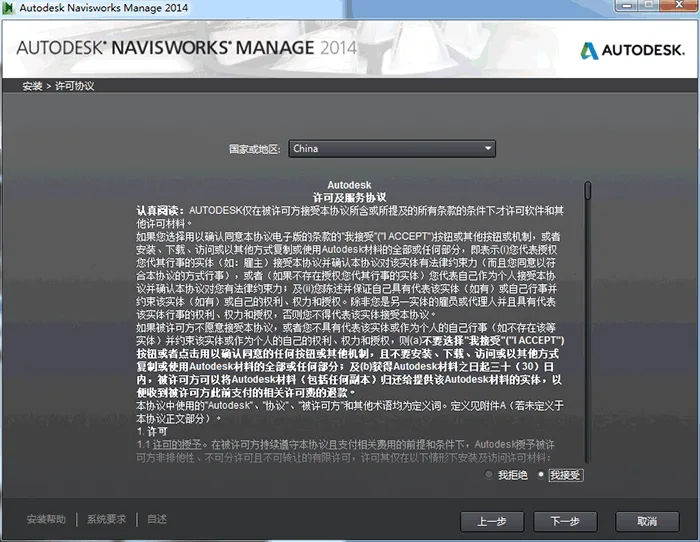
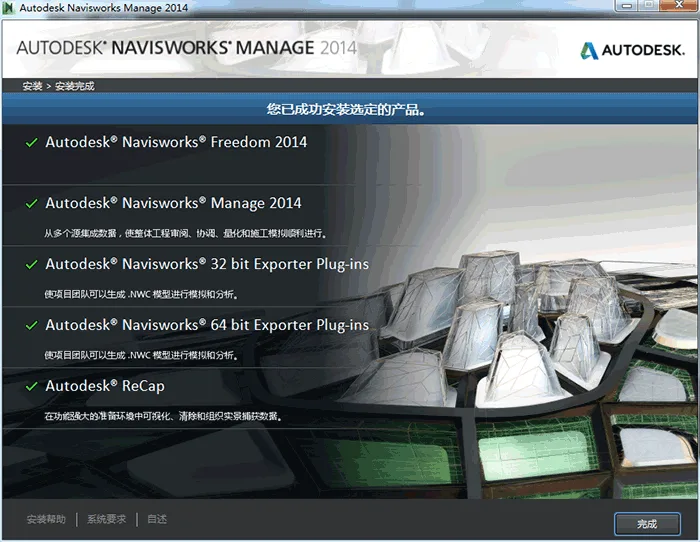
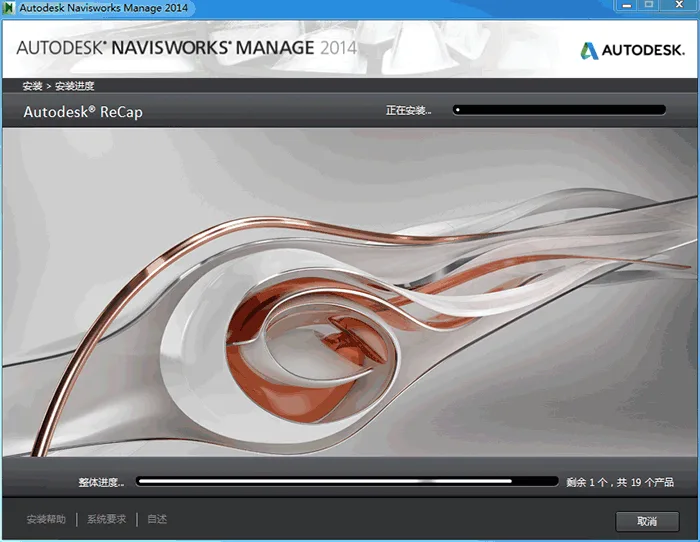
Installing NavisWorks
Installation Order: To ensure that the add-on module is available in REVIT software, install REVIT first, then proceed with NavisWorks installation.
- System Requirements for Standalone Installation
Verify that your computer meets the minimum system requirements. Ignoring this could cause issues with Autodesk NavisWorks or your operating system. The installer will automatically detect whether your Windows OS is 32-bit or 64-bit. - Administrator Privileges
You must have administrator rights to install Autodesk NavisWorks. - Installation Process
Right-click the .exe file and select Run as administrator to begin the installation. - Serial Number and Product Key
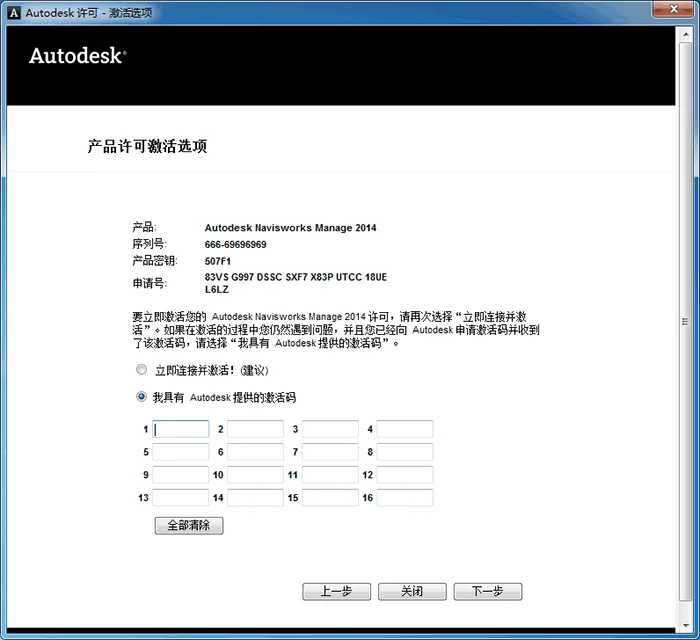
On the “User and Product Information” page, enter your serial number and product key. The serial number consists of a three-digit prefix followed by an eight-digit number, while the product key is five digits. Keep these details handy to avoid interruptions. - Avoid Data Loss
Close all running applications, including Microsoft Outlook, before installation. Background virus scans by these programs can interrupt the NavisWorks installation, potentially causing data loss. - Launching Autodesk NavisWorks Manage 201x
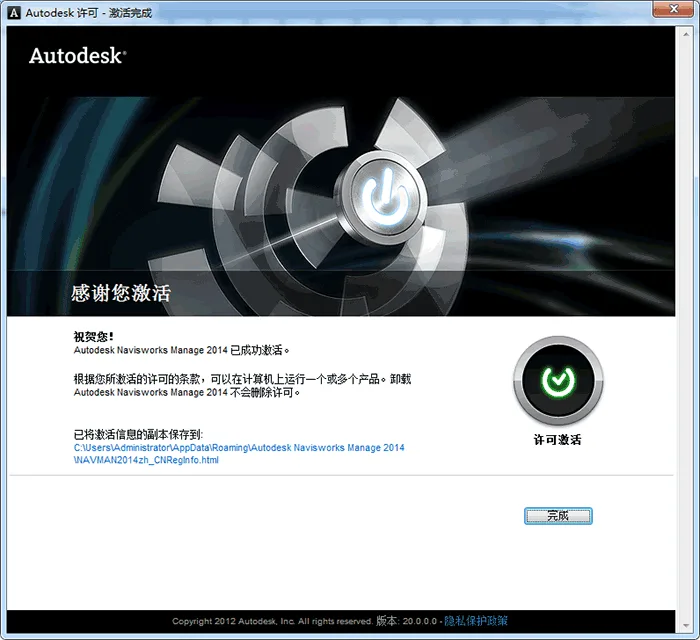
After installation, open Autodesk NavisWorks Manage 201x to register your product and start using the software. Follow the on-screen instructions to complete the registration.















Can I use a 32-bit computer version 14
It is recommended to use Revit 2013 version for 32-bit computers.