
NavisWorks is a powerful 3D/4D design review software that enhances quality and productivity throughout the entire lifecycle of engineering projects. Within design workflows, NavisWorks Manage enables the integration of project design drawings and outputs from architectural professionals into a single, synchronized building information model.
This unified model allows all stakeholders to view the project comprehensively, reviewing integrated data and designs together. Such a holistic approach optimizes various aspects including design decision-making, building execution, performance prediction, planning, facility management, and operations. It facilitates coordination of regulations, conflict resolution, and effective project planning before construction or renovation begins.
By significantly improving work efficiency and reducing design issues, NavisWorks serves as a robust platform for streamlined project engineering development. It supports all major CAD data formats on the market, including DWG, 3DS, NWD, DWF, and more. Additionally, the software features a flexible, upgradable, and programmable user interface.
Below is a demonstration of the installation process using the 2014 version, which is similar to the 2013 version:
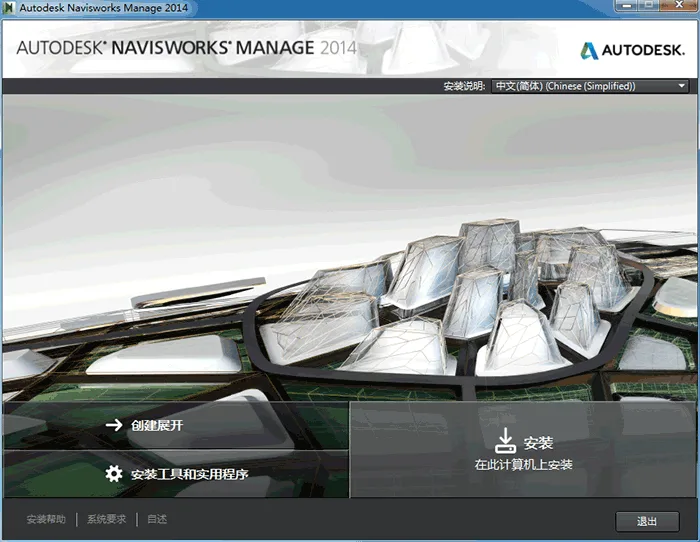
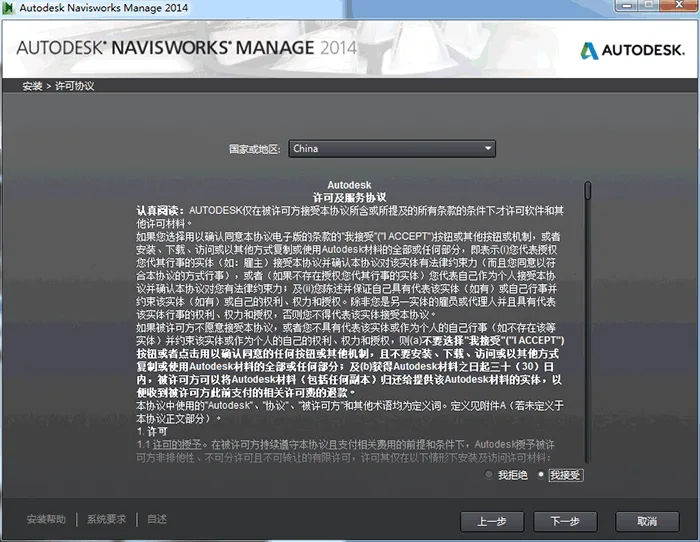
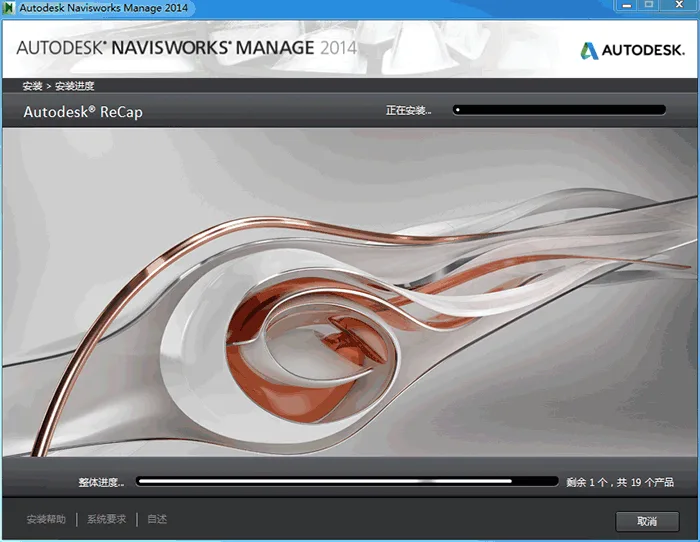
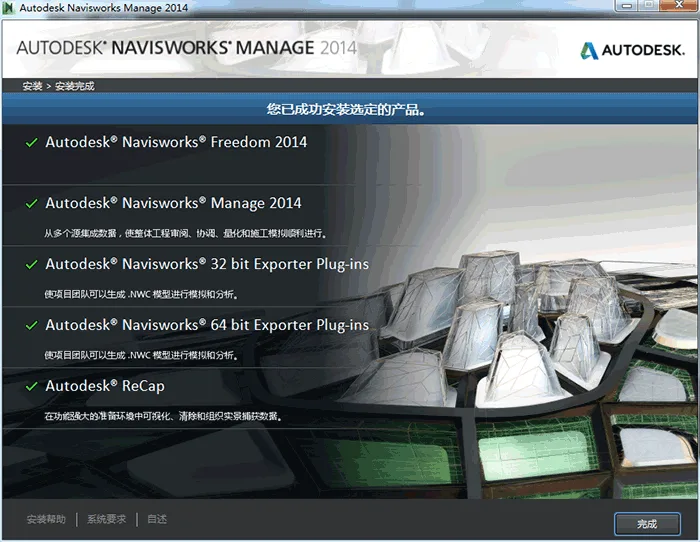
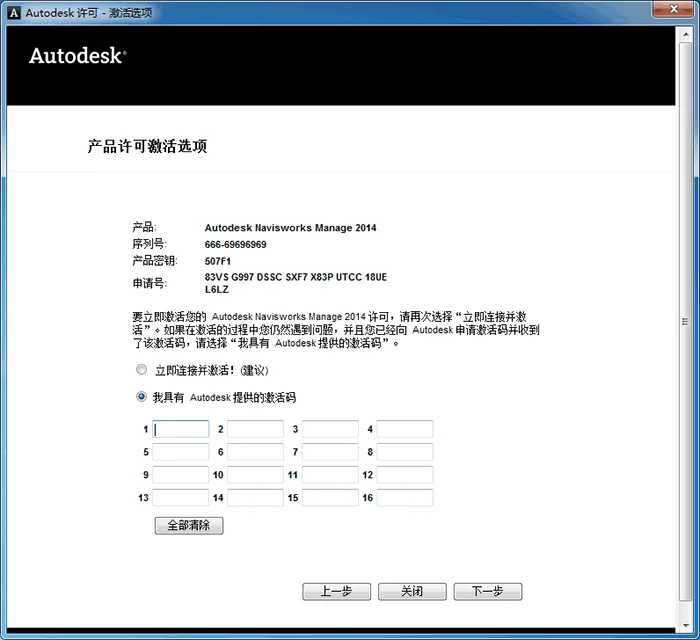
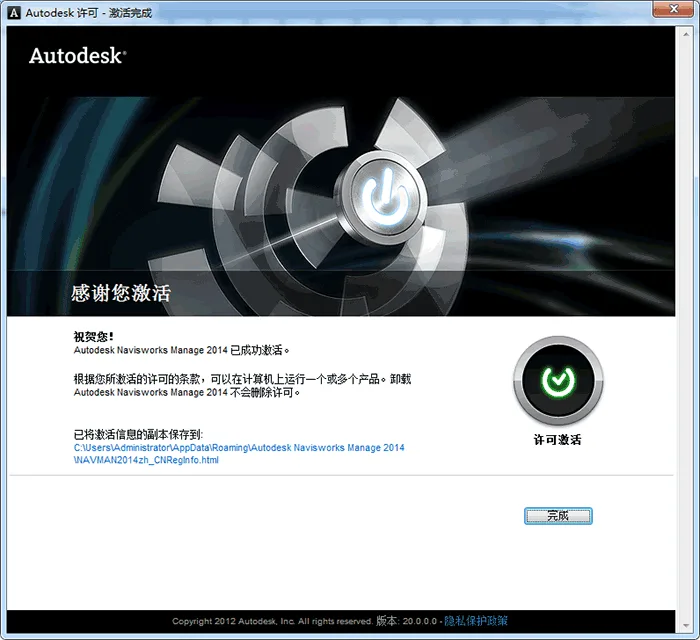
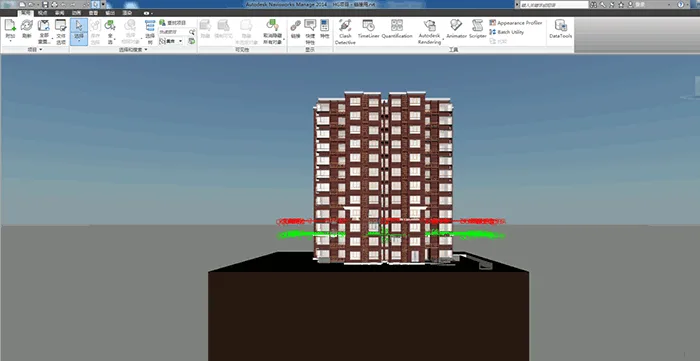
NavisWorks Installation Guide
Installation Order: To ensure the add-on module appears within REVIT, install REVIT first, followed by NavisWorks.
1. System Requirements for Standalone Installation
Before beginning, verify that your computer meets the minimum system requirements. Failure to do so may cause issues with Autodesk NavisWorks and your operating system.
The installer automatically detects whether your Windows operating system is 32-bit or 64-bit during setup.
2. Administrator Permissions
Installing Autodesk NavisWorks requires administrator privileges. Please ensure you have the necessary permissions before proceeding.
3. Installation Process
Right-click the .exe installation file and select Run as administrator to start the installation.
4. Serial Number and Product Key
During installation, you will be prompted to enter the serial number and product key on the “User and Product Information” screen.
The serial number includes a three-digit prefix followed by an eight-digit number. The product key is a five-digit code.
Make sure to have this information ready before activation to avoid any interruption during the installation process.
5. Prevent Data Loss During Installation
Close all running applications—especially antivirus programs and software like Microsoft Outlook—to prevent interruptions and potential data loss during installation.
6. Launching Autodesk NavisWorks Manage 201x
After installation completes successfully, launch Autodesk NavisWorks Manage 201x to register your product and begin using the software. Follow the on-screen prompts to complete registration.















Does this version support 32-bit systems
supported