
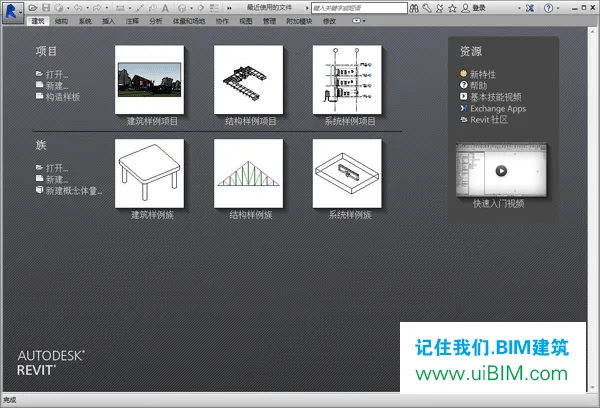
Revit 2015 is a powerful 3D building information modeling (BIM) software designed for architectural design, MEP engineering, structural engineering, and construction projects. It integrates three key components: Revit Architecture, Revit Structure, and Revit MEP, offering a comprehensive platform for creating detailed 3D building models.
What sets Revit apart is that its models are not just three-dimensional representations but also contain all relevant information about the building components. The software’s core functionality is captured in its name—“Revit”—which stands for “one modification, everywhere modification.” This means that any change made in one view automatically updates every other view where that component appears, ensuring consistency throughout the project.
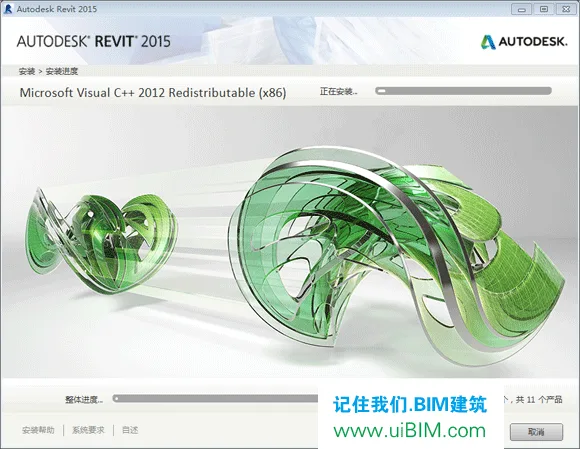
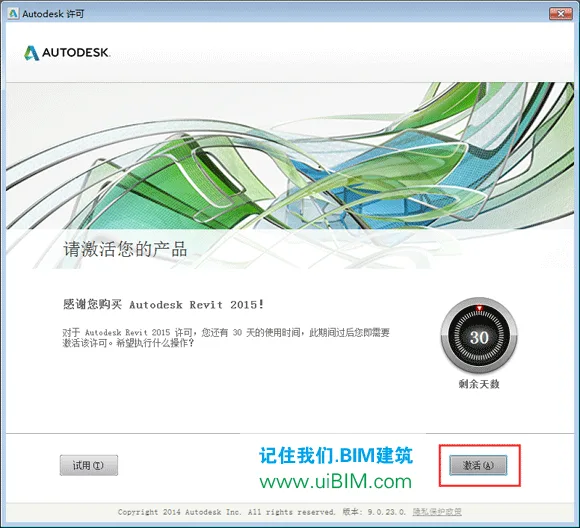
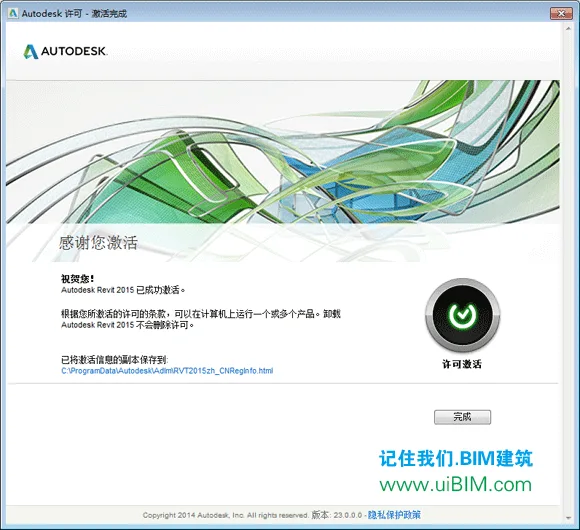
This particular version is the Revit 2015 64-bit Chinese full edition, compatible with Windows 7, 8, and 10 operating systems. The installation package includes the Architecture, Structure, and MEP modules, along with a complete family library. After installation, the software is ready to use immediately, providing a seamless experience for users.















What is the activation code
Serial number: 666-6696969, key: 829G1
Share learning
What’s the reason why the family files cannot be found after downloading and installing?
Incomplete installation caused this issue. Solution: First, check if the family library appears normally in the installation path after installation. If it already exists, click on the settings below, click on the top left corner, select “Options” – “File Location”, and click on “Default Path for Family Template Files” to point to your family file location.
Can I switch to English display
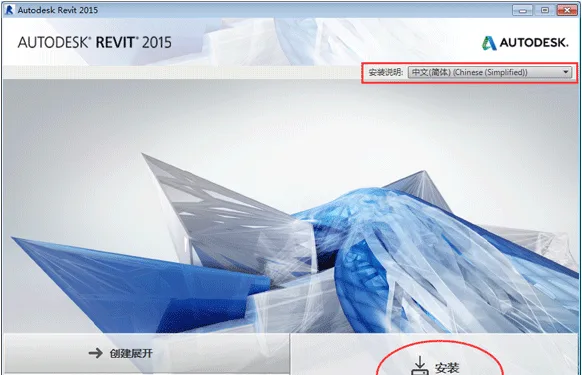
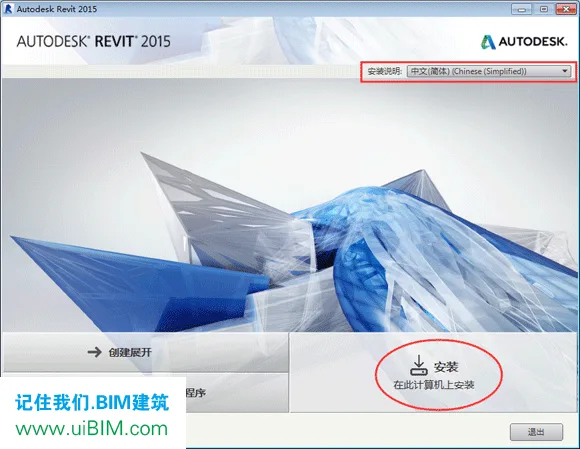
You can choose Chinese or English during installation
What is the extraction code?
It seems like you can see it directly on the download page.
What should I do if there is a 64 bit installation error?
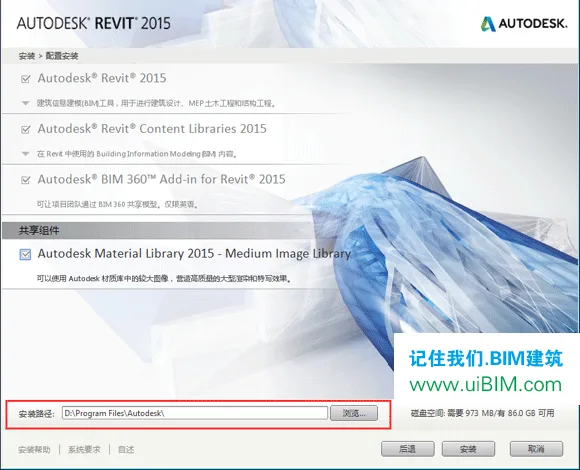
There is no problem with the software. Check if your installation path contains Chinese characters, etc?
Default installation path
Refers to your installation package path
After installation, some products cannot be installed with 5 red xx_AI_C_SC_0_2014 System WIN8.1
Take a look at the error log, it is usually caused by compatibility issues with the 2010-2015 version of C++. According to the error diagnosis, reinstalling these should solve the problem. It is also possible that the installation package title name is too long or other issues
Can you provide guidance? I’m confused about the installation log files. 282924038Q
Why are there still x86 and x64, part1 and part2? Which hero has installed them? Please advise
X86 is installed on a 32-bit computer, X64 is installed on a 64 bit computer, and only one of parts 1 and 2 needs to be extracted
Thank you
Why are there no family or sample files after installation
There should be an issue with the installation process, so you can directly copy the family files and template files for use.
Hello, there are many files downloaded, I don’t know which one to install
Thanks for sharing!
Thanks for sharing!