

Introduction to AutoCAD 2017 Software
AutoCAD 2017 no longer supports the Windows XP operating system. This latest version from Autodesk is primarily designed for 2D drafting, detailed drawings, design documentation, and basic 3D modeling. It has become one of the most widely used drafting tools worldwide.
With AutoCAD, you can accurately share design data with clients, benefiting from the powerful local DWG format. DWG is among the most extensively used design data formats in the industry, ensuring that everyone stays updated with your latest design decisions at all times.
AutoCAD 2017 offers enhanced graphics support, rendering tools, and robust drawing and 3D printing capabilities to make your designs truly stand out. It is compatible with microcomputers and workstations running various operating systems, fully supporting both 32-bit and 64-bit systems such as Windows 7, 8, and 8.1.
New Features in AutoCAD 2017
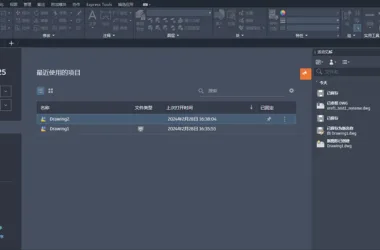
1. Interface Optimization: The new tab, functional area library, command preview, help window, geographical location, realistic computing, exchange applications, and plan summary features have been enhanced. The interface now includes a dark theme, offering a harmonious and immersive workspace that promotes focus and productivity.
2. Status Bar Improvements: The bottom status bar has been optimized for greater practicality and convenience.
3. Hardware Acceleration: AutoCAD 2017 delivers significantly smoother and more fluent performance thanks to improved hardware acceleration.
Upgrade Policy
Can existing licensed users upgrade to AutoCAD 2017 for free? Unfortunately, no. Since 2016, Autodesk has offered upgrade opportunities only to users with active subscription contracts. Over recent years, Autodesk has increasingly favored subscription-based purchases. If you currently hold a perpetual license, you are not eligible for free upgrades.
Activation Steps for AutoCAD 2017
- Disconnect from the internet by unplugging the Ethernet cable or disabling the network adapter.
- During installation, enter the serial number: 666-69696969 and the product key: 001H1.
- Once installed, launch AutoCAD 2017 and click “Activate”. Select “Request an activation code using an offline method” and proceed. Copy the displayed request number for backup, then click “Close”.
- Restart AutoCAD 2017, click “Activate” again, and choose “I have an Autodesk activation code”.
- Run the keygen (registration tool) as an administrator. First, click “Patch”. Then, paste the copied request code into the keygen and click “Generate” to obtain the activation code.
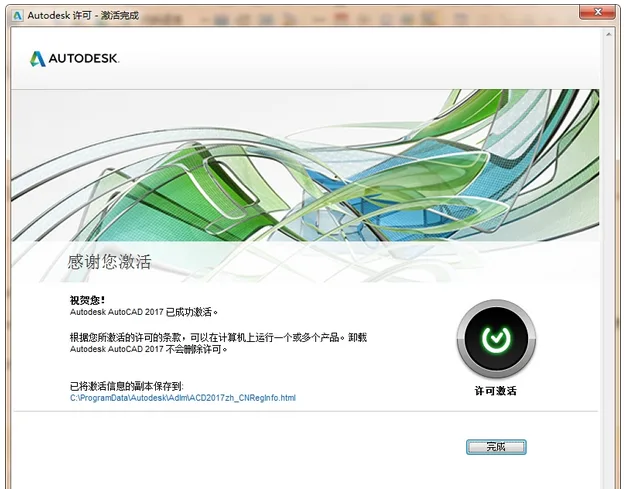
- Copy the activation code from the keygen into the AutoCAD activation window and click “Next” to complete the activation process.














The online storage cannot be opened
The download address has been updated.