
Autodesk Revit 2025 Chinese Official Version is a versatile modeling and conceptual design software tailored for the architecture, engineering, and construction industries. This software offers comprehensive tools that support every stage of design and development, accelerating project planning and execution while enhancing the entire project team’s capabilities. It boosts productivity and fosters seamless collaboration between office and on-site teams.
Revit enables precise parametric modeling, simplifies project management, and streamlines drawing modifications and planning. It allows accurate sketching and scheduling of actual construction progress. All project information is shared in real-time, important annotations are added, and design intentions are clearly communicated. The user-friendly environment gives all users confidence to move confidently through each stage of the process.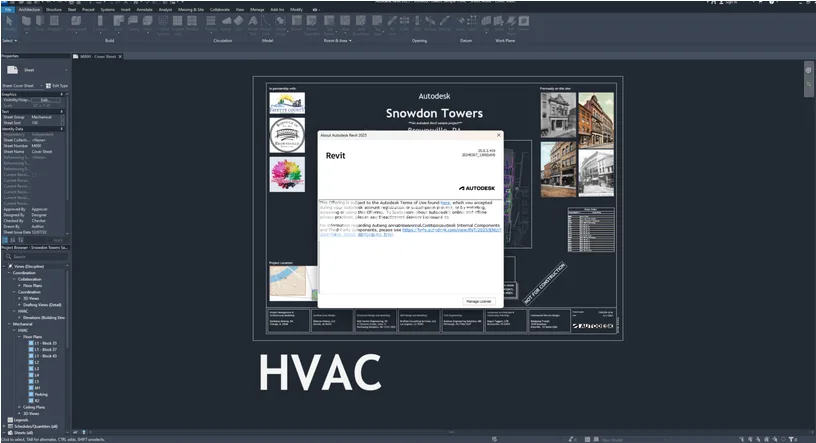
Revit 2025 introduces numerous new features and improvements, including:
- Improved performance and stability: Optimized software performance and enhanced stability allow users to complete projects more efficiently.
- New visual experience: A redesigned user interface offers more intuitive access to tools and commands, fully supporting high-resolution displays.
- Advanced design tools: New features like precast panels and concrete and steel reinforcement hoops speed up design and construction workflows.
- Enhanced documentation tools: Improved annotation and note options simplify the creation and editing of detailed construction drawings.
- Better collaboration: Integration with Autodesk BIM 360 enables smoother sharing and access to project data and documents.
In summary, Autodesk Revit 2025 is a powerful, user-friendly, and efficient BIM software solution that helps construction professionals achieve superior design outcomes and improved productivity.
Main New Features of Autodesk Revit 2025
- New Revit Home Page (Technical Preview): Toggle between the classic home page and an updated version with enhanced features.
- Dark themes for detail tables: Enable dark mode for detail tables, panel detail tables, and their template editing modes for visual consistency.
- Enhanced elevation base options: Add a top plane as an elevation base when editing shapes.
- Dynamo update 2.19.3: Features improved node and package searches, new methods for identifying package nodes, and an enhanced Python editor.
- Alphabetical sorting of parameters: Sort project parameters alphabetically from the Properties Palette and Type Properties dialogs.
- Automatic color conversion in dark themes: When switching from light to dark mode, colors automatically adjust across all views for better readability and reduced eye strain.
- Improved electrical analysis performance: System browser performance enhancements reduce modification time for large electrical analysis models by 90%.
- Add region boundary lines in Model Group Editor: Modify region boundaries easily within the editor.
- Remember type property delimiter settings: Column widths set in the Type Properties dialog will now be retained.
- Accurate ‘Create Similar’ tool: Launches the correct tool from the drawing library when used.
- Preserve views during design option modifications: Retain views from non-primary design options when they are removed during ‘accept primary’ operations.
- Other minor enhancements: Additional subtle improvements throughout the software.
Autodesk Revit 2025 Crack + Installation Guide
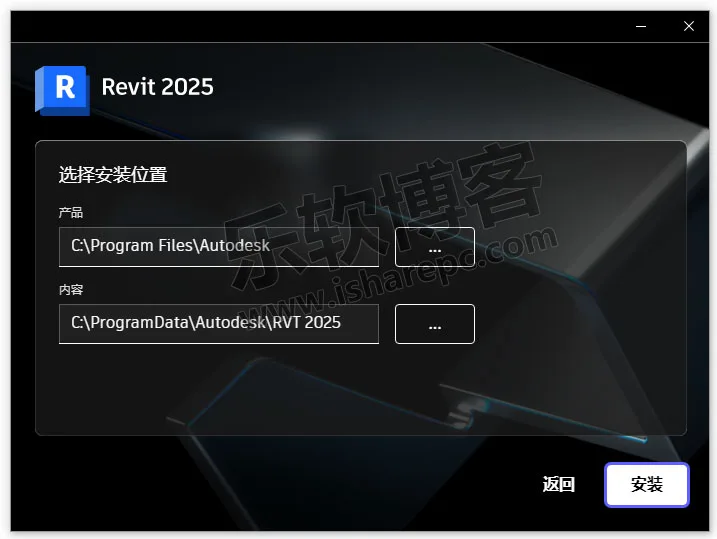
- Extract Revit_2025_Chinese_Tin_64bit-dlm_002_002.7z. Double-click Setup.exe, select the installation directory, and install the software.
- Right-click AdskNLM.exe and run as administrator. The crack will install automatically. Wait until completion.
Note: Antivirus software may block this process; be sure to add it to your trusted exceptions.
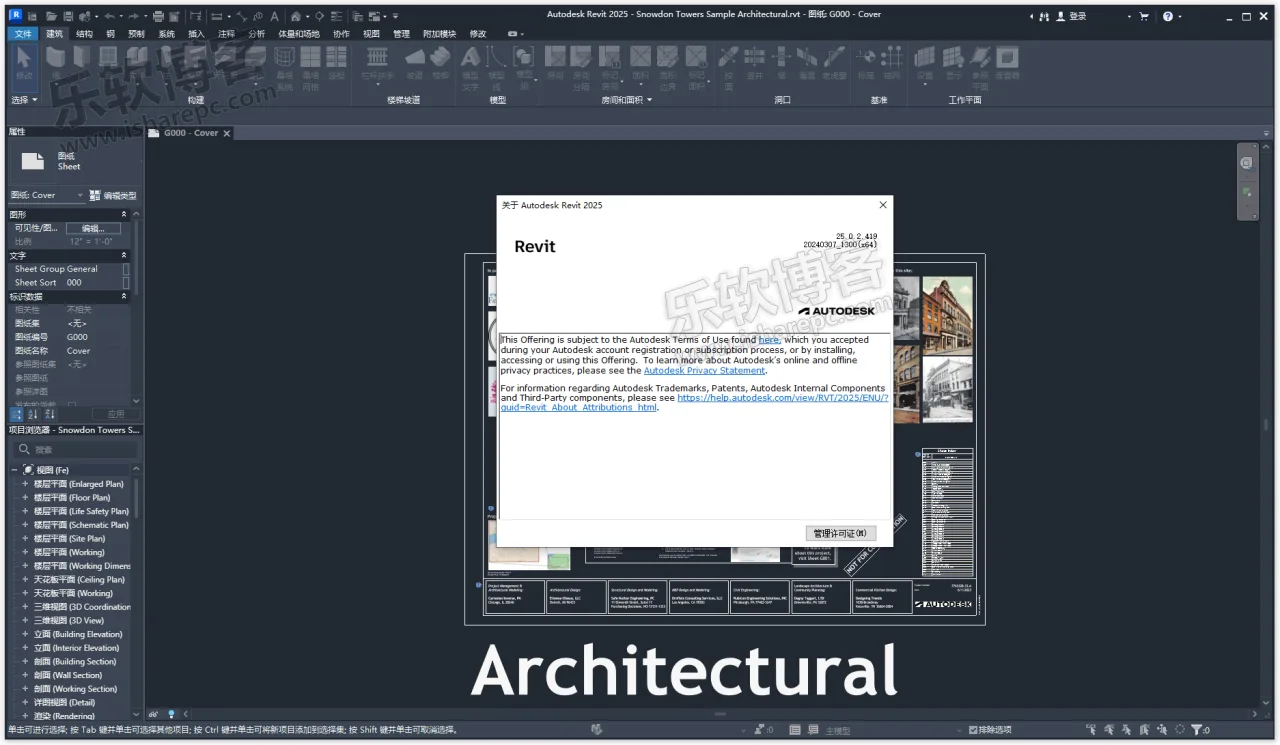
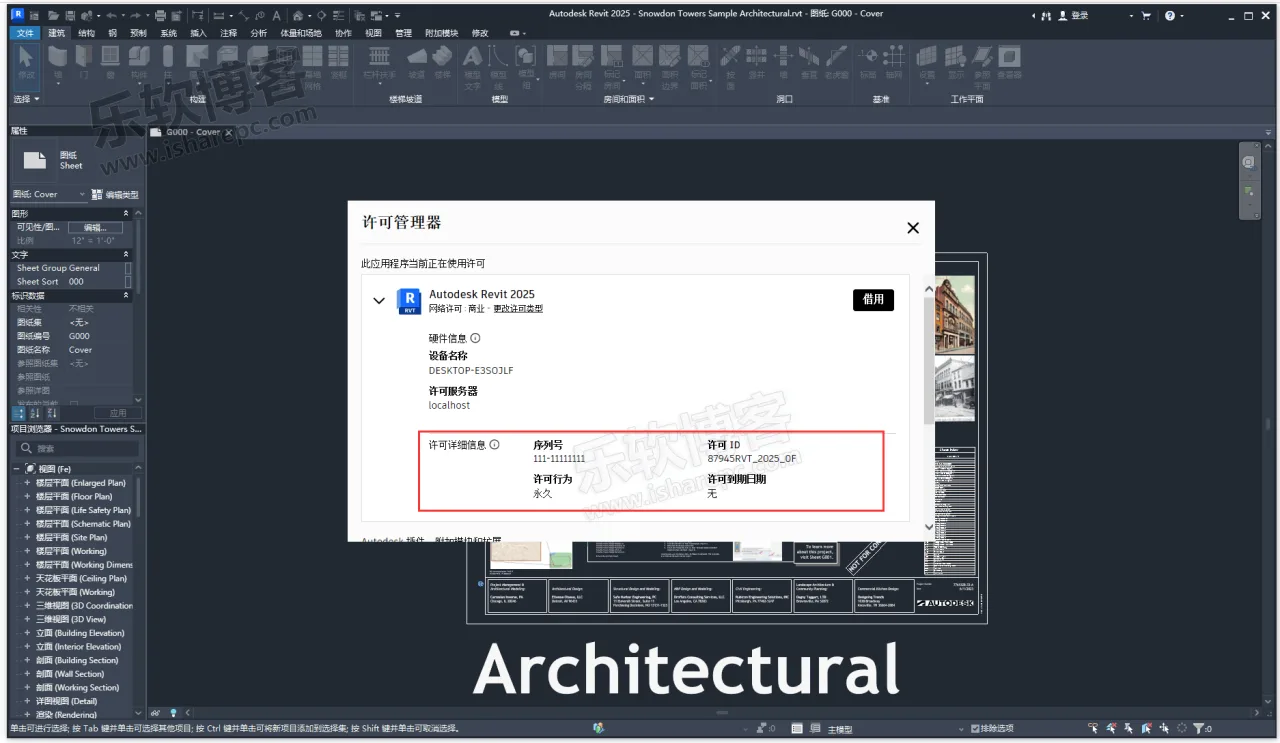
This universal crack works for all Autodesk products. If you have run AdskNLM.exe before, you can skip this step. - Run Autodesk Revit 2025 and select to use a network license.
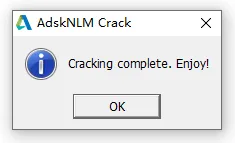
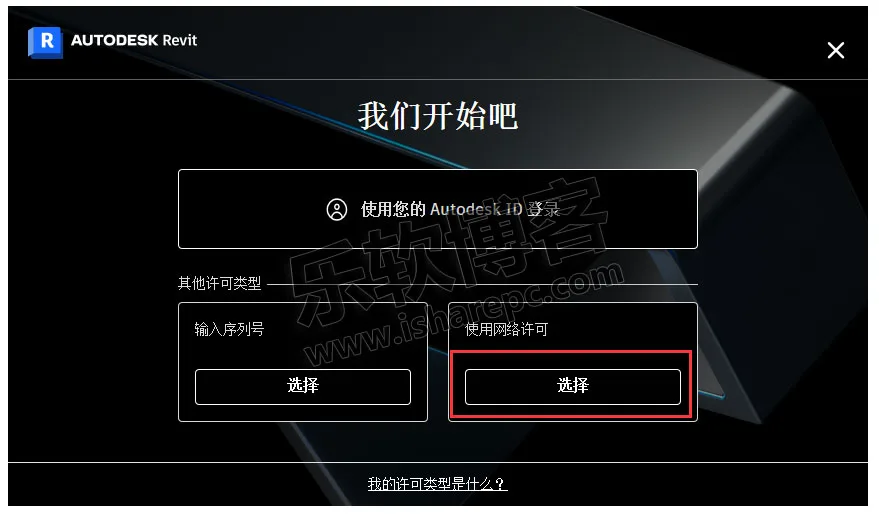
- Installation and activation are complete. Enjoy!
1. Conceptual Design Tools
Utilize free-form tools to analyze and represent masses within the Revit mass environment, then refine geometry parametrically within your project.
- Insight for Analysis: (Engineering Construction Software Set only) Use Revit’s integrated advanced simulation engine and building performance data to evaluate factors such as sunlight exposure, overall energy consumption, and heating/cooling loads.
- Architectural Modeling: Add building elements like walls, doors, and windows, or define custom components and families to meet any modeling detail requirements.
- Point Cloud Tools: Capture existing and as-built conditions by importing scanned point clouds directly into Revit.
- 3D Design Visualization: Explore, validate, and communicate design choices with high-quality rendered images powered by Autodesk Raytracer.
- Multi-story Staircases: Connect stairs to levels for rapid creation and modification of multi-story buildings.
- Cloud Rendering: Produce photorealistic visualizations without taxing your desktop or requiring specialized hardware.
2. Structural Engineering and Manufacturing
- Analysis-driven Modeling: Use precise structural analysis tools during BIM development to assess and adjust design intent, automate expressions, run multiple analyses, organize data for documentation, and ensure quality control. (New features in Revit 2023)
- Reinforcement Detail Design: Create 3D steel reinforcement designs for cast-in-place and precast concrete structures, generating detailed construction drawings and reinforcement schedules.
- Structural Steel Modeling: Use parametric steel connections or create custom connections to build detailed steel structure models.
- Bidirectional Analysis Linking: Integrate analysis results into the BIM workflow for iterative design improvements.
- Dynamo for Structural Engineering: Enable structural engineers and detailers to build efficient structures and custom design tools with Dynamo.
- Steel Structure Manufacturing Integration: Seamlessly link Revit with Advance Steel to support workflows from design through manufacturing.
3. MEP Engineering and Manufacturing
- Preliminary Electrical Load Analysis: Electrical engineers can perform early load calculations using architectural PDFs, DWGs, or Revit geometry before modeling equipment.
- MEP System Analysis: Optimize HVAC system design and modeling with data-driven decisions.
- HVAC Design and Documentation: Model complex duct and piping systems and express design intent using mechanical design content.
- Electrical Design and Documentation: Design, model, and document electrical systems while tracking power loads across the distribution system.
- Pipeline Design and Documentation: Create sanitary plumbing systems with correctly inclined and laid-out piping.
- MEP Manufacturing Detail Design: Model and coordinate Level of Detail (LOD) 400 MEP components for manufacturing.
- Insight Integration: Optimize building performance through centralized data access and advanced analysis engines.
- Manufacturing Service Conversion: Use the “Design to Manufacturing” tool to convert design-level elements into detailed construction models.
- Manufacturing Documentation: Effectively document model layouts, create detailed lists, and label manufacturing elements.
4. Construction
- Construction Modeling: Extract construction data from design models. Split wall layers, manage concrete pours, and prepare assembly drawings.
- Navisworks Interoperability: Open Navisworks collaborative models directly in Revit to coordinate multi-software team efforts.
- Import/Export 2D Drawings: Transfer AutoCAD files into or out of Revit and prepare sheet sets for manufacturers, subcontractors, or other stakeholders.
- Detailed Constructability Information: Expand design intent models with details tailored to construction team needs.
5. Computational Design and Developer Tools
- Derivative Design: (Engineering Construction Software Set only) Quickly generate design alternatives based on goals and constraints. (Video available in English, 2 minutes 46 seconds)
- Dynamo for Revit: Use the open-source graphical programming interface included with Revit to automate and optimize BIM workflows.














Autodesk Revit2025 is missing a complete family library, where can I download it