
AutoCAD 2007 (CAD2007 download) remains one of the most popular CAD software programs in the design industry. It is widely used across various sectors such as machinery, construction, home furnishings, and textiles, both in China and internationally. This software seamlessly integrates conceptual design with visual tools, meeting the highest demands of designers. By downloading AutoCAD 2007 officially, you can accelerate your design process and boost your work efficiency.
The free Chinese version of AutoCAD 2007 offers a powerful and intuitive interface, making it easy to create and modify graphical designs efficiently. Simply enter the CAD2007 serial number to unlock all the software’s features. This website provides the official AutoCAD 2007 download.
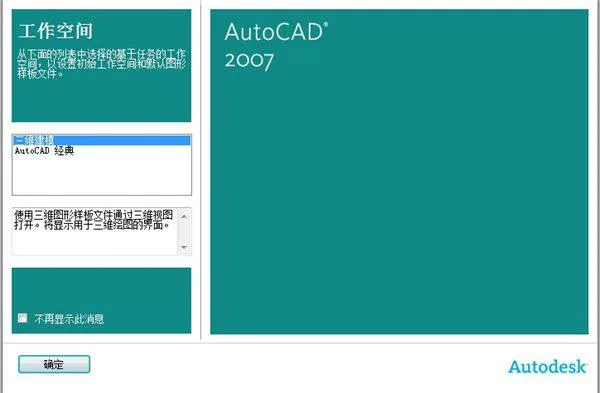
Screenshot of CAD2007 software
CAD2007 Features Overview:
- AutoCAD 2007 is currently the leading CAD software in the design field, extensively used in industries such as machinery, construction, home furnishings, and textiles worldwide. It perfectly combines conceptual design with visual tools to meet the highest design standards.
- Downloading the official CAD2007 version allows you to speed up your design workflow and improve productivity.
- The free Chinese version features a robust and user-friendly interface, enabling efficient creation and editing of graphical designs.
- By entering the CAD2007 serial number, you can access the full functionality of the software. This website offers the official CAD2007 download.
- AutoCAD 2007 introduces a new DWG file format while maintaining backward compatibility. Autodesk listened to user feedback and ensured compatibility with previous versions. You can save files in 2004, 2000, or even R14 DXF formats. The default save format can be set in the options dialog box.
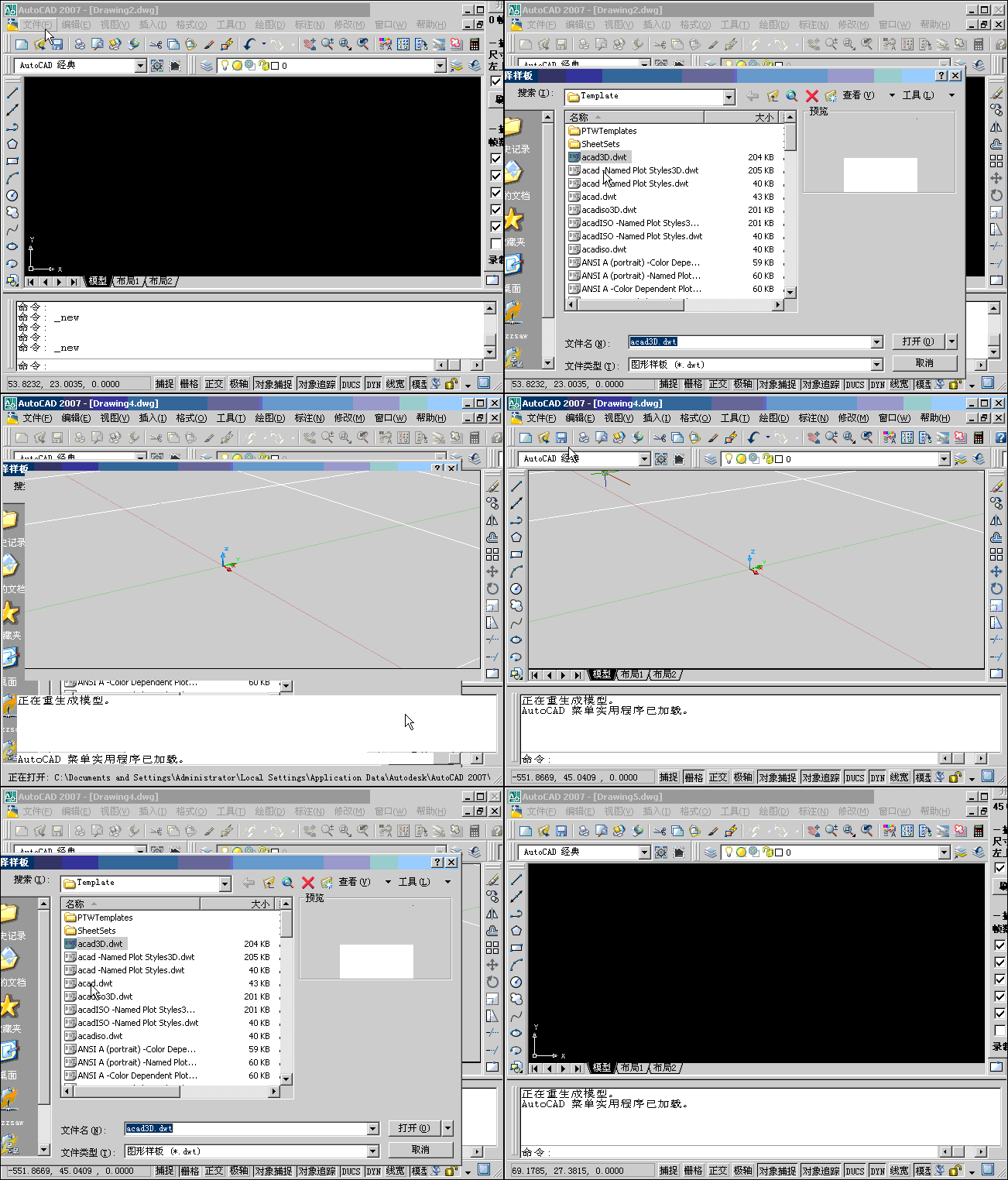
Another screenshot of AutoCAD 2007
Installation Guide:
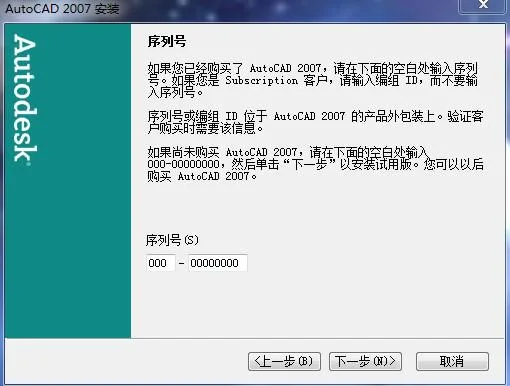
- Download and open the AutoCAD 2007 installation package.
- Follow the on-screen instructions and keep clicking “Next” until the installation is complete.
- Launch AutoCAD 2007 to create a new CAD file or open an existing document.
- AutoCAD 2007 serial number: 111-11111111 or any key; no registration is required. The software activates automatically after a standard installation.
AutoCAD 2007 interface screenshot
Important Notes:
Many users encounter a missing dfst.dll file error during installation. However, you do not need to download this DLL online. The error prompt will show the file path where it expects dfst.dll. Navigate to this location and create a new blank Notepad file, then rename it to dfst.dll. After doing so, click “Retry” in the installer, or you can simply choose to “Ignore” the error.

Update Log:
- Improved startup speed.
- Enhanced 3D performance.
- Adoption of a new DWG file format with backward compatibility.
- Enhanced DWF functionality.
- The Xref feature now uses a floating tool panel, allowing better management of DWG and DWF files.
- Strengthened API and changes to ARX require most old ARX programs to be rewritten; however, Lisp programs continue to run without modification.














The resource has expired
The download link has been updated.
May I ask what the activation code is?
SN:356-72378422
Productkey:001B1
How to activate?
After installing CAD normally, the first time you open it, you need the serial number. First, open both the registration base and CAD, then copy the numbers given in CAD to the registration machine, and then copy the calculated numbers to CAD!
Is there only a 32-bit version without a 64 bit system version?
64 bit can be used
Why does CAD2007 prompt unregistered version? Isn’t it automatically activated?
Manual activation is required.
How to activate