
VRAY is now fully integrated into Autodesk Revit, allowing you to utilize V-Ray’s core rendering technology throughout every stage of the design process. Harness your creativity with new tools for virtual reality output, materials, and environments—without the need to learn a new software. V-Ray supports Revit cameras, lighting, and materials seamlessly.
V-Ray for Revit introduces advanced tools for high-end lighting, materials, and environment creation, all without the steep learning curve typically associated with professional rendering software. Thanks to its smooth integration, V-Ray’s core technology is accessible during every phase of design and development. The current official version of V-Ray for Revit is free to download and use.
V-Ray for Revit offers the following main features:
- A familiar interface with easy-to-use quality presets
- Specialized global illumination schematic rendering
- Advanced post-processing through V-Ray frame buffer
- Stereo camera support for VR output
Supported Revit versions include:
- Revit Architecture 2015, 2016
- Revit MEP 2015, 2016
- Revit Structure 2015, 2016
- Revit Building Design Suite 2015, 2016
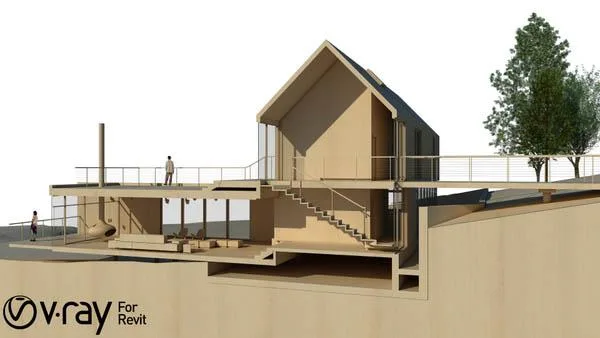
V-Ray for Revit Activation Tutorial
After installation, the network activation page will appear:
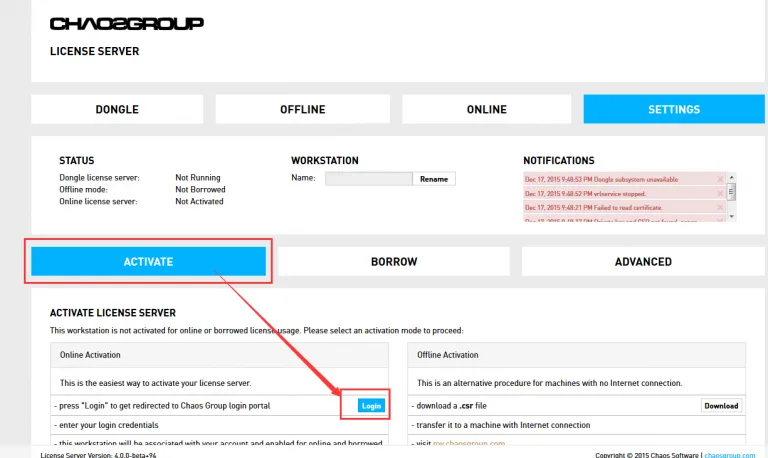
Click Login to sign in (no prior account registration is required):
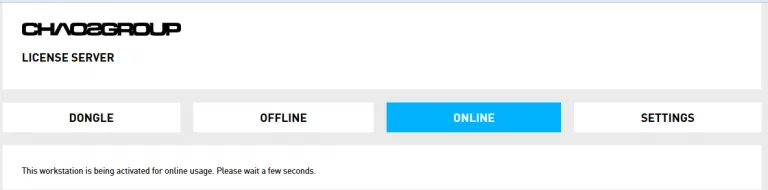
Then, wait for the network activation to be authorized.
Once completed, the authorization page will display the points you have applied for:
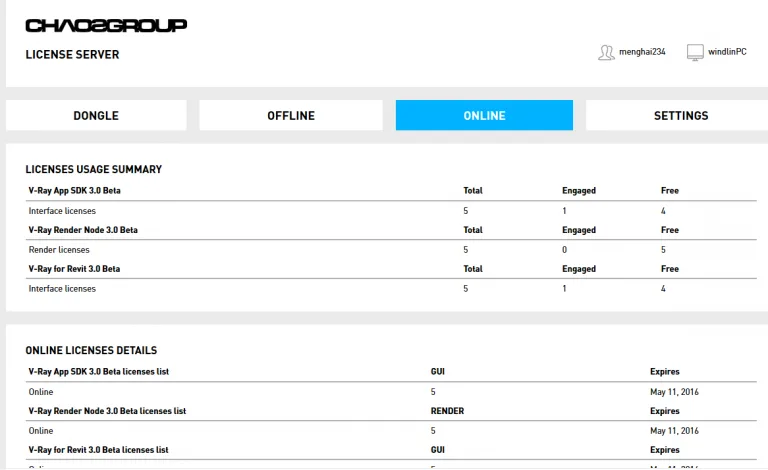
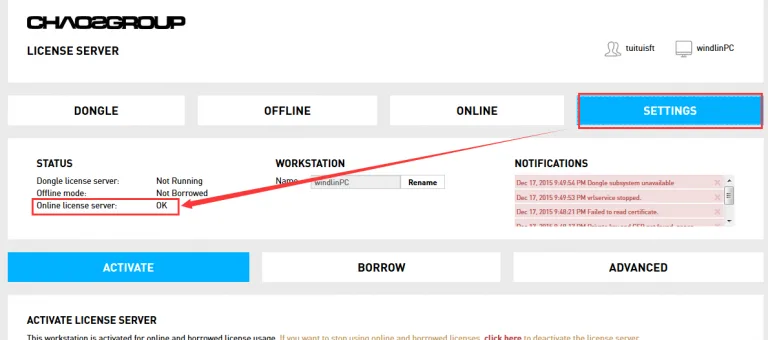
Your authorization is now complete.
At this point, when you open Revit and create a new project, you will see V-Ray for Revit available:
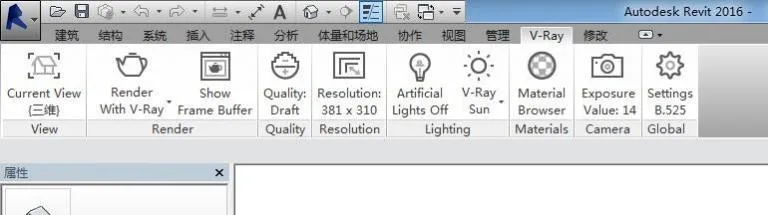



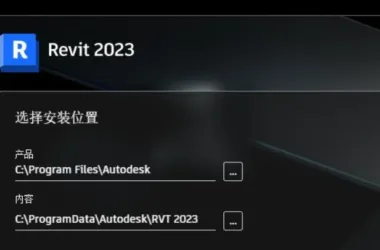











No administrator is running it
Right click with the mouse and it will be displayed.
What’s wrong with registering but not being able to obtain permission
Right click is required to run with administrator privileges.
tell the truth. I want a complete installation tutorial
Can it be used continuously? I can only use it for one month on the official website
This version is free to use.
Do you have any related tutorials? Xiaobai said he doesn’t know how to use them
What if there is no response to activation
VPN is required, and it may not be possible to directly connect to the internet in China.
I can’t even access the registration page on this one, I can’t open the webpage! Have you successfully registered and shared your experience!
Effective VPN is required.
So first, I still need to register, but what’s the problem with me not being able to register? (Every time the information is filled out and clicked on ‘create’, there is no response.)
Is it normal to wait for network activation authorization for a whole day without any movement
My internet activation hasn’t responded either
Is this a trail
Good thing, to share
I can’t register even if I climb over the wall
Why can’t I register? I’ve been stuck on the registration page
Due to network issues