
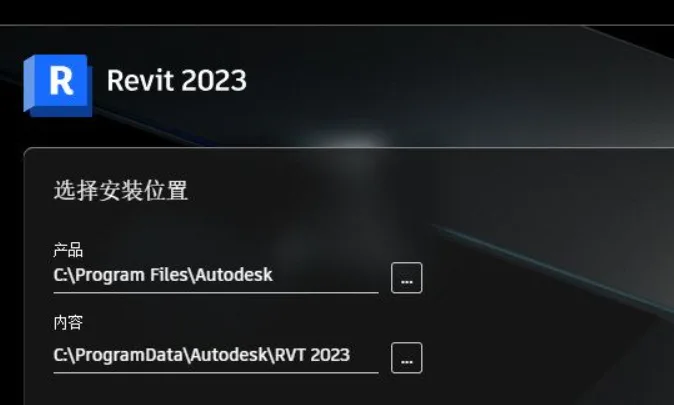
Revit 2023 Chinese Edition is a powerful software for creating 3D architectural information models. The Chinese interface is visually appealing and packed with features such as sloping walls, visible link file coordinates, connectors for curved rebar, integrated structural analysis storage and browsing, among others. This version is ideal for various fields including construction, architectural design, and structural engineering. The release is cracked and fully unlocked.
Installation Guide
- Download all 6 files from the cloud drive as shown in the image.
- Double-click
Revit_2023_G1_Win_64bit-dlm_001_005.sfxand click OK on the pop-up window. - Wait for the software to decompress.
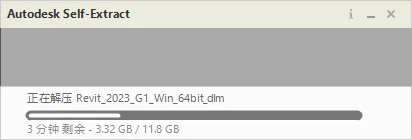
- Once decompression finishes, the installer will launch automatically. Click Next.
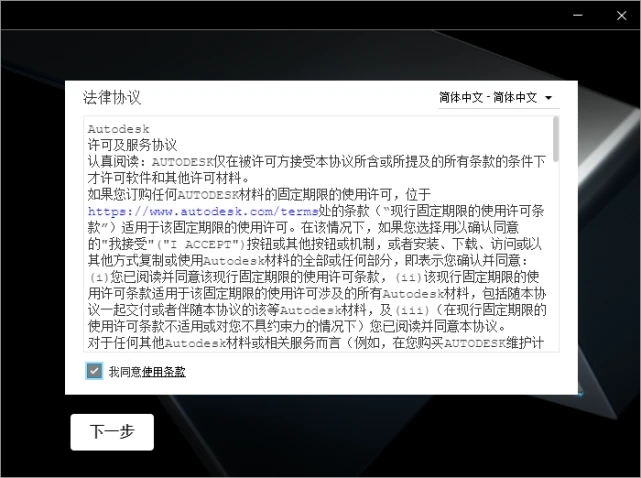
- Proceed with the installation.
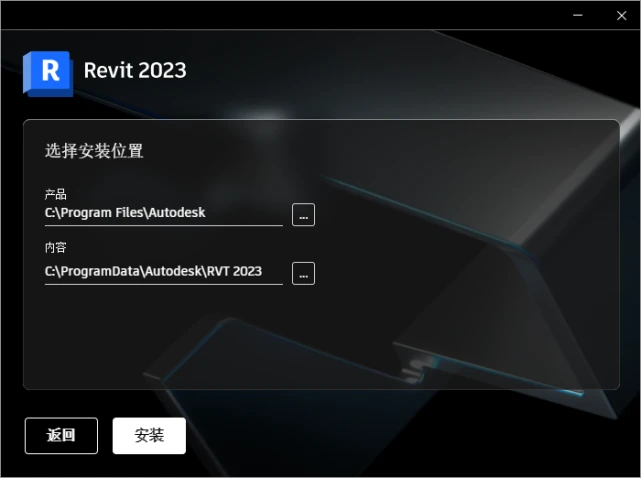
- Installation in progress.
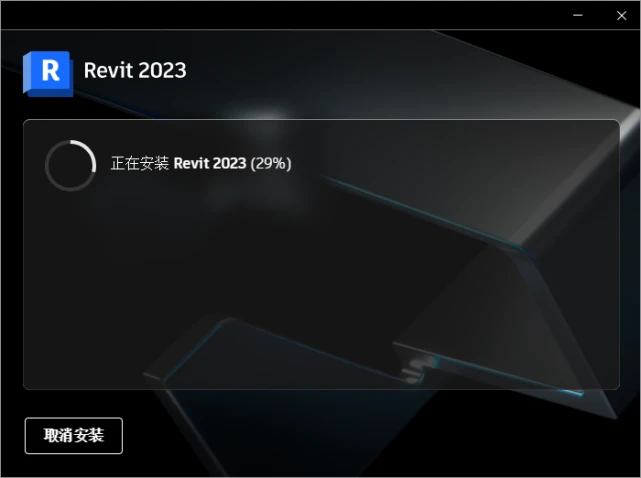
- After installation finishes, close the installer.
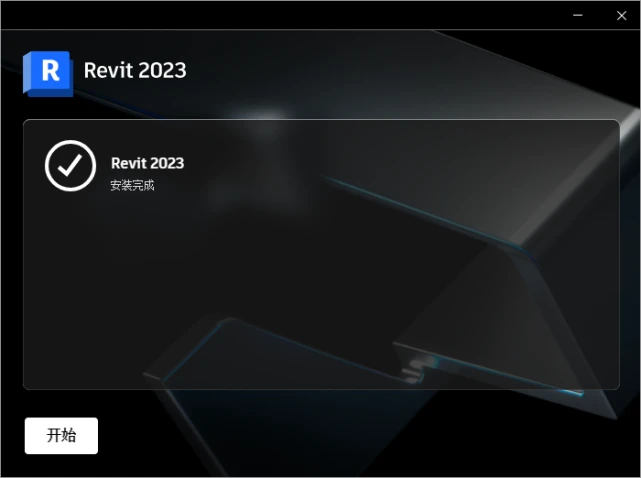
- Right-click
Autodesk_Licensed Patcher_2021-2023and choose Extract to current folder.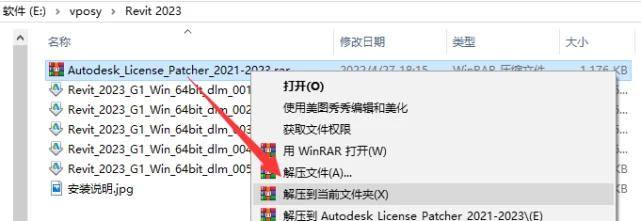
- Run
Autodesk_Licensed Patcher_2021-2023as administrator. - The patch will run automatically; do not close it during this process. It will exit automatically once completed.
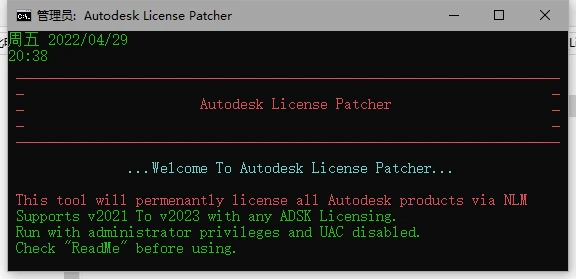
- Launch Revit 2023 from the desktop.
- In the network license bar, click Select.
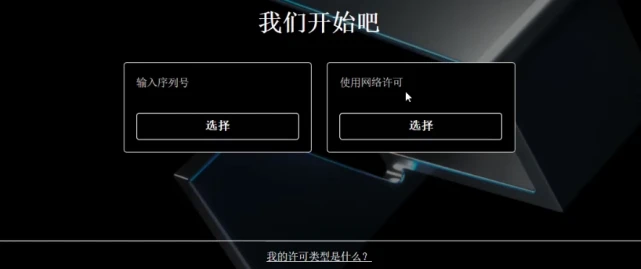
- Choose Single License Server, enter the server name:
127.0.0.1, then click Finish. Note: If this window does not appear, you can skip this step.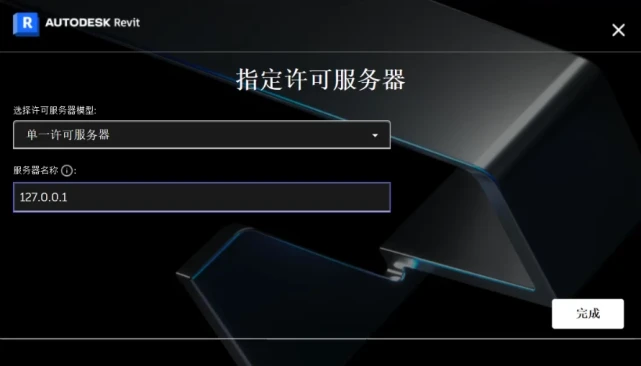
- Installation is complete.
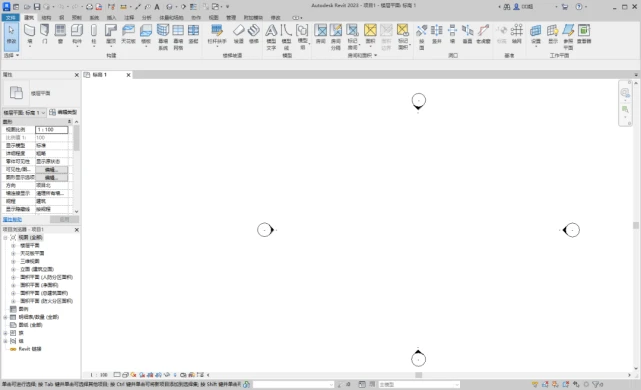
Key Features
- OR Condition in Filters: Create view filters with multiple nested rules combining AND and OR conditions.
- Elevations in 3D View: Display and manipulate elevations in 3D views to better understand reference heights.
- Double Fill Patterns: Apply foreground and background fill patterns in surfaces or cropping regions to convey design intent.
- Uncut Perspective View: Use full-screen uncut views with navigation commands like zoom, pan, and orbit for free movement.
- Custom Steel Structure Connections: Design your own steel connections with specialized tools for detailed modeling.
- Multi-Monitor Support & Tabbed Views: Organize workspace with dockable, tiled views across multiple displays.
- Steel Structure Engineering Documents: Create precise engineering documents including detailed steel connections.
- Complex Pipeline Network Analysis: Improve pressure drop analysis and support cyclic system separation.
- Rebar Shape Matching: Match or create rebar shape families based on free-form geometry.
Additional Functional Highlights
- Design Generation: Generate design alternatives automatically based on goals and constraints, with Dynamo customization.
- Sloping Walls: Create walls with adjustable slope angles from -90° to +90° using ‘Section’ and ‘Vertical Angle’ parameters.
- Enhanced Realistic Views: Improved graphics and navigation, including enhanced Auto Exposure and edge display.
- Linking PDF and Raster Images: Link PDF and image files in 2D views from local or cloud storage while maintaining fidelity and performance.
- European Cloud Model Hosting: Host cloud models in European data centers for both shared and non-shared cloud workflows.
- Striped Rows in Detail Tables: Alternate row colors for easier reading of large tables, customizable in Plan Properties and templates.
- Expanded Bridge Categories: Supports Civil Structures workflows with new infrastructure category filter rules.
- Custom Workspaces: Configure role-specific workspace recommendations.
- Enable/Disable View Filters: Toggle view filter effects without adding or removing filters in Visibility/Graphics.
- Visible Coordinates of Linked Files: Display measurement points and origins of linked models within the host model.
- American Measuring Tape Units: Choose American tape units for length measurement.
- Updated Unit Logic: New measurement units and updated logic, detailed in the Revit API documentation.
- Cuts Geometry Parameter: Controls whether gaps cut intersecting geometry in families.
Recommended Features
1. Filter Enhancements: Improved view filters with secondary conditions for wall components such as skirting boards and parapets, enabling specific display styles and filtering by elevation.
2. Drawing-Based Schedule Filtering: Filter schedules by drawing view to display only elements visible in that view. The schedule updates dynamically with view changes.
3. Conditional Formatting in Schedules: Apply background colors to families based on categories and types for easier identification.
4. View Placement Indicators: Project Browser shows blue squares next to views placed in drawings and gray for unplaced views, which can be toggled on or off.
5. Measurement Tools in 3D: Quickly measure distances in 3D views point-to-point, line-to-face, or face-to-face with continuous annotations.
6. Material Appearance Copying: When duplicating materials, copy appearance along with the name to avoid changes affecting original materials.
7. Control Size Activation: Suppress temporary dimensions and constraint icons when selecting many components by default to improve performance; activation is optional.
8. Quick Copy Family Parameters: Copy existing family parameters retaining category and type information, then rename as needed.
9. Filling Areas and Enhanced Styles: Support for filling areas in 3D families and parameter-driven style changes within projects.
10. Decomposed Views in 2D: Use ‘Replace Elements’ to decompose 2D views for design presentation.
11. Reinforcement Display Improvements: Steel bars display solid in fine detail level; batch right-click selection allows local display style changes; decomposition supports steel bars.
12. Reinforcement Propagation: Automatically replicate steel bar layouts from one component to similar components or faces.
13. Marking and Annotation Enhancements: Multi-leader tags, improved rotation and mirroring, and support for tagging linked and grouped models.
14. Pipeline Marking Enhancements: Elevation markers for slopes, insulation layers, and customizable numbering based on project points.
15. Quick View Replacement in Drawings: Replace views in drawings via dropdown without deleting original views.
16. Fine Decoration Drawing Enhancements: Support for sectional lines in family categories like furniture and cabinets; improved connection behavior between cabinets and walls.
17. Dynamo 2.13 Update: Dark theme support, icon prompts, new nodes, smarter error warnings, and enhanced Dynamo player with image previews and script descriptions.
18. New Sunlight Analysis Tool: Integrated panel for setting sunlight intensity, animation speed, and viewing real-time shadows.
19. CAD File Interaction Improvements: Support for importing AXM, OBJ, STL files with elevation/reference plane placement and sectioning support.
20. IFC Support Enhancements: Added IFC parameters to improve export accuracy and mapping.
21. PDF Printing Sorting: Customize PDF export page order by project browser or manual drag-and-drop.
Additional features include enhanced structural and electrical analysis, prefabricated components, steel connections, cloud-based rollback, material texture cloud saving, and Microsoft data interoperability.
Cracking Instructions
Open the batch file to register the software, then restart the program.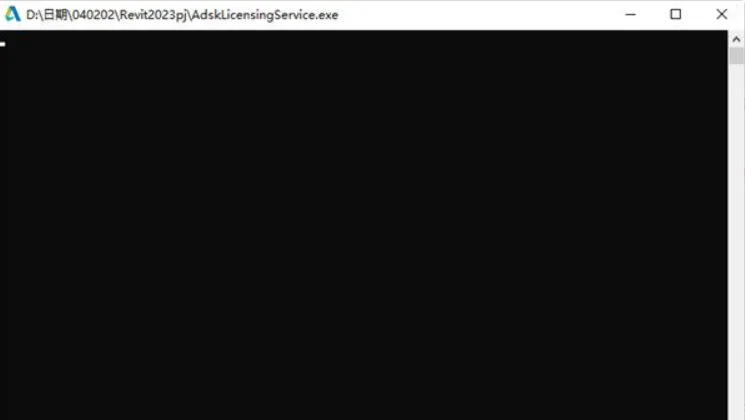
The latest Autodesk Revit 2023 includes many practical new features. PDF exports now support batch exporting 2D views and drawings with custom naming rules. Cone wall functionality allows creation of cone-shaped wall elements, core wall layers, variable width layers, and wall type angle definitions for more flexible wall modeling. The software supports linking 3DM files from Rhino, including linking and importing workflows. Steel bars can now be defined by specifying two points, and single-section straight bars support direct size and direction input for convenience.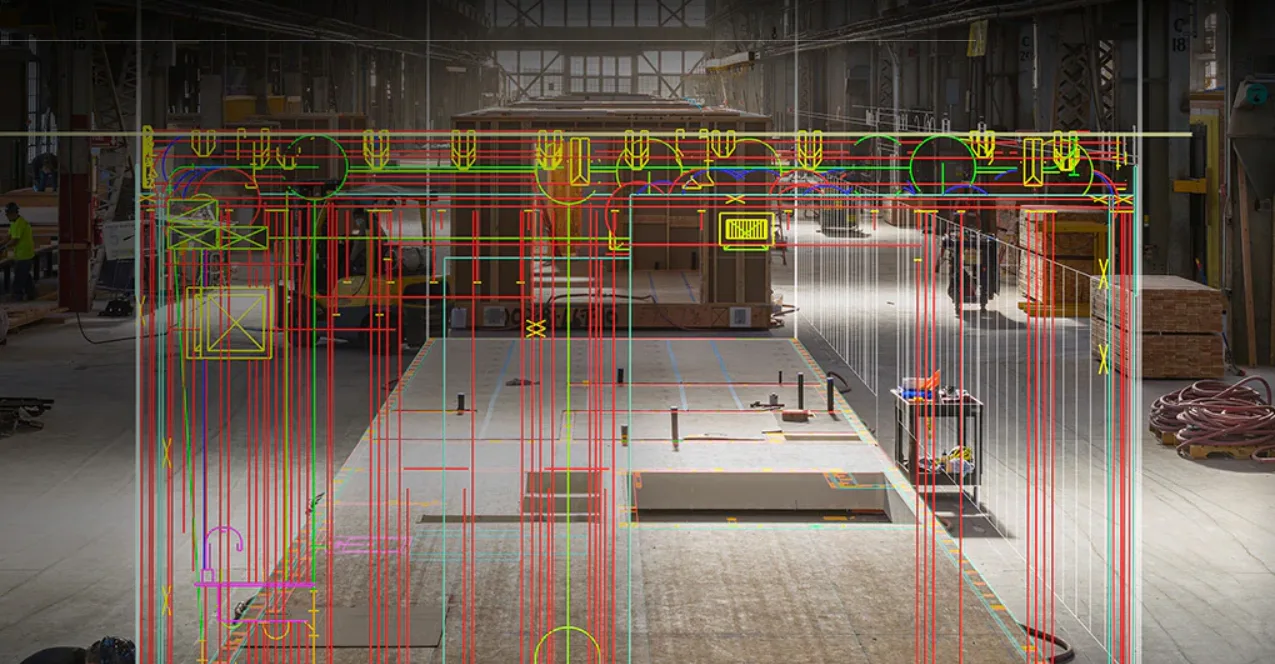
Revit 2023 Official Download (+ Registration Tool) with Complete Family Library and Installation Tutorial
Pre-installation Requirements
- Review Release Notes and System Requirements: Verify your system and hardware compatibility.
- System Requirements: Certified and recommended hardware.
- Administrative Permissions: Confirm admin rights on Windows (Control Panel > User Accounts) or macOS (System Preferences > Users and Groups).
- Install System Updates and Disable Antivirus: Apply OS updates and consider temporarily disabling antivirus software to avoid installation conflicts.
- Locate Serial Number/Product Key: Usually linked to Autodesk ID; enter if required during setup.
- Close Running Applications: Exit all programs except the installer.
General Installation Information
Supported Operating Systems: Microsoft® Windows® 10/11 64-bit (Enterprise or Professional).
Administrative Permissions: Required to install/uninstall Revit updates.
Product Media: Original installation MSI files may be required. If extracted files are deleted, re-download and extract before proceeding.
- Save the download file locally.
- Extract files and remember the location.
- When the installer screen appears, click Cancel.
- Follow the installation instructions to update.
Backup Custom Files: Back up custom files like Revit.ini before starting.
Applying Updates: Download the update executable, save it, and double-click to install. Installation may pause at 33% when uninstalling older components before continuing.
Revit 2023 Feature Highlights
- Open Cloud Model Versions: Compare and edit any version of Revit cloud shared models.
- Midpoint Snap: Snap to the midpoint between two selected points.
- Auto Lock Align: Automatically lock elements when using the Align tool.
- Load Multiple Families: Import several Autodesk families at once.
- Copy Blueprints: Duplicate drawings within projects.
- Project Browser Search: Locate elements or views efficiently via right-click.
- CAD Import Improvements: Support for OBJ and STL file formats.
- Export OBJ Files: Export models as OBJ files.
- Edit Multiple Rebar Constraints: Adjust length or concrete cover for multiple rebar sets simultaneously.
- Automatic Steel Joint Sizing: Joint sizes adjust automatically to connected bars.
- Adjust Prefabricated Component Slopes: Add or change slopes on pipeline branches.
Additional Features
- Shared Parameter File Compatibility Check
- Split Detail Table and Annotation Legend Improvements
- Resizable Venue Dialog Boxes
- Copy Family Parameters Quickly
- Zoom to Fit in Workplane Viewer
- Enhanced ‘Select All Instances’ Functionality
- Category Name Search Bars Added
- IFC Scalability Improvements with Open Design Alliance SDK
- Dynamo 2.13 Update with New Nodes
- ASHRAE Set Points for System Analysis
- Combined Room/Space Workflow for System Analysis
- Default Folder for Energy Reports
- New Heat Capacity Units for Building Elements
- Display Comments in Nested Families
- Maintain Annotation Direction for More Categories
- Circuit Naming Scheme Supports Project Parameters
- Improved MEP Prefabrication Workflows
- Enhanced View Filter Creation and Application
- Higher Quality DWG/DXF Export at Large Scales
- Working Set Parameters in Schedules for Worksharing
- Expanded Multi-Category Detail Tables and Material Extraction
- Remember ‘Materials’ Tab Settings in Material Browser
- Open Cloud Models via File Menu
- Filter by Family and Type in Schedules
- New Features and Improvements in Revit Issues Add-in















Display all licenses in use, server closed or server expired. What should be done
What should I do if Revit2023 installation fails
Unable to establish the required connection with Autodesk for license verification, thereby preventing the specified user’s license workflow. Please check your internet settings or click here for more information.
Cannot activate
Is the version 2023.1?
The software is version 2023.
Why will there be network authorization issues in 2022 and 2023?
Can you provide installation instructions?
Installation tutorial instructions have been added to the text.
Where is the bat file?