
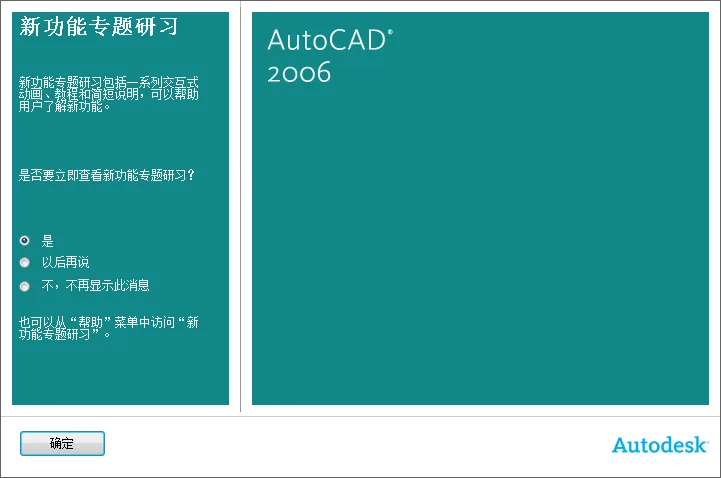
AutoCAD 2006 is an older version that remains popular due to system compatibility issues. To address these challenges, we are offering a fully error-free, repaired version of AutoCAD 2006. Feel free to download and use it!
Quick and Easy Installation: The traditional installation process is complex and usually takes at least 10 minutes. However, this green software simplifies it, completing installation in just a few minutes, saving you significant time and effort.
Here are some important notes for installation:
- Make sure to disconnect from the internet before starting the installation. Otherwise, you may encounter issues like authorization failures or unexpected program exits without prompts. This is likely due to server verification after AutoCAD authorization.
- AutoCAD 2006 requires Microsoft .NET Framework 1.1. If it is not installed on your system, the program will prompt you to install it. Please follow the prompt to ensure smooth operation; otherwise, AutoCAD may report that it is not installed correctly.
- During installation, you can choose whether to install the DWF Viewer component. Although not essential, this tool allows you to view CAD files (such as DWG) without using AutoCAD.
- The installation path is preconfigured and it is recommended not to modify it to avoid potential issues.
- During installation, a KEYGEN (key generation) dialog will appear. Do not close it. When AutoCAD launches the registration window, copy the request code into the KEYGEN’s Request Code box to automatically generate an activation code. Then, return to the AutoCAD registration interface, select “Enter Authorization Code,” click “Next,” and paste the activation code to complete the registration.
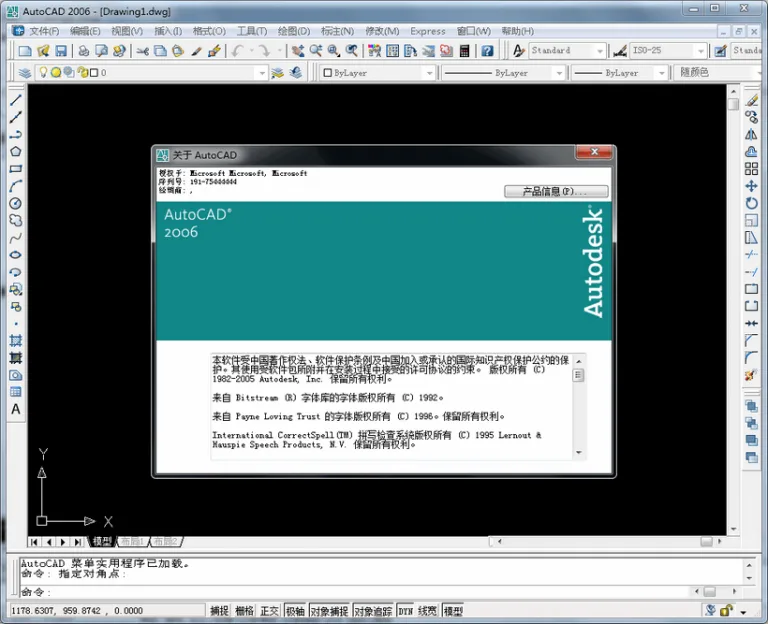
Easy and Fast Maintenance: Software installed via the normal method often becomes unusable after a system reinstall, requiring a full reinstallation — a time-consuming and tedious process. In contrast, the green version created by Hongyue Software can be “re-greened” even after system reinstalls or abnormal situations.
Simply run GSETUP.BAT in the software folder to restore the green state, saving you time and effort. If you no longer need the software, run UINSTAL.BAT to uninstall it quickly, but remember to manually delete the entire software directory.
Removal of Unnecessary Files: Normally installed software includes help files, redundant language packs, and other junk files. Hongyue Software offers two green versions: a simplified version and a full-featured version. The simplified version is about half the size of the full one but remains fully functional.
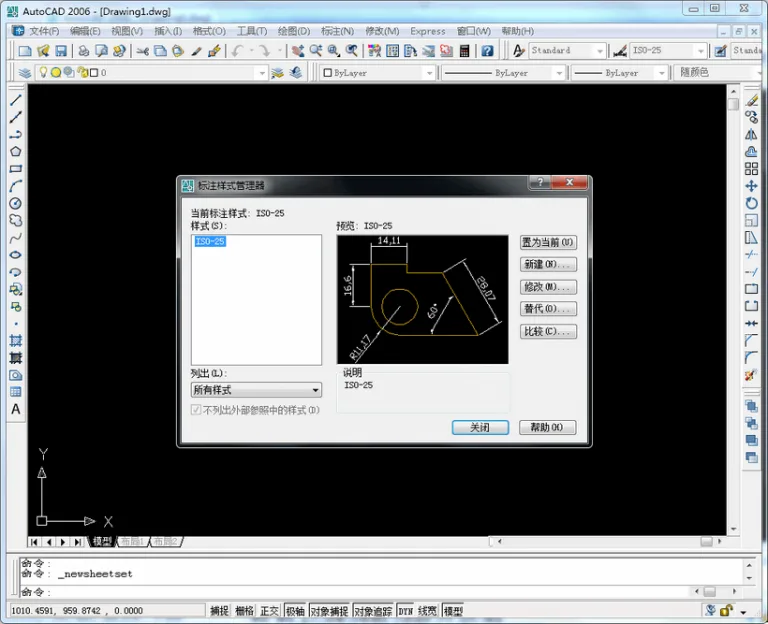
Clean and Lightweight: Traditional installations often clutter your registry and system disk with junk files. Green software, however, avoids or minimizes writing unnecessary data to the registry or disk, consuming less memory and CPU resources. This makes it especially suitable for older machines.
Additional Practical Tools: Standard installations rarely include external utilities. Hongyue Software typically adds helpful plugins during the greening process and sometimes develops its own tools. If you have useful suggestions or tools, you are welcome to contact the editor. Note that self-developed plugins may require a fee.
Please note, this version currently does not include external plugins, as PRESSCAD only supports versions prior to AutoCAD 2004.
AutoCAD 2006 requires Microsoft .NET Framework 1.1. If this support component is missing, the program will prompt for installation. Please ensure it is installed; otherwise, AutoCAD will report an incorrect installation error when launched.
The compressed package includes the necessary Microsoft .NET Framework 1.1 installation files and a registration machine.
This is the AutoCAD 2006 Green Lite version, allowing you to run the installer directly from the compressed file. Simply set the installation path, perform the greening operation during installation, and you will be ready to use the software immediately.














Must log in before commenting!
Sign Up