
Tianzheng Structural Software is designed for structural construction drawing and design, fully compatible with the latest AutoCAD graphics platform. Currently, the structural information model based on Tianzheng structural objects forms the core of the Tianzheng software series.
This latest version of Tianzheng Structure Software was developed by Tianzheng’s R&D team, incorporating extensive user feedback. It features custom entities such as beams, columns, and walls, which seamlessly integrate with architectural, plumbing, heating, and electrical disciplines. The T2.0v7.0 version supports both 32-bit AutoCAD 2010-2016 and 64-bit AutoCAD 2010-2021 platforms, making it a stable, efficient, and powerful tool for structural drafting.
Installation and Activation Guide
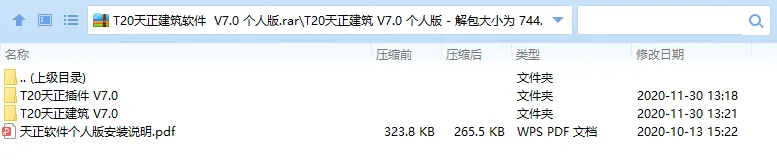
- Download and unzip the original Chinese version of T20 Tianzheng Building V7.0.
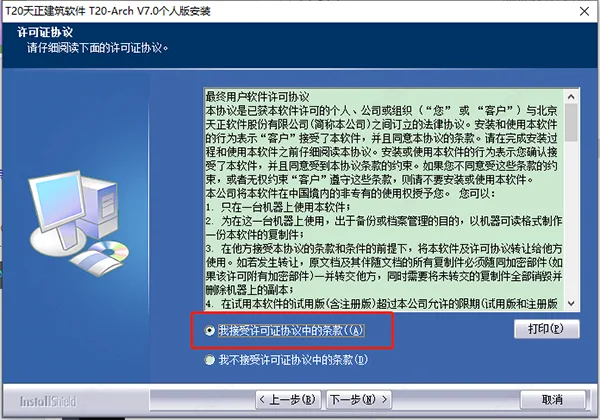
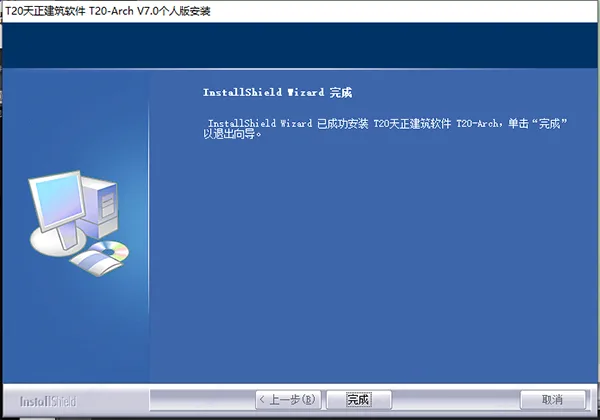
- Double-click ‘setup.exe’ and follow the on-screen instructions to install the software.
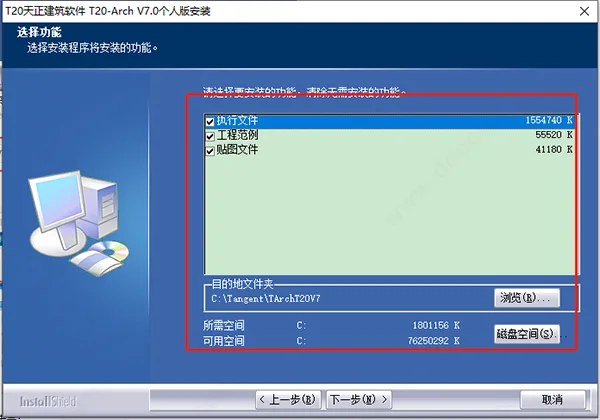
- Customize the features and installation paths as needed.
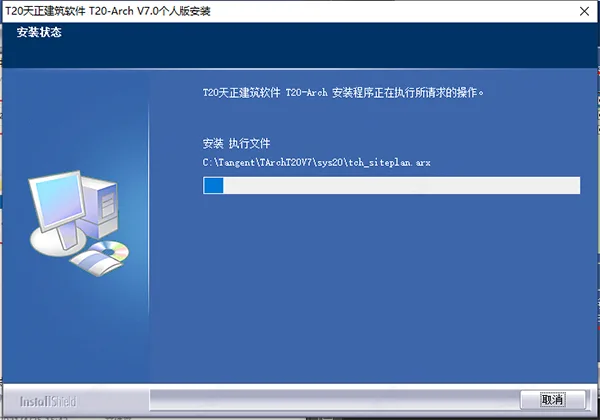
- Wait patiently while the installation completes.
- Do not launch T20 Tianzheng Structure V7.0 immediately after installation.
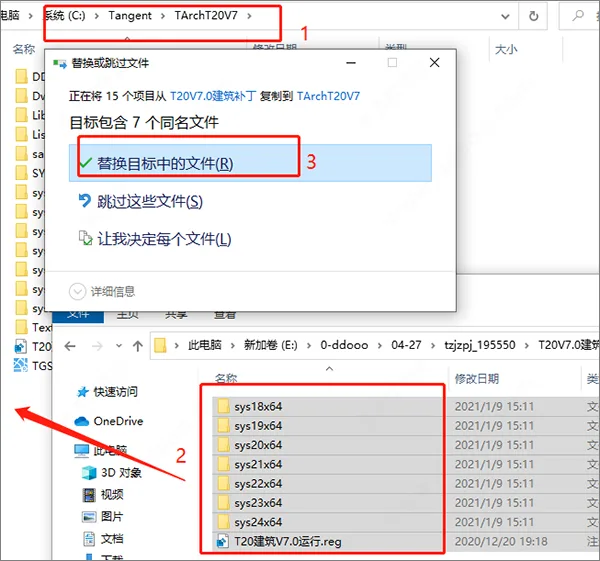
- Locate the software’s root directory, then copy all cracking patches provided by the editor into the installation folder, replacing existing files.
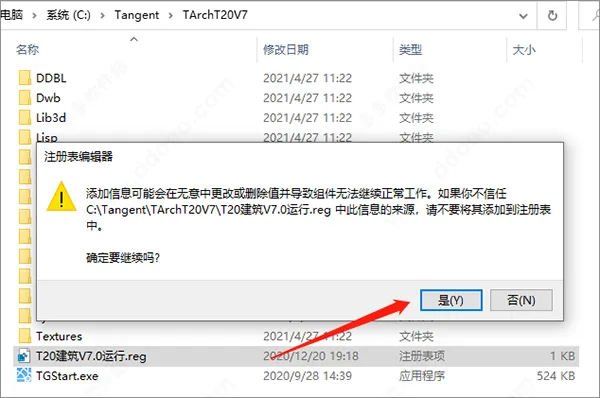
Default installation path:C:TangentTArchT20V7 - Run the ‘T20 Building V7.0 Run.reg’ file from the installation directory and confirm by clicking ‘Yes’ to register and activate the software.
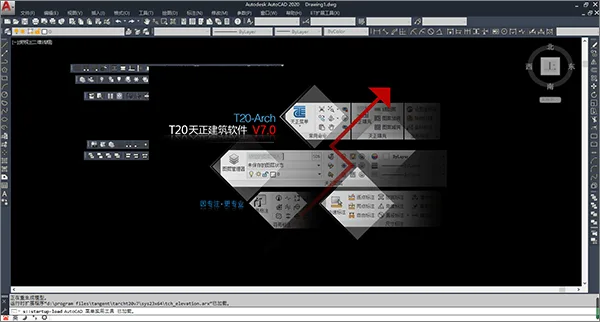
- Once completed, you will have access to T20 Tianzheng Architecture V7.0 in Chinese. We hope this guide is helpful to everyone.
Overview of Tianzheng Structure T20V7.0 Software
User Customization Support
Tianzheng offers customization options that allow users to tailor the software interface, commands, and structural design parameters. These settings can be exported as XML files for easy sharing among team members and can be restored to default settings when needed.
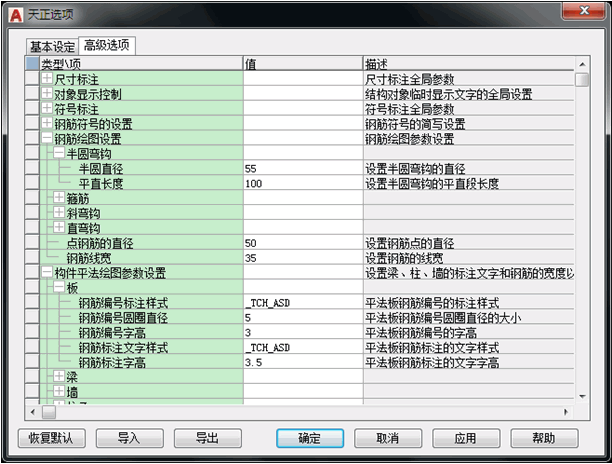
Structural Modeling and Design Modules
- The Beam module focuses on drawing and editing beam components.
- The Column module is designed to draw and edit column components.
- The Shear Wall module handles drawing and editing shear wall components.
- The Floor module assists with arranging and editing floor slabs, cantilever slabs, and slab openings.
- The Architectural module imports drawings from Tianzheng Architecture to create condition diagrams for structural design.
- Supports importing structural models from Yingjianke software for detailed drawing generation.
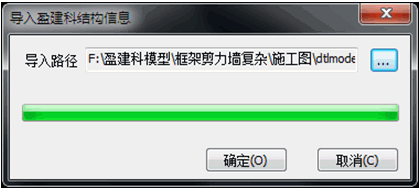
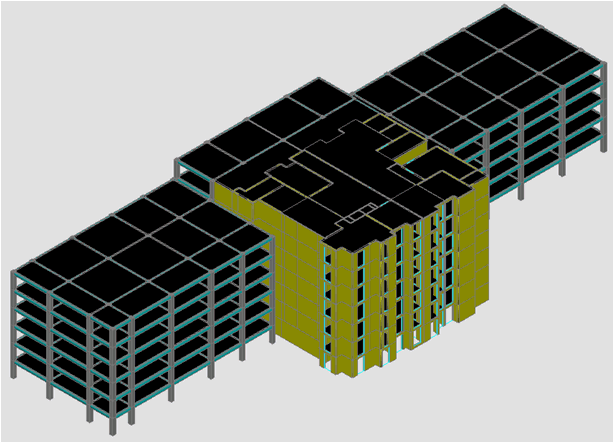
Importing Yingjianke Model Instances
Component Calculations
The software provides calculation functions for various stair types including overall stairs, slab stairs, and beam stairs, complete with calculation sheets and drawings.
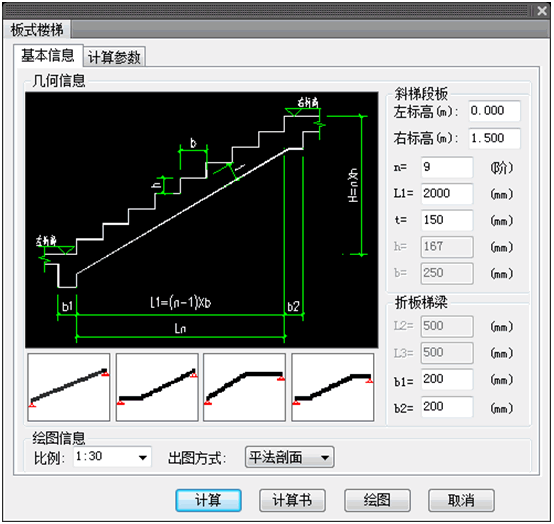
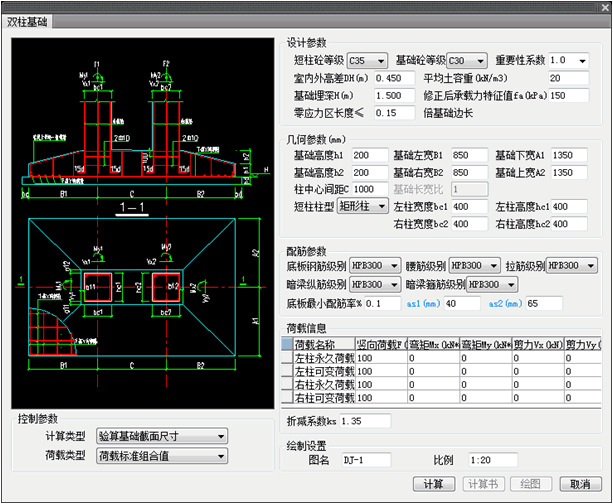
It also supports calculations, sheets, and drawings for strip foundations and isolated foundations.
Practical Flat Construction Drawing
Following updated atlas standards, steel bars are manually drawn using methods like beam leveling, column leveling, and wall leveling.
Convenient and Efficient Tools
The software offers a variety of common functions including drawing standard symbols used in structural drawings, text and table handling, dimension annotation and editing, entity grouping, and layer management — all designed to streamline the drafting process.
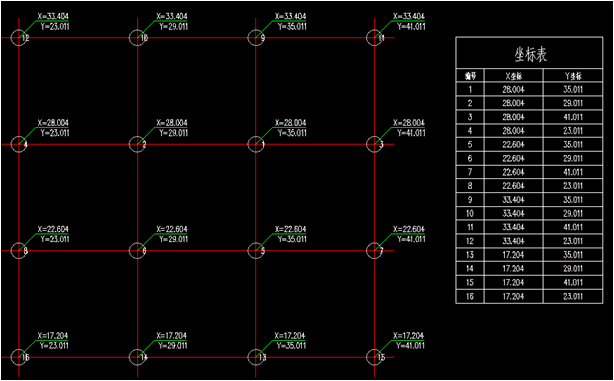
Generate Coordinate Table:
Easily create coordinate tables for your projects.
Structural Library
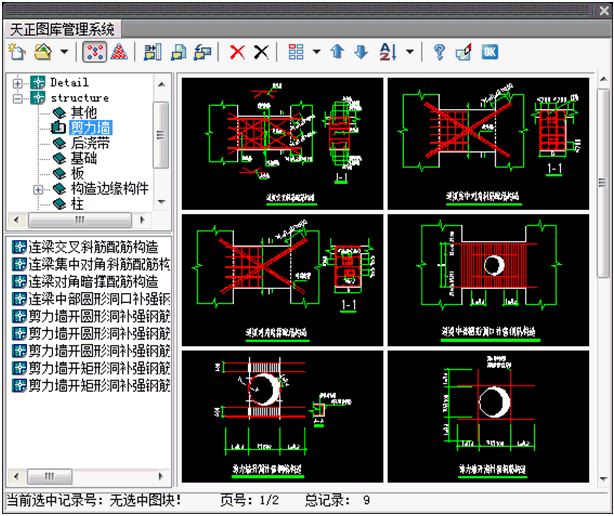
A comprehensive library management system is provided, including system libraries based on real engineering cases and atlases. Users can easily adapt these modules with minimal adjustments or customize the library content by adding, updating, or modifying entries as needed.
New Features in T20 Tianzheng Structure Software V7.0
This version introduces a robust library management system and updated system libraries, all derived from real engineering examples. Users can easily reference, adjust, and customize these resources.
New Features and Enhancements Include:
- Single Axis Drawing: Enables drawing of single axis lines, including straight and arc axes.
- Cut Index: Adds cut index markers to indicate detailed drawings related to specific parts of the plan, supporting multiple cut lines per object following legend drawing standards.
- Pointing Index: Allows annotation of index numbers for parts with detailed drawings, making reference clear and manageable.
- Text Frame: Offers options to add external borders to existing text, including boxes, circles, and chamfered rectangles.
- Text Swap: Enables swapping the content of two text elements.
- Adjustment Point: Provides insertion points for editing single-line and multi-line text without altering text position.
- Parallel Annotation: Measures spacing between parallel plane axes and other parallel objects, recognizing external references and blocks, configurable via advanced settings.
- Length Statistics: Supports measurement of various celestial straight line objects such as lines, polylines, arcs, circles, elliptical arcs, ellipses, and spline curves. It can merge lengths of multiple objects or count them separately, with options to display totals on the drawing.
- Two-Point Annotation: Added a dialog box for annotation object settings.
- Bold Curve: Added dialog box to emphasize curve direction.
- Axis Number Hidden: Added a dialog box for managing axis number visibility.
- Export Annotation: Introduced short diagonal lines to arrow styles.
- Point by Point Annotation: Added a dialog box, including horizontal and vertical annotation methods.











Must log in before commenting!
Sign Up