
T20 Tianzheng Building is a powerful building construction drawing design software built on the AutoCAD platform. It aims to enhance design efficiency with a user-friendly interface, integrated powerful commands, and the ability to categorize and extract frequently used functions. The software supports shortcut keys that allow users to quickly access commands without navigating through multiple menus, significantly improving work speed and productivity.
The T20 Tianzheng Building Software V7.0 version introduces several new features, including axis number combinations, text framing, text exchange, font base point adjustments, and the display of Tianzheng annotation object views. Numerous improvements and optimizations have been implemented to provide a smoother and more convenient user experience.
This version supports 32-bit AutoCAD 2010-2016 and 64-bit AutoCAD 2010-2021 platforms. Please note that AutoCAD LT does not support application running and therefore this software is not compatible with any version of AutoCAD LT. The package includes expired patches, which users can download and test if needed.
Installation Guide
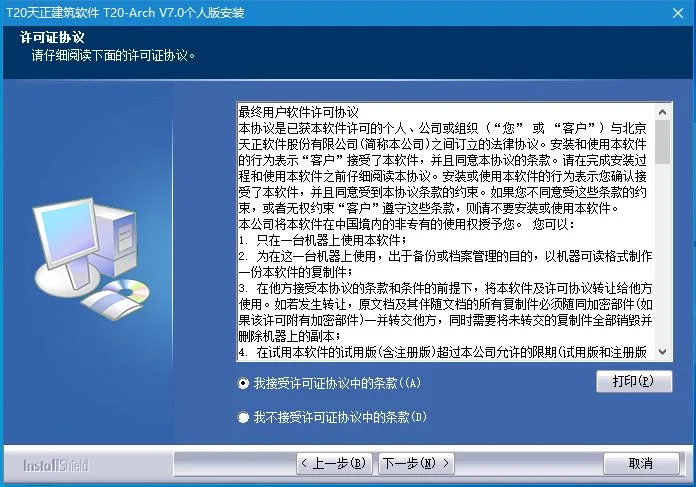
1. Download the software, run setup.exe, and accept the license agreement.
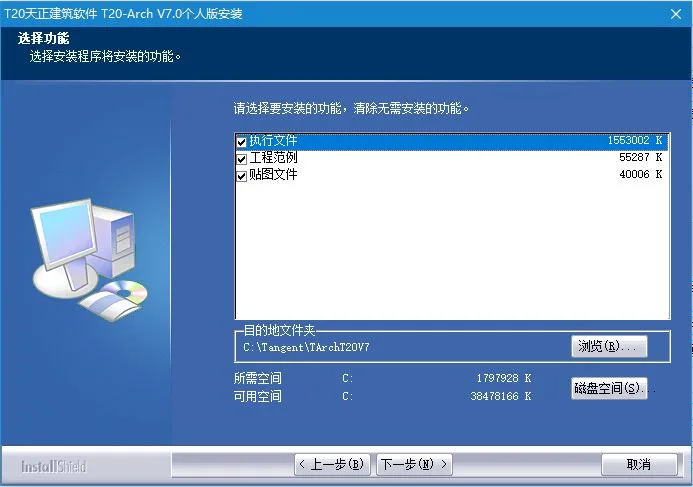
2. Choose the installation path and select the components to install.
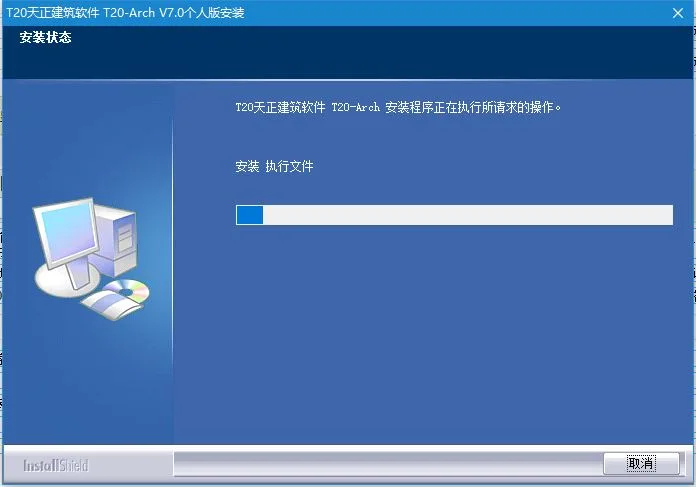
3. Wait for the installation process to complete.
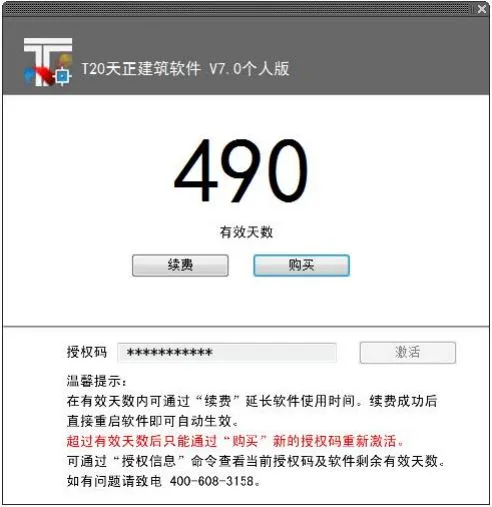
4. After installation, the personal version of the software will display an interface as shown below:
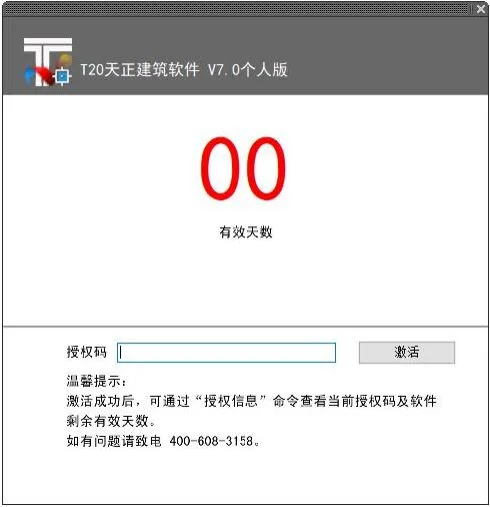
5. Enter your purchased authorization code in the designated field and click “Activate” to launch the program. After activation, you can view the current authorization code and remaining valid days through the “Authorization Information” command, as shown below:
Using the Patch Registry
Extract the patch into the T20 Tianzheng Building V7.0 installation directory and run it. Any error messages appearing during execution can be ignored. Testing has confirmed that all functions operate normally, including the layer standard manager which was previously non-functional in the beta version.
New Features and Enhancements
- Support for 64-bit AutoCAD 2020 platform.
- Annotation System Improvements:
- Enhanced the “Grid Annotation” command to automatically prevent overlapping axis numbers during annotation.
- Changed the “Add Axis” command from command-line input to a dialog box for simpler operation.
- Updated the “Add Axis Number” command to a dialog box interface, reducing operation steps.
- Improved the “Text Style” command by widening the font dropdown list in the dialog box; unavailable fonts appear in red.
- Added background masking options for Tianzheng single line text feature tables.
- The dimension boundary line in Tianzheng dimension annotation objects can now be used effectively for trimming and extending.
- Modified the display range of size associations for dimension annotation objects.
- Enhanced the “Wall Thickness Annotation” command by adding dimension annotations for wall skins and axes when the axis lies outside the wall; repositioned wall thickness annotations and added wall insulation line annotations.
- Converted the “Inner Door Annotation” command to dialog box mode and added axis line + stack width positioning.
- Improved the “Connect Size” command to link modified dimension values with adjacent dimensions.
- Enhanced full-screen table editing with new copy and cut column operations.
- Improved “Table Column Editing” by adding the ability to copy columns.
- Method annotation now supports drag-and-drop resizing within the dialog box.
- The index symbol has been split into two independent commands: pointing index and slicing index. Two new index range identification forms have been added for the pointing index. The cutting index advanced options now include default cutting line width and distance from the cutting line to the leader end.
- Added image name annotations with configurable font height and text style for index image names.
- Dynamic preview added for drawing rectangles and circular cloud lines; version symbols now display a preview when clicked.











Must log in before commenting!
Sign Up