
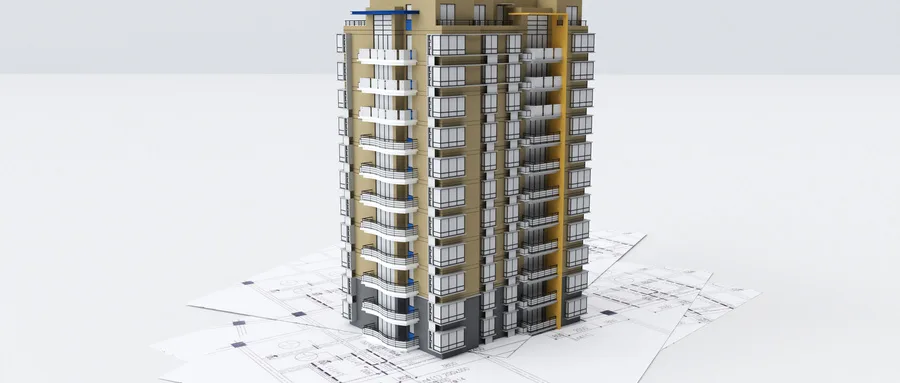
BIM software currently offers advanced drawing capabilities. For example, in Revit, once the BIM model is complete during the construction drawing design phase, drawings can be organized within Revit and exported as PDF files.
To create a drawing in Revit, navigate to the Project Browser’s Drawing (All) section. Drawings are named according to region and discipline, and drawing numbers are assigned accordingly. For printing, click the Revit icon, select your printer, and adjust the printer properties to ensure clear image output. This involves accessing printer properties, then general settings, editing default settings, and setting the resolution for color, grayscale, and black-and-white images to the highest quality. Within the print range, click “Select” and choose the drawings you want to print in the pop-up dialog.
All construction drawings should be generated and exported automatically from the BIM models. Before exporting, it is essential to standardize elements such as line quality, color, style, and annotations within the BIM software, following the BIM implementation plan requirements. This ensures that all drawings produced by the unified platform are standardized and normalized while fully conveying the design intent.
The exported drawings should include traditional plans, elevations, sections, and detailed node drawings, as well as precise positioning drawings of mechanical and electrical pipelines and equipment in both plan and section views. Additionally, they should contain accurate drawings of pipeline reservations and embedments, dimensionally precise processing drawings of prefabricated components, and 3D perspective views of complex nodes.
However, it is important to note that construction drawings directly generated from Revit models currently do not fully comply with CAD drawing standards. The fundamental difference lies in CAD’s layer-based system, where objects are composed of vector points, lines, and surfaces, allowing for customizable line types and attributes across different layers. In contrast, BIM software treats components as objects without layers, making it impossible to assign different contour or structural lines for various elevations or sections of the same component based on the view.
Moreover, modeling steel reinforcement bars within structural components is challenging, and the drawing work in this area is far more complex compared to traditional 2D annotations. Structural drawings are estimated to represent about 70% of the total workload. Electrical systems and piping cannot be fully modeled, and system diagrams are not yet feasible, yielding an overall drawing completion rate of approximately 60% to 70%. Architectural modeling is more complex, but the drawing completion rate can reach 100%.
















Must log in before commenting!
Sign Up