
Many users spend considerable time on Revit mold flipping. However, it’s more important to invest your valuable time efficiently. The introduction of Revit mold flipping plugins can significantly save time. Today, I will introduce the Modeling Master mold flipping software.
Software Pricing
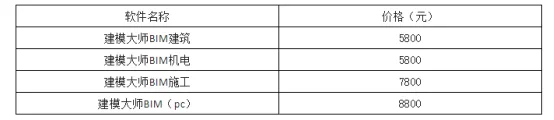
(Prices may vary slightly; please refer to the official website for the latest information.)
User Interface Overview
The software is divided into three paid versions tailored for architecture, electromechanical, and construction fields, providing specialized mold flipping capabilities.
Modeling Master (Architecture)

Modeling Master (Mechatronics)

Modeling Master (Construction)

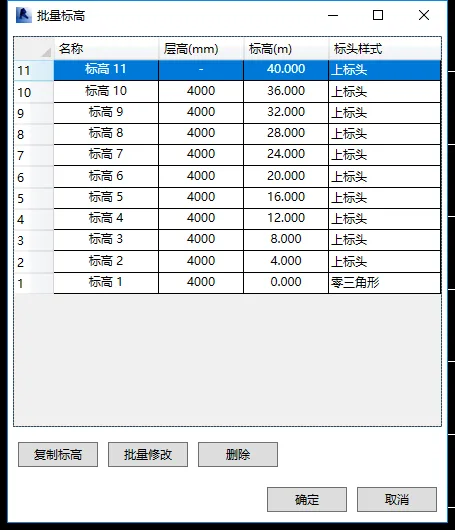
Batch Elevation Setup
The elevation setup can be configured in batches under the Batch Elevation tab. See the example below:
One-Click Axis Network Conversion
The software allows for error-free axis network conversion with just one click. Refer to the image below:
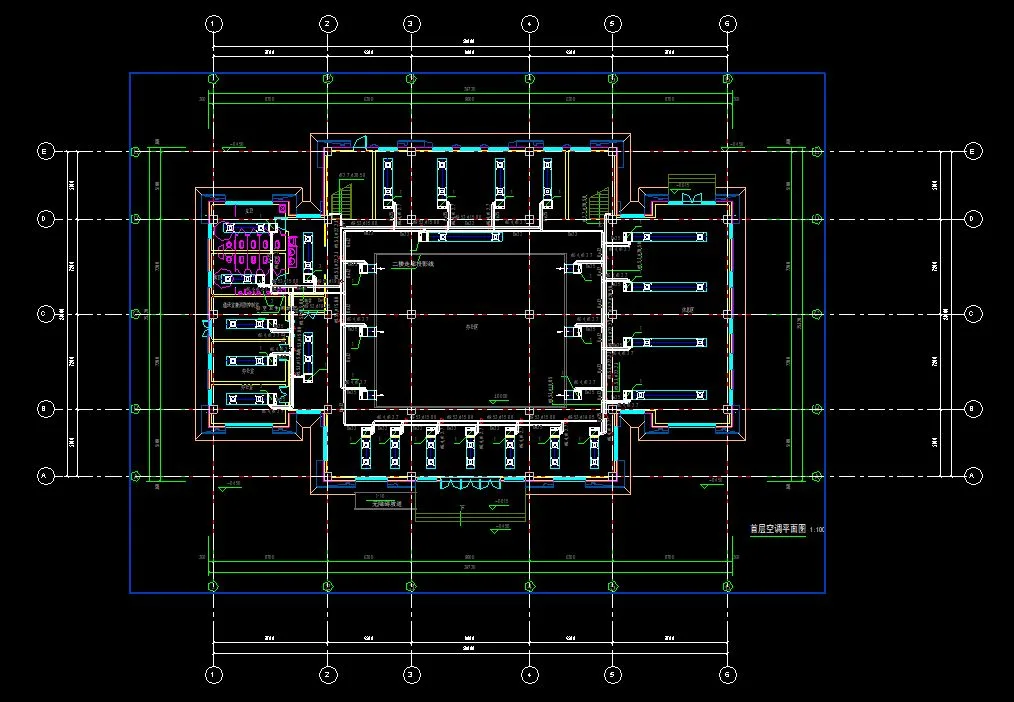
Figure 2
Independent Basic Mold Flipping
The Modeling Master plugin can generate independent basic families. However, most basic dimensions are not automatically recognized and require manual adjustments. See the example below:
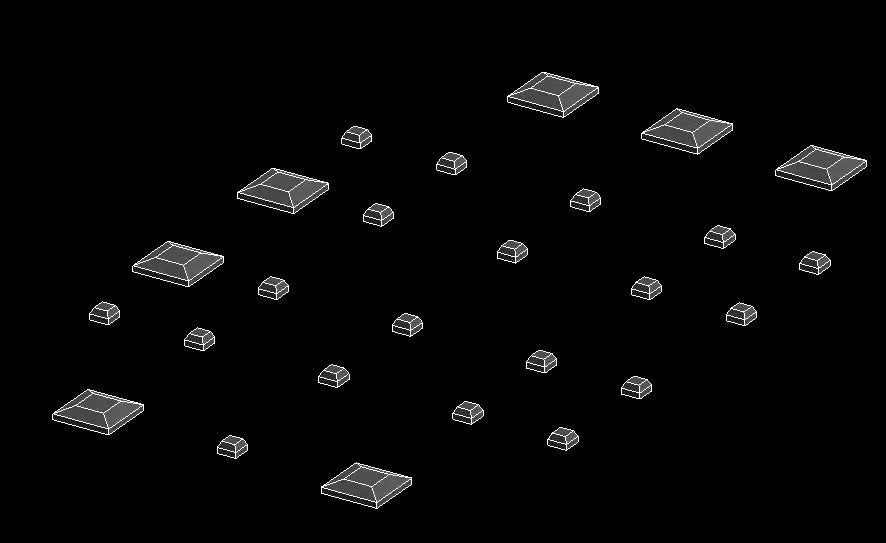
Figure 2
Structural Column Mold Flipping
Structural column molds can be flipped accurately and without errors with a single click. See the illustration below:
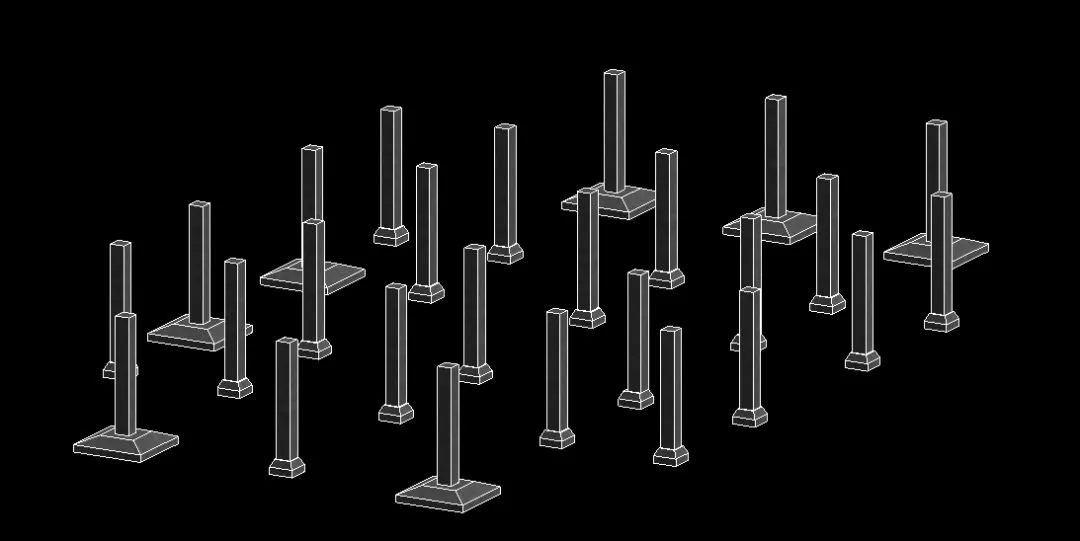
Figure 3
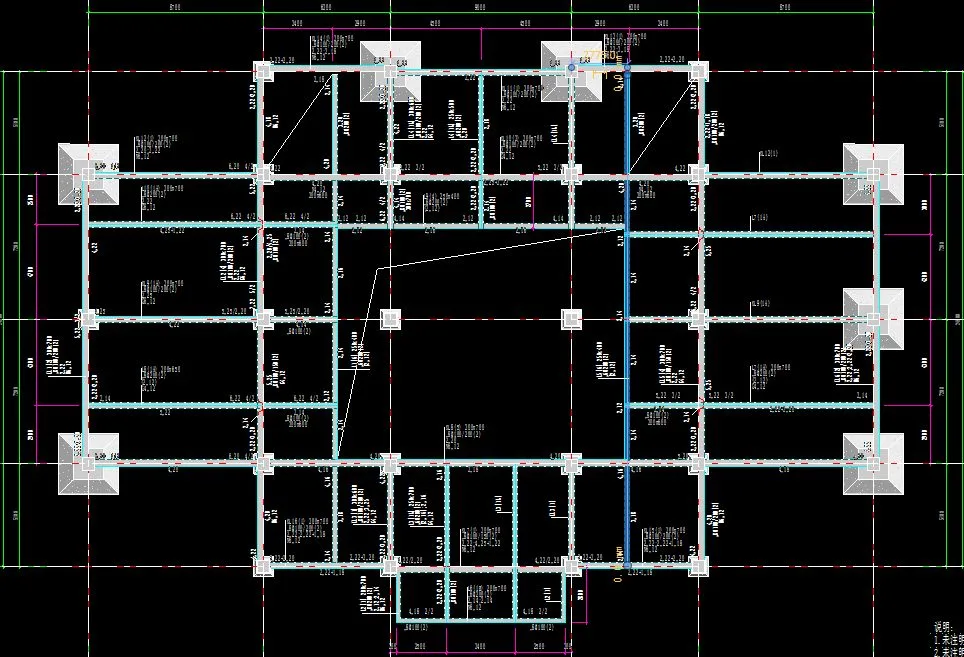
Beam and Slab Construction Drawings
The software flips beam and slab construction drawings reliably. However, elevation settings must be configured prior to flipping the mold to ensure accuracy. See below:
Automatic Floor Slab Generation
Floor slabs can be automatically generated by selecting checkboxes, making the process fast and convenient. See the example:
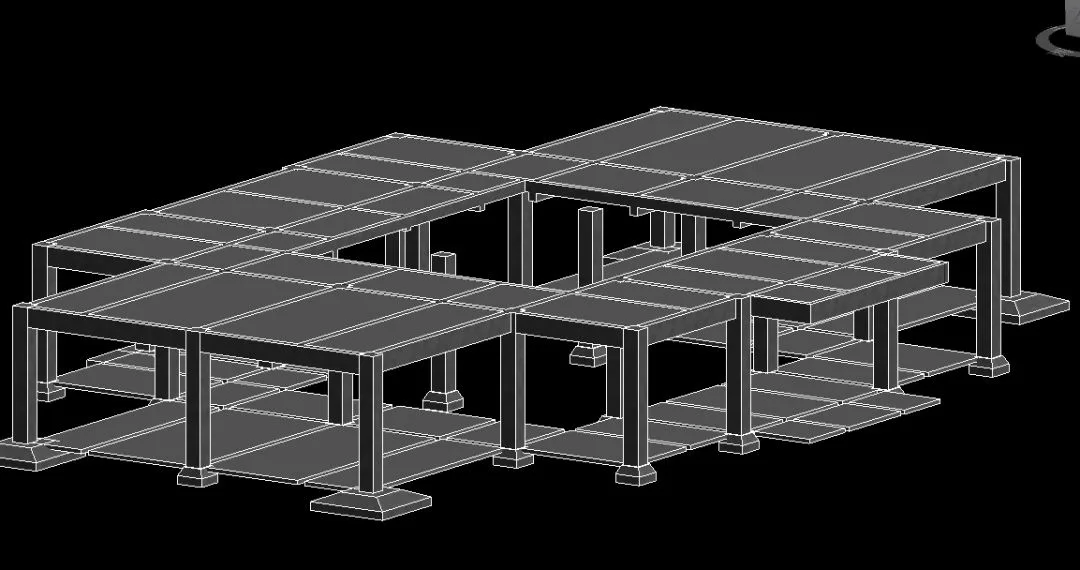
Figure 5
Interior and Exterior Walls, Doors, and Windows
The Modeling Master allows one-click generation of interior and exterior walls, as well as doors and windows. However, the families provided by the door and window plugins do not fully meet design requirements and must be manually added or modified. See below:
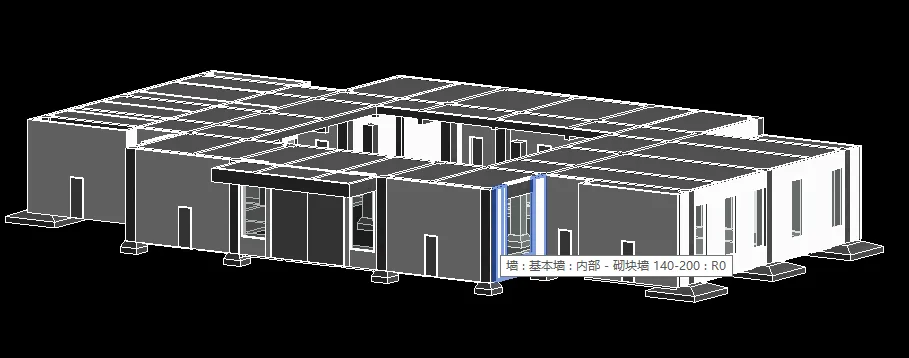
Figure 6
HVAC Drawings
Using the same CAD base map, Modeling Master cannot generate air ducts, as shown below. However, it can generate water pipes effectively:
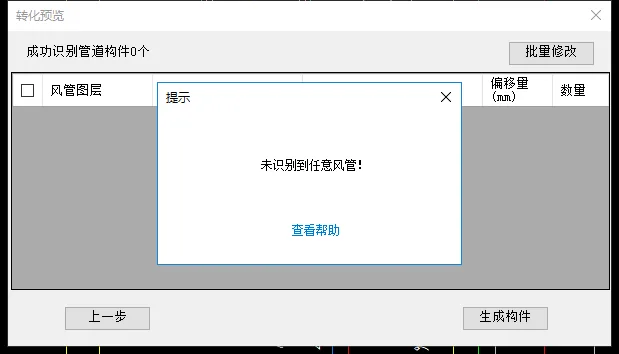
Figure 7
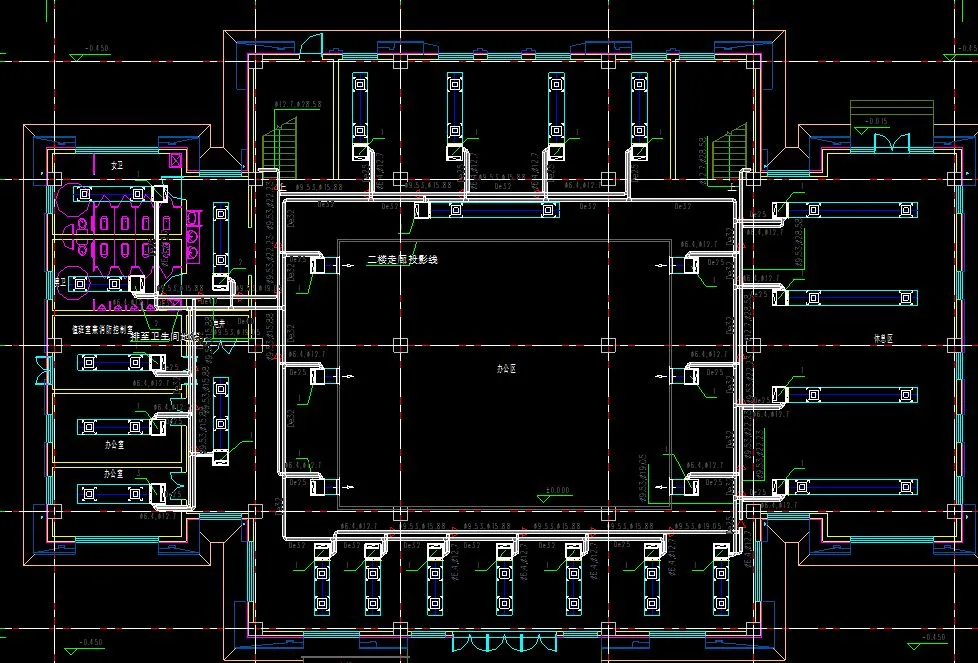
Figure 8
















Must log in before commenting!
Sign Up